
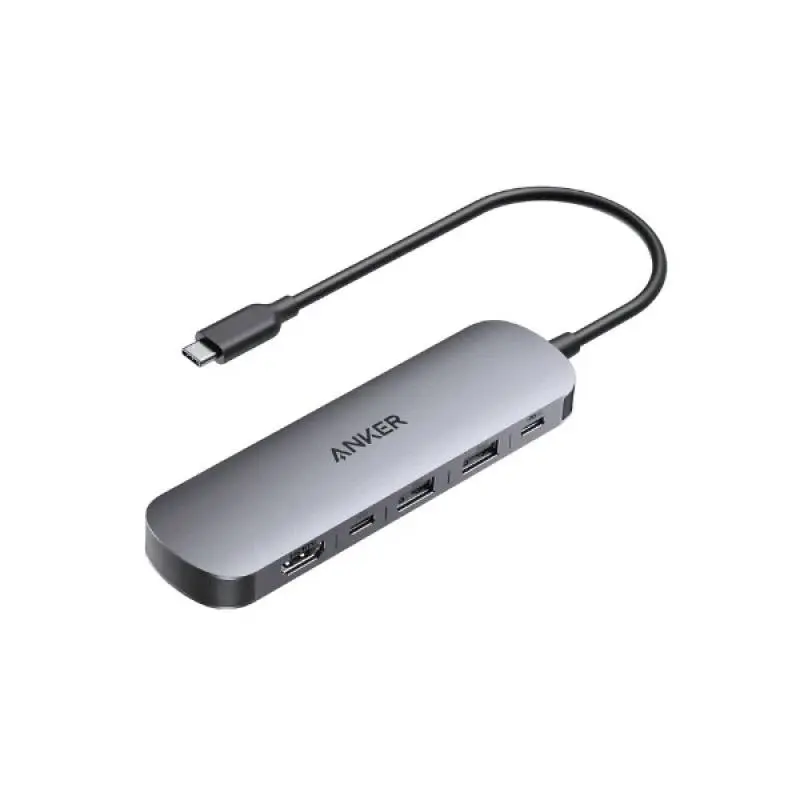
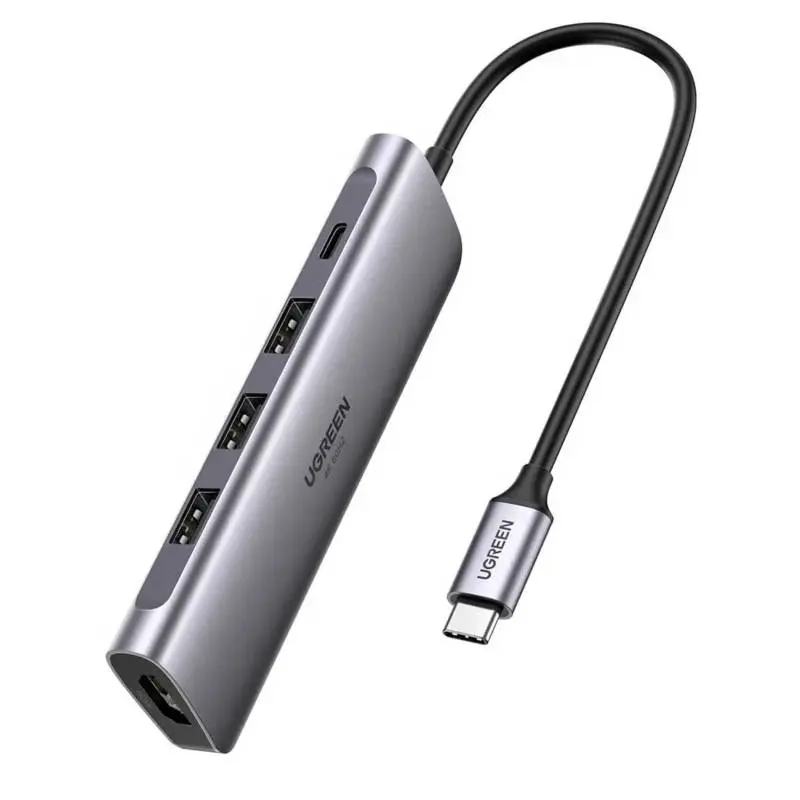
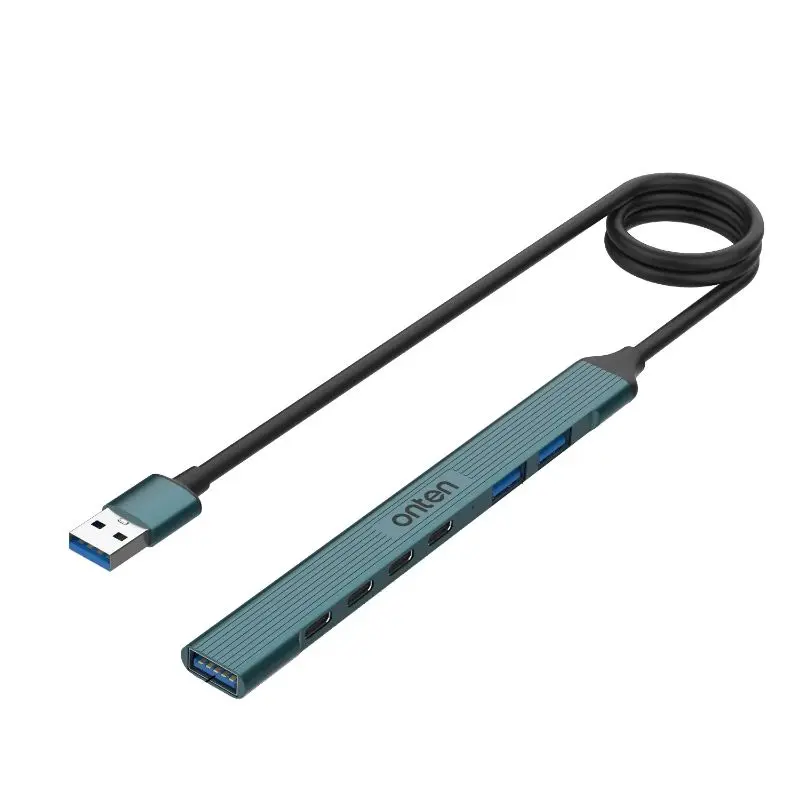
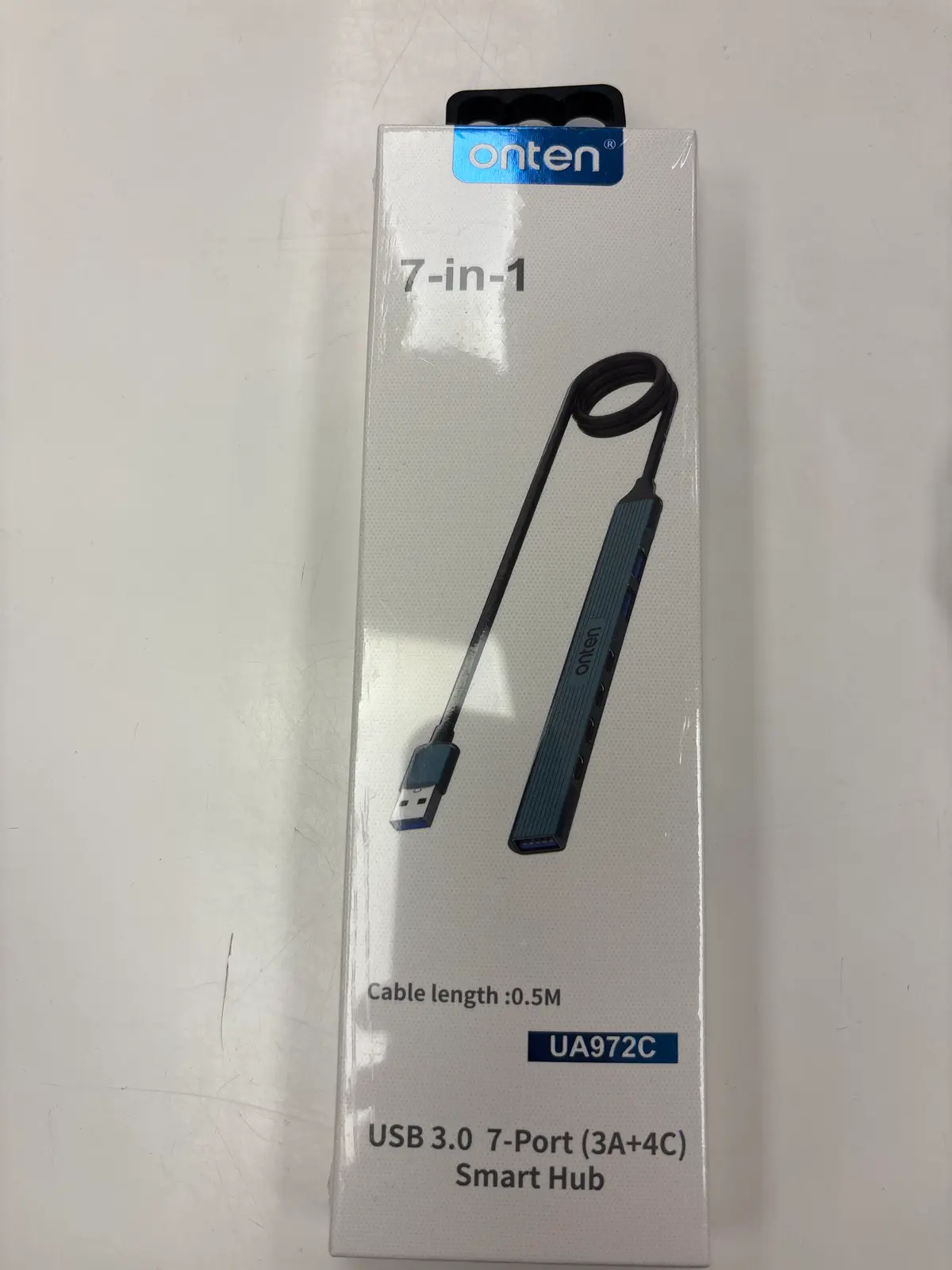
USB-A hubs for classic desktops, older laptops and servers running out of USB-A ports. We stock compact 4-port USB 3.0 hubs for mouse, keyboard, webcam and USB stick plus 7-port USB 3.0 hubs with separate power supply for printer, scanner, external drives and USB hardware. Full 5 Gbps USB 3.2 Gen 1 per port (shared on the uplink), aluminium housings with good heat dissipation, individual on/off switches per port on premium models. No Power Delivery — the hub only feeds USB devices, does not charge the laptop. Shipped from Basel — same day by 4 pm, free above CHF 15, 2-year Swiss warranty. Invoice payment available (credit check by Powerpay).
Standard office (mouse, keyboard, headset, stick) = 4 ports. Maker/photo/audio with printer, mic, DAC, external drive = 7 ports plus powered.
2.5-inch HDDs and SSDs with bus power usually yes. 3.5-inch HDDs always need their own PSU. A powered hub is recommended for multiple devices.
Yes if the TV has USB-A — fine for keyboard, mouse and a USB stick with movies. Powered hub recommended.
USB 3.0 (5 Gbps) is the standard. USB 2.0 only suffices for mouse, keyboard, printer cable — external drives and SSDs need USB 3.0.
No — USB-A delivers max 4.5 W. For laptop charging you need a USB-C hub or a docking station with Power Delivery.
Question 1: how many ports? Mouse + keyboard + headset + USB stick = 4 ports. Plus webcam + printer + external drive + USB DAC = 7 ports. Question 2: do I need power supply (powered hub)? Mouse, keyboard, sticks = unpowered is fine. External HDD without own supply, USB DAC, printer = powered hub with PSU, because USB-A 3.0 only delivers 900 mA (4.5 W). Question 3: USB 2.0 or USB 3.0? USB 3.0 (5 Gbps) is the standard and covers 99 % of use cases. USB 2.0 hubs only make sense on the tightest budget — too slow for external SSDs.
USB 3.0 hubs (USB 3.2 Gen 1) = 5 Gbps shared across all downstream ports. Meaning: 4 devices running flat-out get a quarter of the bandwidth each. In practice that is rarely a problem — usually only one or two devices are active. USB 3.2 Gen 2 hubs (10 Gbps) are rare on USB-A hubs, more common on USB-C hubs. If you need active 10 Gbps hubs, look at USB-C hubs — often compatible with both connector types.
USB-A hubs are plug-and-play on every OS — no driver needed. They work on desktops, older MacBooks (pre-2016), modern laptops via USB-C to USB-A adapter and even on Raspberry Pi. Note: a MacBook M-series needs a USB-C to USB-A adapter or, better, a USB-C hub.
Aluminium housings with passive heat dissipation — important on 7-port hubs under heavy load. Powered hubs have their own 12 V PSU (typically 24–36 W) and deliver full 5 V/2.4 A per port. Unpowered hubs draw everything from the host port — modern laptops limit it to 4.5 W. Aluminium fully recyclable — take-back via the RPD recycling programme.
Standard office (mouse, keyboard, headset, stick) = 4 ports. Maker/photo/audio (plus printer, USB mic, DAC, external drive) = 7 ports plus powered.
2.5″ HDDs and SSDs with bus power usually yes — but supply can get tight if the hub has multiple devices. 3.5″ HDDs always need their own PSU.
Yes, if the TV has USB-A — fine for keyboard, mouse and a USB stick with movies. USB power on TVs is often limited — powered hub recommended.
USB 3.0 (5 Gbps) is the standard. USB 2.0 only suffices for mouse, keyboard, printer cable — external drives and SSDs need USB 3.0.
No — USB-A delivers max 4.5 W, not enough to charge a laptop. For that you need a USB-C hub or a docking station with Power Delivery.
Shipped from our Basel warehouse — A-Post 1–2 working days, express next business day or free pickup in Basel, Aarau or Olten. 2 years Swiss warranty on all products, 14-day returns. Invoice payment available (credit check by Powerpay), best-price guarantee CH. Aluminium housings are fully recyclable — return old adapters, hubs and storage media via our RPD recycling programme. Visit one of our stores for personal advice — bring your laptop or iPad and we will find the right accessory together.