
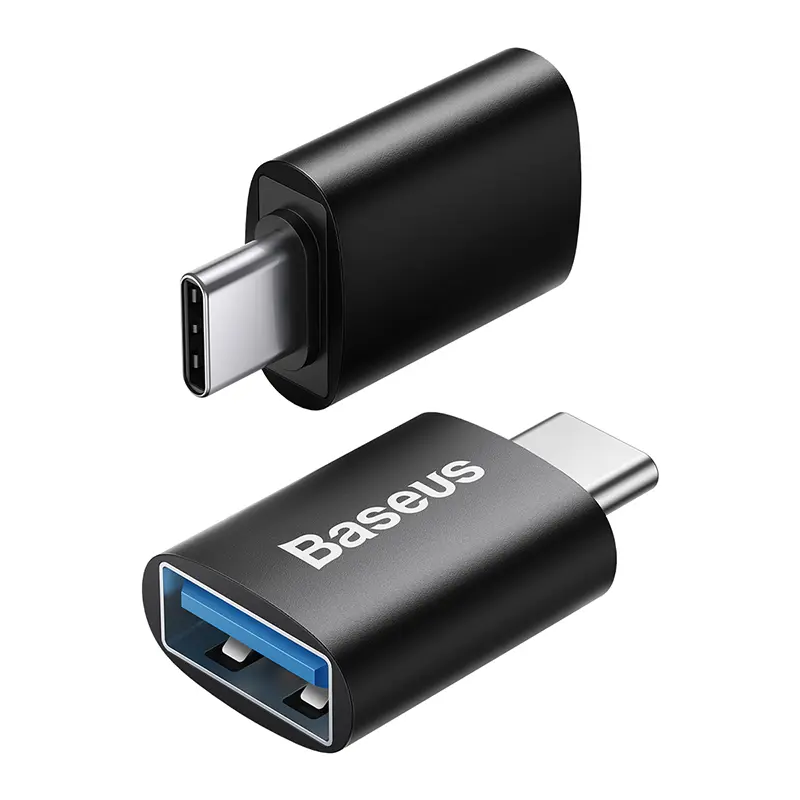
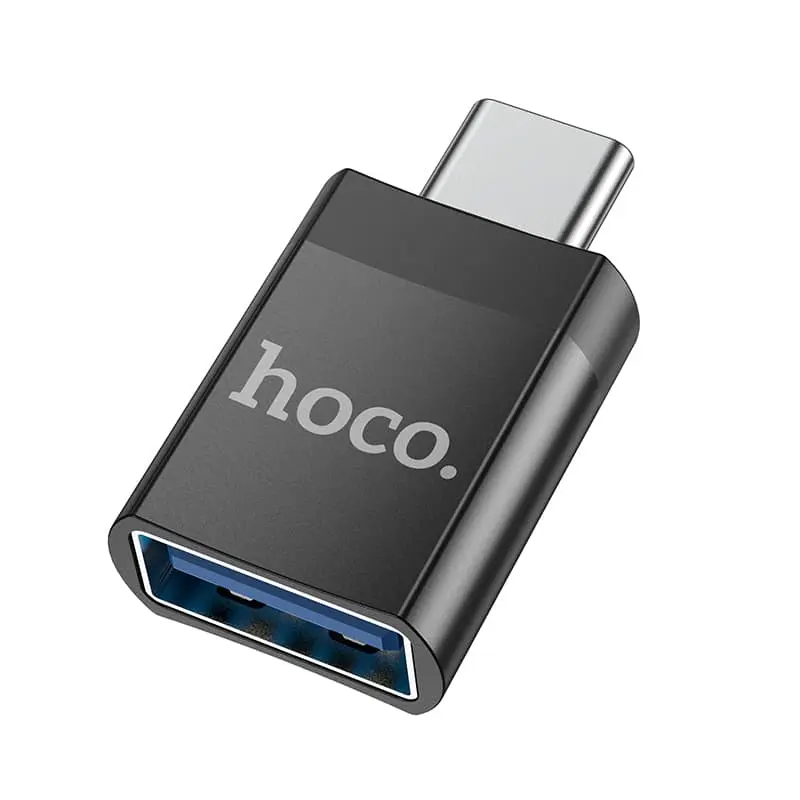
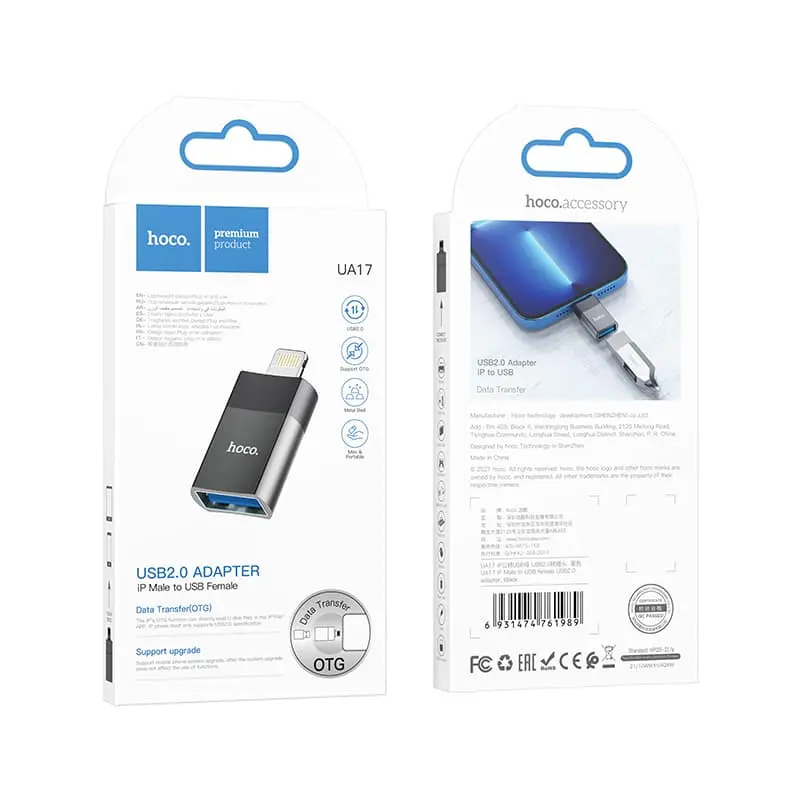
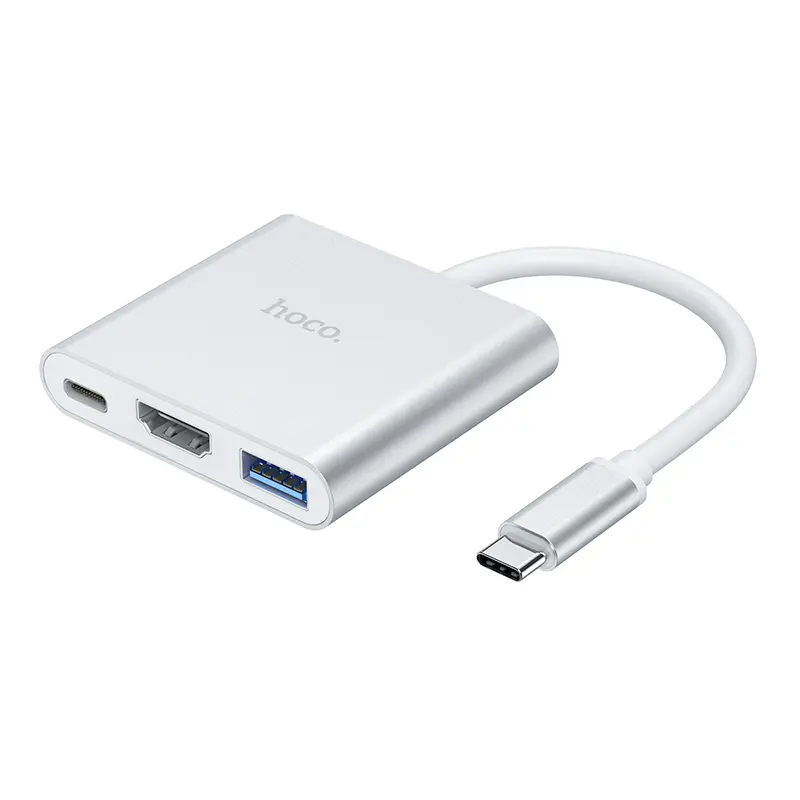
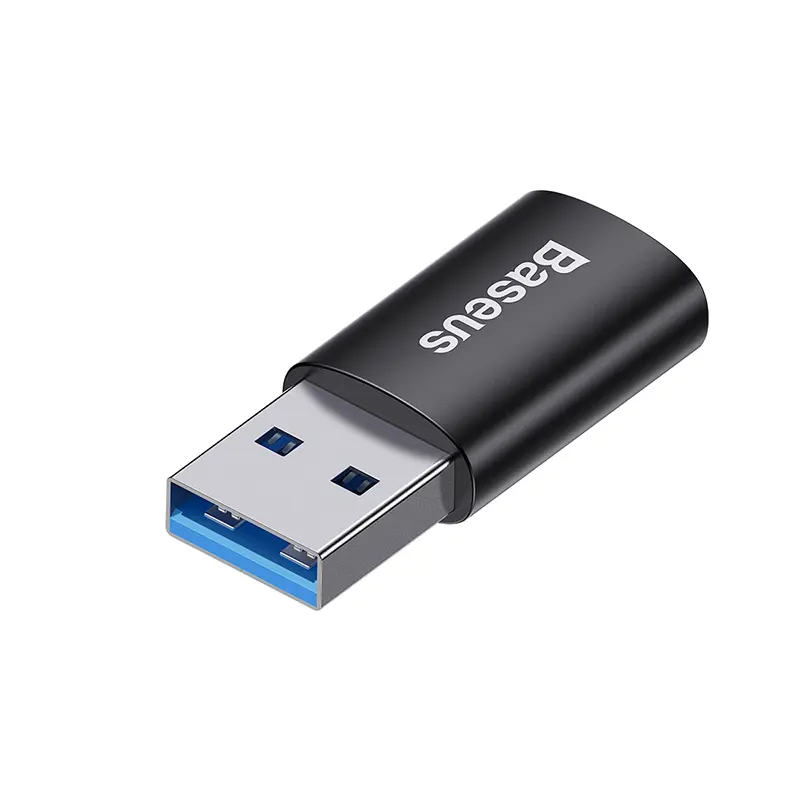
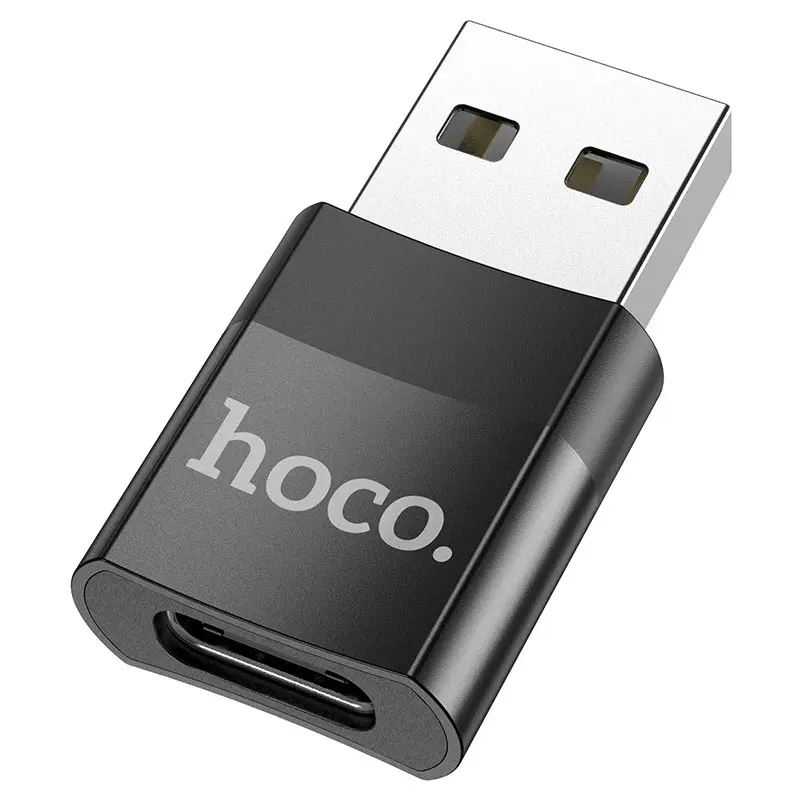
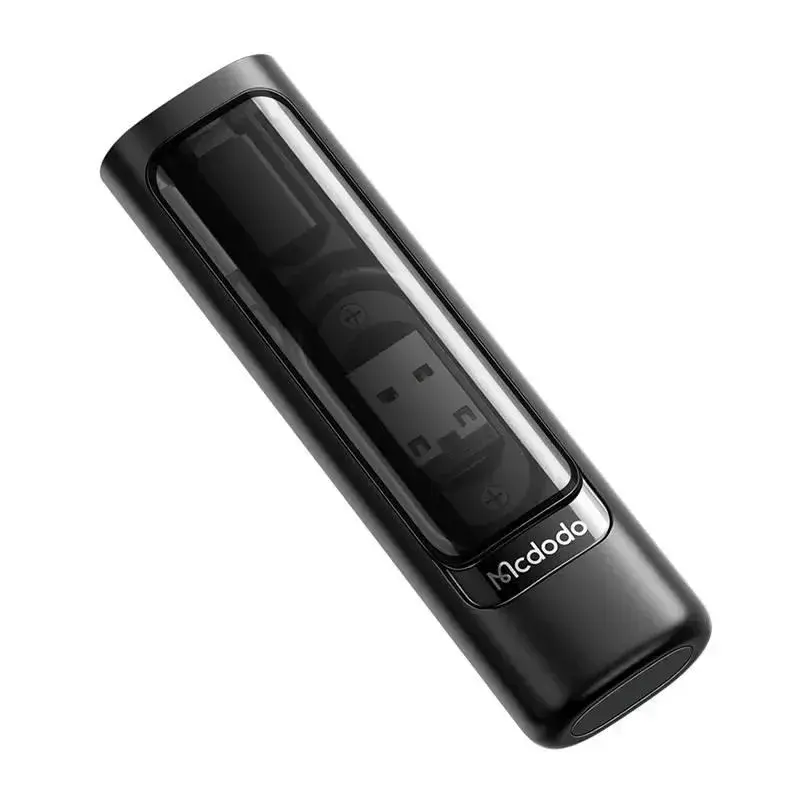
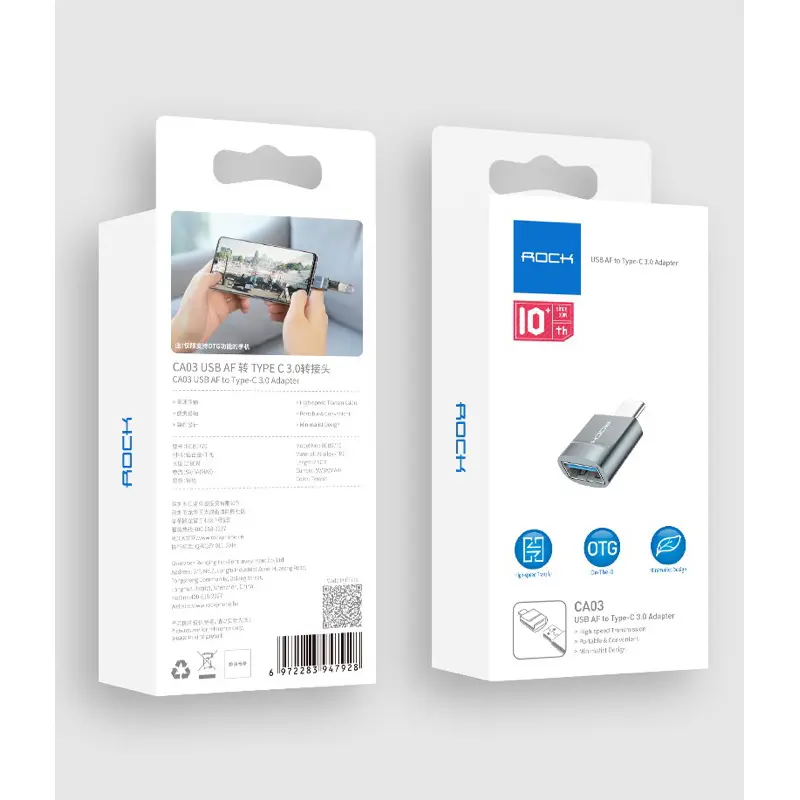
USB-A adapters for everything that still speaks USB-A — from USB-A to USB-C mini adapters that connect modern USB-C sticks and drives to an older desktop to USB-A to HDMI adapters that give a USB-A-only laptop a second monitor. We stock compact keyring models, USB-A to Ethernet for stable wired connections on older MacBooks and Windows machines and USB-A to 3.5 mm audio dongles. All-metal aluminium housings, USB 3.0/3.2 Gen 1 at 5 Gbps and plug-and-play under Windows, macOS and Linux are standard. Shipped from Basel — same day by 4 pm, free above CHF 15, 2-year Swiss warranty. Invoice payment available (credit check by Powerpay).


Baseus


Mcdodo


Mcdodo


Baseus

Samsung


Baseus


Mcdodo


Mcdodo


Baseus

Samsung
For mouse, keyboard and USB sticks up to 32 GB, USB-A 2.0 is fine. For external SSD/HDD you need USB-A 3.0 (5 Gbps) — otherwise a 64 GB backup takes 20 minutes instead of 2.
Yes, you can charge and transfer data with an iPhone 15+ via USB-C cable on USB-A — but only at USB 2.0 speed when the host is USB-A 2.0.
DisplayLink is a software-based solution that lets a USB-A or USB-C port drive an HDMI display — even without DisplayPort Alt Mode.
No — DisplayLink adapters target office and video streaming, not 60 fps gaming.
MacBook M-series has no USB-A. You need a USB-C hub with USB-A ports or a USB-C to USB-A adapter.
USB-A may feel old-school but on desktops, servers and older laptops it remains standard. Ask: what do you want to connect? For USB-C sticks/SSDs a passive USB-A to USB-C adapter is enough. If the host only has USB-A 2.0, however, you only get USB-2.0 speed (480 Mbps). External NVMe SSDs at 1000 MB/s+ need USB-A 3.0 (5 Gbps) or USB-A 3.2 Gen 2 (10 Gbps). For USB-A to HDMI the adapter uses DisplayLink, requires a small driver, but works without DisplayPort Alt Mode.
USB-A 2.0 = 480 Mbps — mouse, keyboard, printer. USB-A 3.0 (USB 3.2 Gen 1) = 5 Gbps — standard for external HDDs and SSDs. USB-A 3.2 Gen 2 = 10 Gbps — rare on hosts. Blue connectors typically indicate USB 3.0. Passive adapters (USB-A to USB-C) need no chip, active adapters (USB-A to Ethernet/HDMI/audio) have their own controller.
Passive USB-A to USB-C adapters work everywhere without drivers. USB-A to Ethernet (Realtek/ASIX) is plug-and-play on Windows 10/11 and macOS. USB-A to HDMI with DisplayLink needs a small driver. Note: MacBook M-series only has USB-C — you need the other direction, a USB-C hub or USB-C to USB-A adapter.
All-metal aluminium housings keep heat under control under sustained load. Power use: passive adapters draw 0 W, active Ethernet/HDMI adapters 0.5–2 W. Aluminium is fully recyclable — take-back via the RPD recycling programme.
For mouse, keyboard and USB sticks up to 32 GB, USB-A 2.0 is fine. For external SSD/HDD you need USB-A 3.0 (5 Gbps) — otherwise a 64 GB backup takes 20 minutes instead of 2.
Yes, you can charge and transfer data with an iPhone 15+ via USB-C cable on USB-A — but only at USB 2.0 speed when the host is USB-A 2.0.
DisplayLink is a software-based solution that lets a USB-A or USB-C port drive an HDMI display — even without DisplayPort Alt Mode.
No — DisplayLink adapters target office and video streaming, not 60 fps gaming.
MacBook M-series has no USB-A. You need a USB-C hub with USB-A ports or a USB-C to USB-A adapter.
Shipped from our Basel warehouse — A-Post 1–2 working days, express next business day or free pickup in Basel, Aarau or Olten. 2 years Swiss warranty on all products, 14-day returns. Invoice payment available (credit check by Powerpay), best-price guarantee CH. Aluminium housings are fully recyclable — return old adapters, hubs and storage media via our RPD recycling programme. Visit one of our stores for personal advice — bring your laptop or iPad and we will find the right accessory together.