
Hub or Docking Station: What Your Laptop Really Needs
Contents5
Modern laptops come with two or three USB-C sockets and nothing else. As soon as a monitor, a keyboard, a network cable and a card reader join in, they need help. Two classes of device offer it, and the gap between them is wider than the price suggests.
The one difference that matters
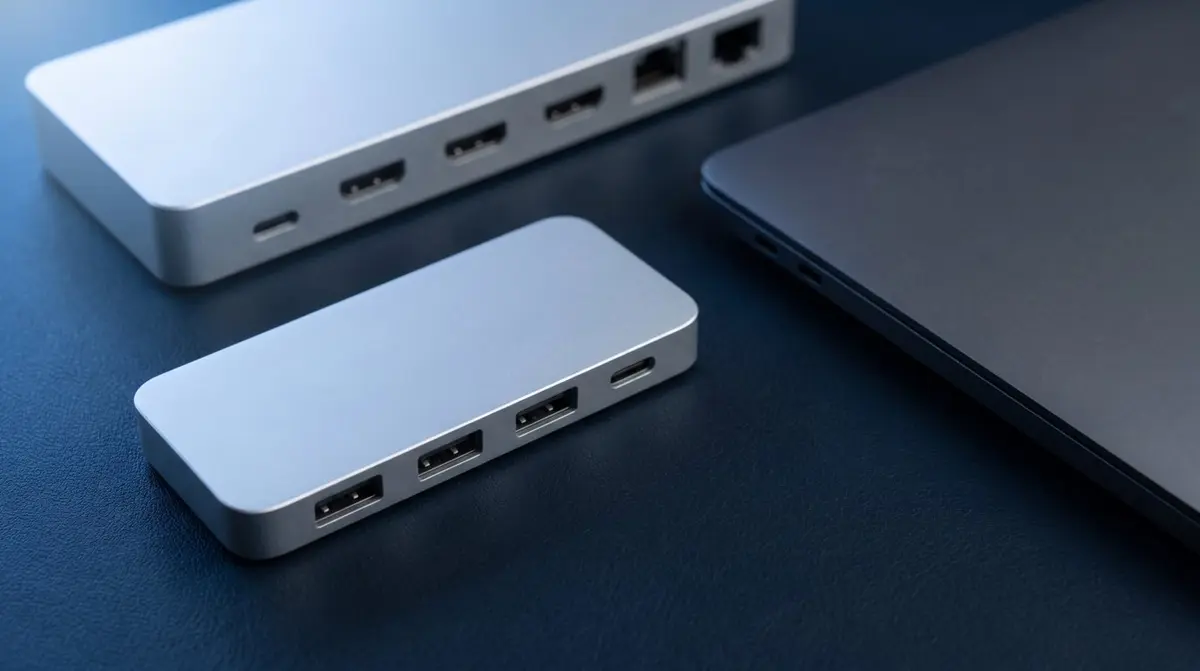
A hub hangs off the laptop and draws its power from there. It adds ports but feeds itself from the machine it is plugged into. Compact, no separate power supply, fits any bag.
A docking station has its own power supply. It feeds not only its ports but charges the laptop as well. At a fixed desk it therefore replaces every individual cable with one.
Everything else follows from that: the hub is a travel device, the docking station a piece of furniture.
Which one when
| Hub | Docking station | |
|---|---|---|
| Own power supply | no | yes |
| Charges the laptop | no (or weakly, via pass-through) | yes, usually 65–100 W |
| Ports | 3–7 | 8–14 |
| Monitors | often one | two, sometimes three |
| Fits in a bag | yes | no |
| Typical place | on the move, meeting rooms | desk |
The rule of thumb: if you dock and undock the laptop daily, the docking station is the better buy. One motion instead of five. If instead you carry the hub in a backpack and occasionally connect a projector or a mouse, there is no reason to lug a power supply around.
The monitor trap
This is where most purchases go wrong. A hub can have as many ports as it likes — whether a monitor works is decided by the laptop. Many Windows ultrabooks and every MacBook Air of the M1 and M2 generation support only one external display over USB-C. A hub with two HDMI sockets then still shows one picture, or mirrors both.
Thunderbolt docking stations get around this in part, because they can carry two separate video signals. But the same applies there: the laptop has to play along. Before buying, check the spec sheet of your own machine, not just the dock's.
What hangs on the cable
A hub is only as good as the cable connecting it to the laptop. If that cable is built in, you cannot get it wrong. On docks with a detachable cable the rule returns: a charge-only cable carries no video. When nothing reaches the monitor although the dock works, that is almost always why.
Manufacturers such as UGREEN organise their range into series — on the Revodok models, for instance, the name says whether it is a travel hub or a dock with its own power supply. That saves comparing spec sheets.
Do not overlook the network port
Many hubs and virtually all docking stations include an RJ45 socket. That is underrated: for video calls and large uploads a wired link beats Wi-Fi not on peak speed but on steadiness. Anyone sitting in meetings from a home office notices that difference more clearly than in any speed test.