
Which Android do I have?
Android runs on phones from many brands. Here's how to find the brand, model name and model number – via Settings or on the device itself.
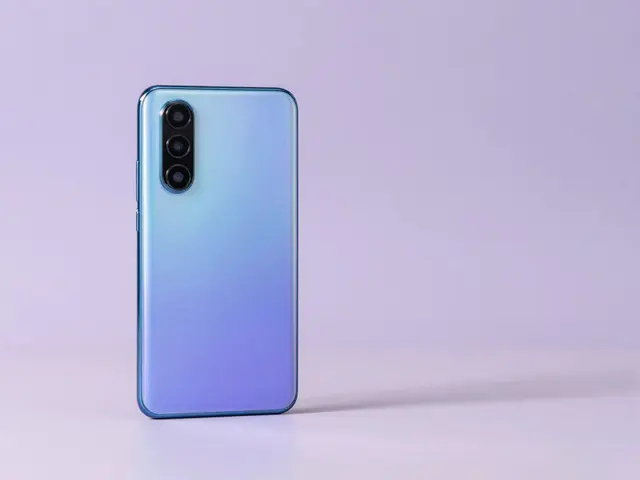
Pick brand & model directly
Find your accessory
Pick your device
- 1Device
- 2Accessory
Fastest: in Settings
- Open Settings › About phone.
- You'll find the brand, model name and model number (e.g. Pixel 9 Pro, Xiaomi 14).
- On Samsung it's called About phone / Telefoninfo.
Identify by model number
Each brand uses its own format: Samsung SM-…, Google Pixel …, Xiaomi/Redmi/Poco their own codes. The number is in Settings, on the back or the box.
Identify brand & model
No access to the menu? Here's how to place your Android phone:
Brand
The logo is usually on the back; the brand logo appears at startup. Common: Samsung, Google, Xiaomi, Oppo, Huawei.
Software skin
Samsung = One UI, Google Pixel = stock Android, Xiaomi = HyperOS/MIUI, Oppo = ColorOS. The look reveals the brand.
Model number
Own formats per brand: Samsung SM-…, Google Pixel …, Xiaomi/Redmi/Poco their own codes.
Size & form factor
Displays mostly 6.1–6.8 inch. Foldables (Galaxy Z, Motorola Razr, Pixel Fold) are recognisable by their hinge.
Tip: Determine the brand first, then pick brand + model in the finder above – that reliably finds matching glass and cases.
Still not sure?
Just tell us which device you have – we'll identify the right model and products for you.
To the Help Center