
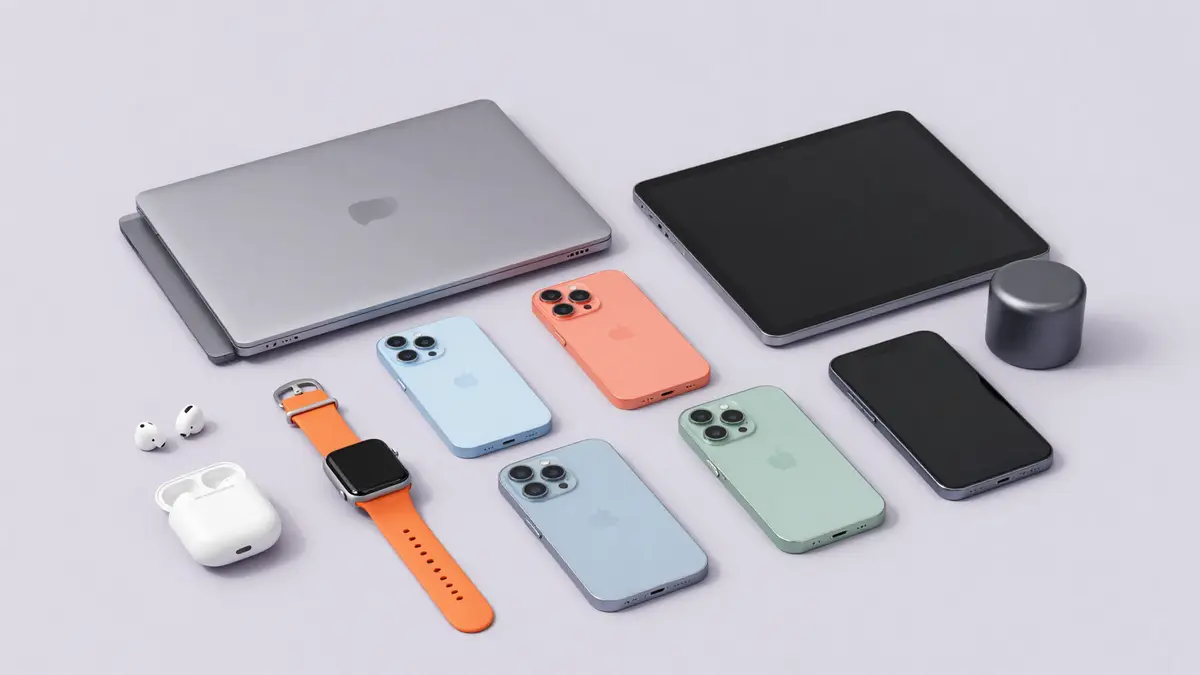
Which device do I have?
Find out in seconds which phone or tablet model you own, so your case, screen protector and accessories fit perfectly.
Select your device
Pick brand and model – we'll show every matching product.
Find your accessory
Pick your device
- 1Device
- 2Accessory
What are you looking for?
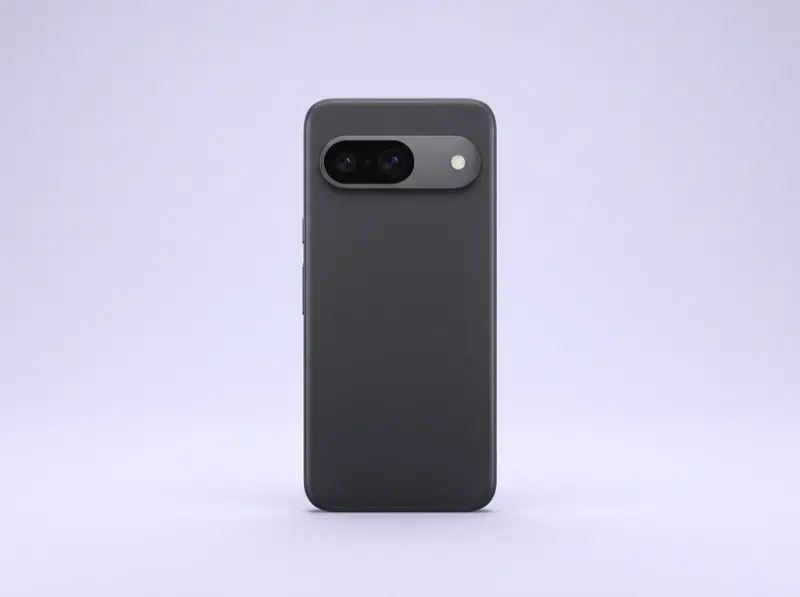
Which phone do I have?
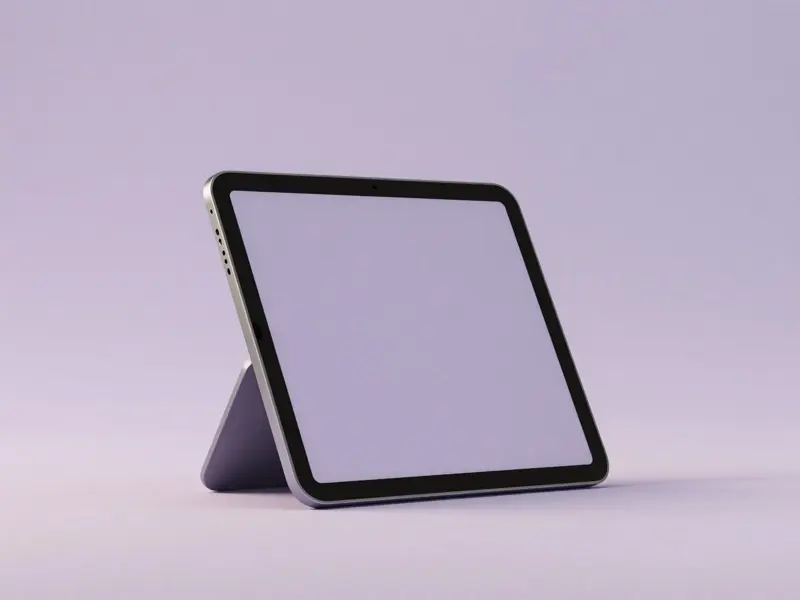
Which tablet do I have?
Which smartwatch do I have?
Which laptop do I have?

Which earbuds do I have?
How to find your model
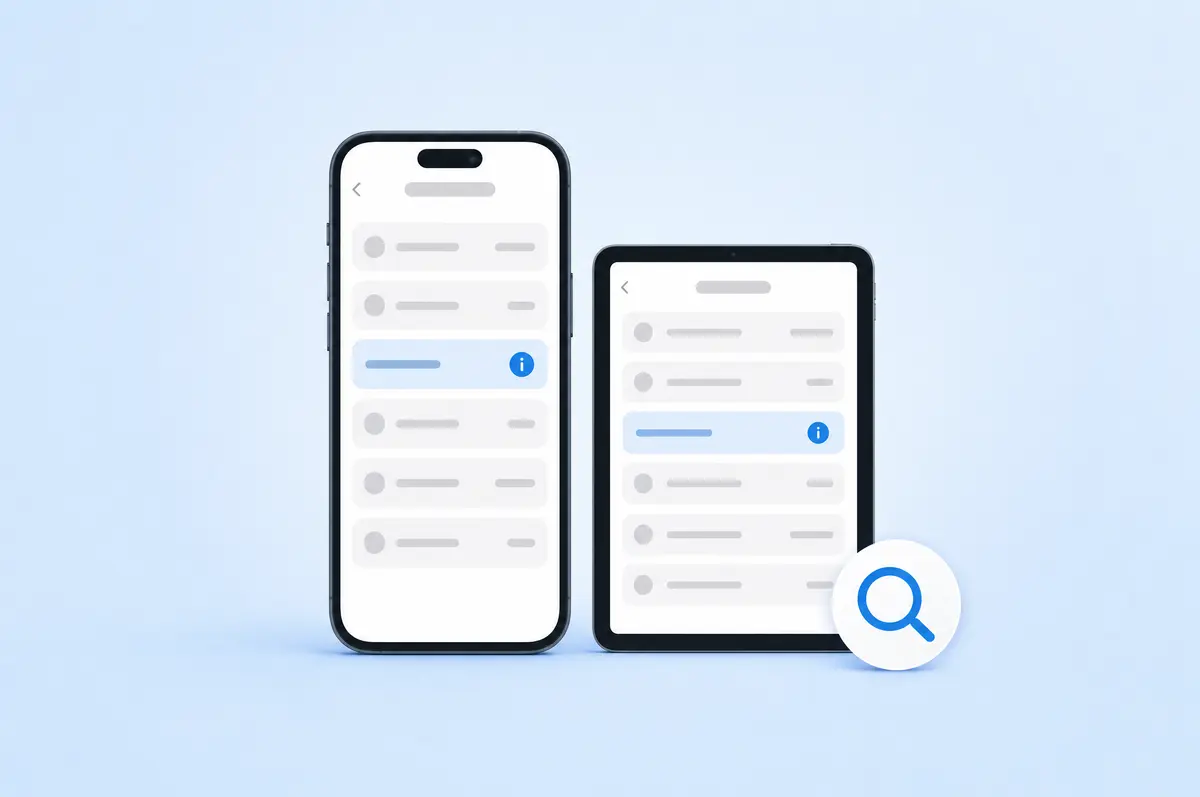
Apple (iPhone & iPad)
- Open Settings › General › About.
- The Model Name is at the top (e.g. "iPhone 15 Pro").
- No model name? Tap the Model Number to reveal the part number (e.g. MTV13ZD/A).
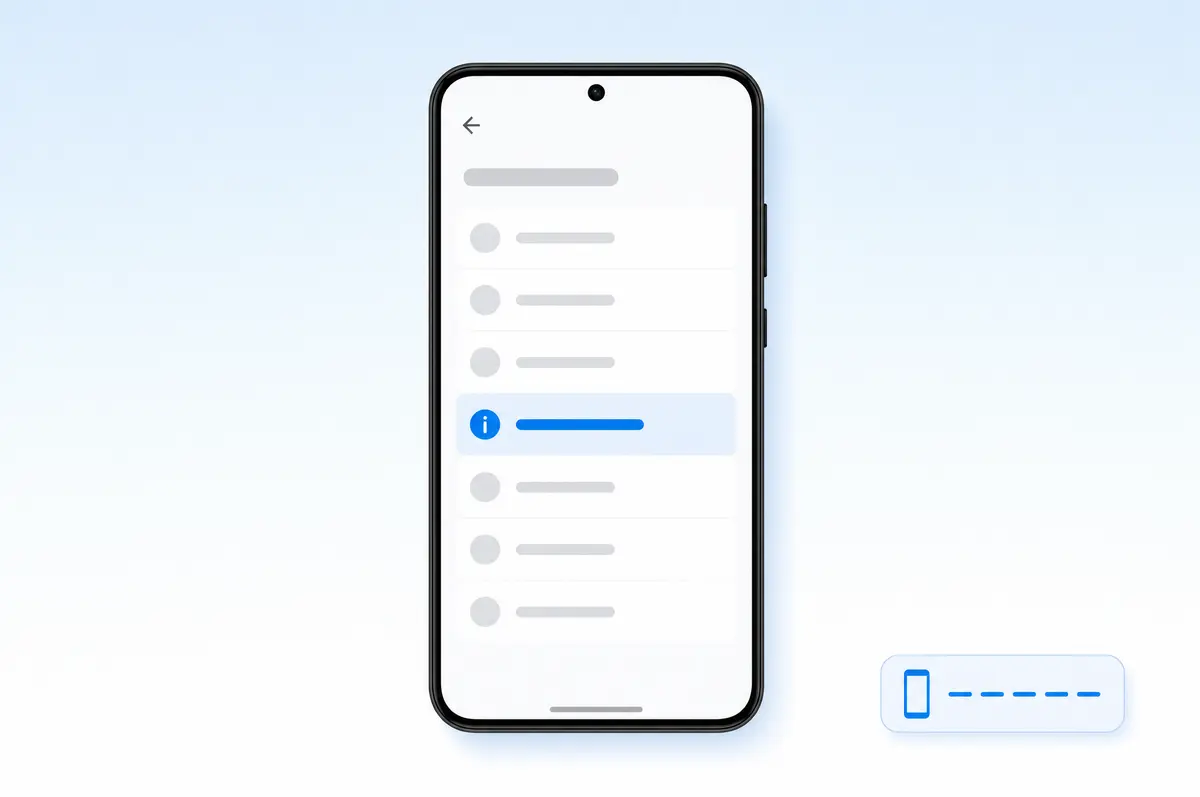
Samsung Galaxy
- Open Settings › About phone.
- You'll find the Model name and Model number (e.g. Galaxy S24, SM-S921B).
- The model number is also on the box or under the battery cover.

Google, Xiaomi, Oppo, Huawei & more
- On almost all Android devices: Settings › About phone.
- The Model is listed (e.g. Pixel 9 Pro, Xiaomi 14, Reno12).
- Still unsure? Check the original box, your invoice or the engraving on the back.
Tip: Models in a series often look nearly identical (e.g. iPhone 15 vs. 15 Pro). Size and camera layout are decisive – if unsure, our chat is happy to help.
Still not sure?
Just tell us which device you have – we'll identify the right model and products for you.
To the Help Center