
Which iPhone do I have?
Find out in seconds: how to identify your iPhone model – via Settings, the model number, or simply by its design.
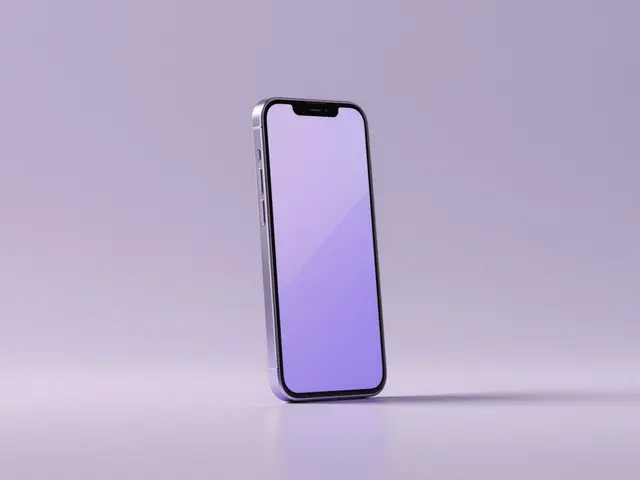
Pick your iPhone model directly
Find your accessory
Pick your device
- 1Device
- 2Accessory
Fastest: in Settings
- Open Settings › General › About.
- The Model Name is at the top (e.g. iPhone 15 Pro) – iOS 16 and later.
- On older iOS, tap the Model Number to switch to the part number.
Identify by model number
The model number (format A2xxx) is in Settings › General › About, engraved on the back, or on the box. It maps uniquely to one model.
Identify by design
No access to the menu? Spot your iPhone by these features:
Connector
USB-C on iPhone 15 and 16. All older ones (iPhone 14 and earlier) use the slimmer Lightning port.
Front
Dynamic Island (pill): iPhone 15/16 and 14 Pro. Notch: iPhone 11–14 and the X series. Home button: iPhone SE and 8 or older.
Camera
Three lenses = Pro models. Two lenses = standard models (e.g. 11–16). One lens = iPhone SE, XR and older.
Size
mini about 5.4 inch, standard about 6.1 inch, Plus and Pro Max about 6.7 inch.
Tip: Combine connector + front + camera – that narrows your iPhone down almost every time. Then find matching tempered glass and cases below.
Still not sure?
Just tell us which device you have – we'll identify the right model and products for you.
To the Help Center