
Which Samsung Watch do I have?
Identify the series and size of your Galaxy Watch – via the app, the model number (SM-R…), or its form factor.
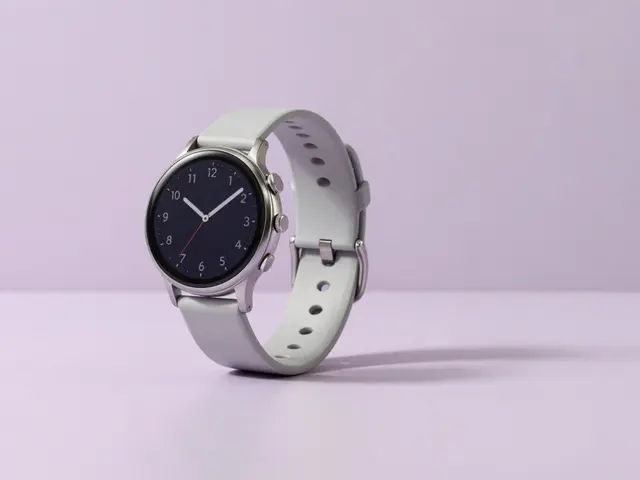
Pick your Galaxy Watch directly
Find your accessory
Pick your device
- 1Device
- 2Accessory
Fastest: in the app
- Phone › Galaxy Wearable › Watch info.
- Or on the watch: Settings › About watch.
- You'll find the model name and model number (SM-R…).
Identify by model number
The model number starts with SM-R… (e.g. SM-R860). It's engraved on the back and shown in the Galaxy Wearable app.
Identify by series & form
For protection, the size in mm matters. Here's how to place your Galaxy Watch:
Series
Galaxy Watch 4–7, Watch Ultra, Watch FE or Classic (rotating bezel).
Size
40/43/44/45/47 mm – on the back. Decisive for band & protection.
Bezel
A physical rotating bezel is only on the Classic models.
Model number
Starts with SM-R… (e.g. SM-R860) – on the back and in the app.
Tip: Series + size (mm) pin down your Galaxy Watch. Find matching protection via the finder above.
Still not sure?
Just tell us which device you have – we'll identify the right model and products for you.
To the Help Center