
Which iPad do I have?
Identify your iPad model and generation – via Settings, the model number, or by line, size and connector.
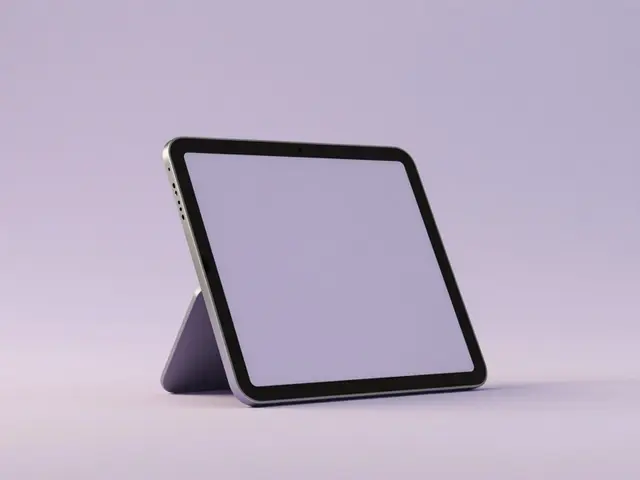
Pick your iPad model directly
Find your accessory
Pick your device
- 1Device
- 2Accessory
Fastest: in Settings
- Open Settings › General › About.
- Under Model Name you'll see e.g. "iPad Pro 11-inch (M4)".
- Older iPadOS shows the Model Number (A2xxx).
Identify by model number
The model number (format A2xxx) is engraved on the back and shown in Settings › General › About. It maps the iPad and generation uniquely.
Identify by line & design
No access to the menu? Here's how to place your iPad:
Line
iPad (entry), iPad Air (thin, colourful), iPad Pro (top model), iPad mini (small).
Size
mini about 8.3 inch, iPad/Air about 11 inch, Pro 11 or 13 inch.
Connector
Newer iPads charge via USB-C. Only the older entry iPad (up to 9th gen) uses Lightning.
Home button
Only the entry iPad up to 9th gen has a Home button. Air, Pro, mini and iPad 10 don't.
Tip: Line + size + connector usually pin down your iPad. Find matching screen protectors & cases via the finder above.
Still not sure?
Just tell us which device you have – we'll identify the right model and products for you.
To the Help Center