
Which Google phone do I have?
Identify your Google Pixel model in seconds – via Settings, the model name, or the signature camera bar.
Pick your Pixel model directly
Find your accessory
Pick your device
- 1Device
- 2Accessory
Fastest: in Settings
- Open Settings › About phone.
- Under Model you'll see the exact name (e.g. Pixel 9 Pro).
- The code on the back (e.g. GX…) also maps to a model.
Identify by model name
Google names its phones clearly Pixel plus number and suffix: Pixel 9, 9 Pro, 9 Pro XL, 9a or Pixel Fold. Name and code are in Settings and on the back.
Identify by design
No access to the menu? Spot your Pixel like this:
Camera bar
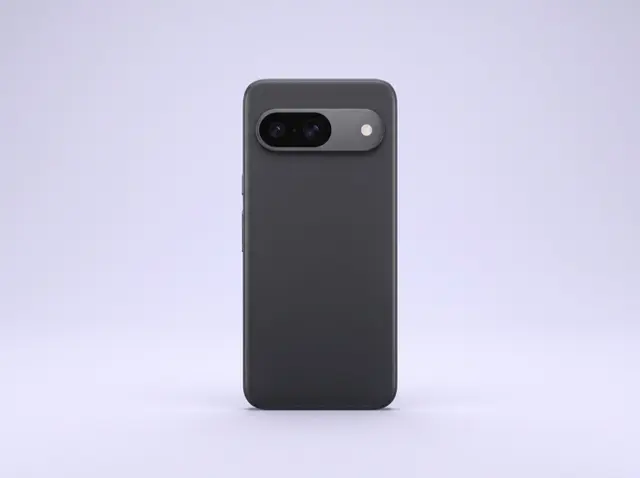
Pixels have the signature horizontal camera bar across the whole back. Three lenses = Pro, two = standard/a-series.
Series
Pro = flagship with tele zoom, no suffix = standard, a = cheaper variant, Fold = foldable.
Model name & code
The name is unambiguous (e.g. Pixel 9 Pro). The code on the back helps pin down the exact model.
Size
Standard about 6.1–6.3 inch, Pro/XL about 6.7 inch, Fold unfolded about 7.6 inch.
Tip: On Pixel the model name is almost always clearly in Settings. Find matching glass & cases via the finder above.
Still not sure?
Just tell us which device you have – we'll identify the right model and products for you.
To the Help Center