
How to Clean AirPods: Step-by-Step Guide
Contents6
If your AirPods suddenly sound quieter or one side barely plays, a defect is rarely to blame, it is usually earwax and dust. In this guide we show you how to clean AirPods without damaging the delicate speaker mesh or the charging contacts. With a few simple household items and the right technique, your earbuds will be as good as new in ten minutes.
The tools you need
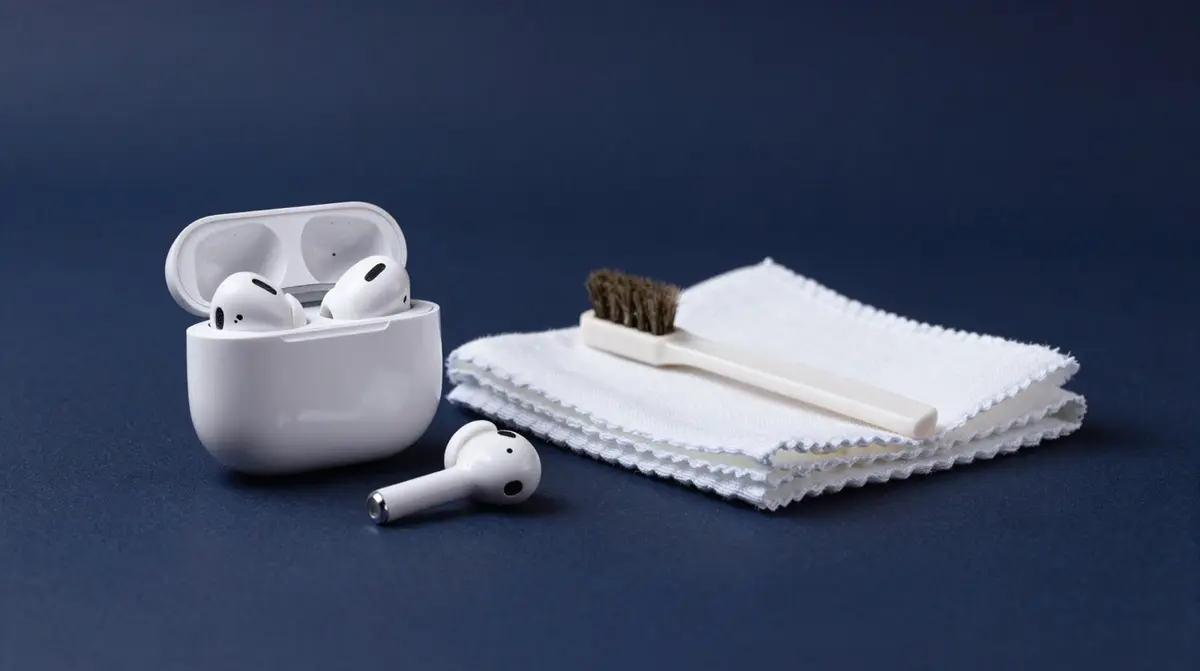
For a safe clean, things you already have at home are enough. Everything should be soft and dry so you avoid scratches or moisture damage:
- Soft, lint-free cloth (microfibre or lens cloth) for the case and outer surfaces.
- Soft, dry brush (for example a clean make-up or paint brush) for the speaker mesh.
- Wooden or plastic toothpick to gently lift coarse dirt from grooves, never a metal one.
- Slightly damp cloth (only misty-damp, never soaked) for stubborn residue.
- Isopropyl alcohol 70 %, only for the charging case shell, not the earbuds.
Cleaning the AirPods Pro ear tips
The AirPods Pro have removable silicone ear tips that catch most of the grime. Gently pull the tips off, rinse them briefly under running water (no soap) and pat them dry. Let them air-dry completely before you put them back on, otherwise moisture can get into the earbud. If the tips are cracked or worn out, you will find inexpensive silicone replacement tips from a few CHF.
Cleaning the speaker mesh properly
The fine mesh over the speaker is the most common cause of quiet sound. Hold the earbud with the mesh facing down so loose particles fall out, and move the dry brush across it in circular motions. Never poke a sharp object through the mesh, you would push dirt inward or damage the membrane. For hardened earwax, a piece of dry putty pressed on briefly and pulled off works well.
Cleaning the case and port
Dust and lint collect inside the charging case and can interfere with contact. Wipe the shell with the slightly damp cloth and dry it immediately. Clean the charging contacts in the wells and the Lightning or USB-C port with the dry brush and air, not water. For fingerprints on the white plastic you can dampen the cloth with a little isopropyl alcohol, but keep the alcohol away from the earbuds and the mesh.
What you should never do
- Do not use sharp metal objects such as needles or paper clips.
- Never hold AirPods under running water or submerge them.
- Do not put alcohol on the speaker mesh or into the openings.
- Do not spray compressed air directly into the earbuds, it can damage the membrane.
Overview: part, tool, method
| Part | Tool | Method |
|---|---|---|
| Silicone ear tips (Pro) | Water + cloth | Remove, rinse, dry completely |
| Speaker mesh | Soft, dry brush | Brush in circles, never poke through |
| Outer shell | Lint-free cloth | Wipe dry or misty-damp |
| Case interior | Dry brush + air | Brush out, no water |
| Lightning/USB-C port | Dry brush | Gently sweep and blow out |
Cleaning every few weeks keeps your AirPods sounding full and loud for a long time. You will find matching accessories and spare parts for your audio setup with us, from a Swiss warehouse and free shipping over CHF 15.