
Cleaning your phone, case and charging port properly
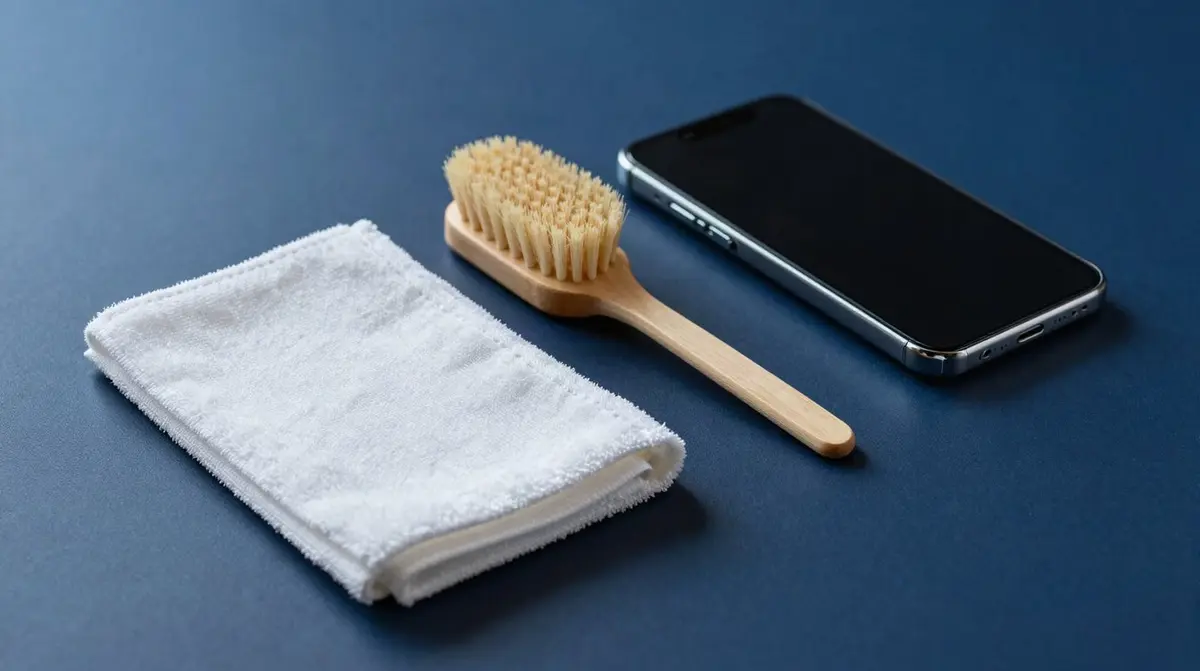
Phones are the everyday object we touch most and clean least. No special product is needed: a microfibre cloth, a little water and a toothpick cover ninety percent of it. How you do it matters more than what you use.
The screen
The glass carries a thin oil-repellent layer that reduces fingerprints. It wears down over the years, and aggressive products speed that up. Use a slightly damp microfibre cloth, wipe without pressure and dry with the dry side.
Disinfecting wipes with around 70 percent isopropyl alcohol are fine occasionally, for instance after a cold. They should not be a daily habit. What has no business here: glass cleaner, methylated spirits, abrasives and kitchen paper, which leaves fine scratches.
Speaker and earpiece
Dust in the mesh audibly dulls the sound. A soft, dry brush, an old toothbrush for instance, works it loose. Brush downwards so the dirt falls out rather than sliding deeper.
Compressed air from a can is a poor idea: the pressure can damage membranes, and many manufacturers explicitly advise against it. Needles and paperclips destroy the fine mesh behind the opening.
The charging port
If the cable no longer clicks in cleanly, or charging only starts after some wiggling, compacted pocket lint is usually the cause rather than a fault. Do it like this:
- Switch the phone off.
- Look inside with a torch. The lint sits as a compact plug right at the back.
- Scrape gently along the side with a wooden toothpick and pull the plug out. Never use metal, it damages the contacts.
- Do not spray anything in. Liquid does not belong in the port.
The case
Plastic cases in TPU and silicone wash with lukewarm water and a drop of washing-up liquid, then dry completely. Residual moisture between case and phone leaves marks. Silicone attracts lint, and a sticky roller beats any amount of washing there.
Genuine leather tolerates neither detergent nor alcohol. A slightly damp cloth and occasional leather balm is enough, as described in caring for a leather case. And if a clear case turns yellow: that is not dirt but the material ageing, see clear cases turning yellow. A new one is in cases.