
Your phone as a sat nav: why it overheats and runs flat
Contents4
Summer, motorway, sun on the windscreen. After forty minutes the map dims, the phone shows a temperature warning, and the battery level has dropped even though it is plugged in. Both have the same origin.
Navigation is the hardest job a phone does
The screen runs at full brightness while GPS, mobile data and map rendering all work at once. Together that draws seven to twelve watts depending on the device. An old USB-A charger in the centre console supplies five. The difference comes out of the battery, which is why the level falls despite the cable.
The fix is a USB-C car charger of 20 to 30 watts. With that the phone actually charges while you drive, instead of merely draining more slowly.
Heat arrives from three sides at once
The processor works, charging produces waste heat, and the sun warms the black housing. From around 40 degrees internally, every phone throttles: first brightness, then charging power, and in extreme cases the screen shuts off.
What helps is mundane and effective:
- Mount on the air vent rather than the windscreen. The airflow cools, and the phone is out of the sun.
- Charge by cable rather than wirelessly in summer. Induction adds heat exactly where the phone needs it least.
- Take thick outdoor cases off for long drives. They act like a blanket.
Where the mount belongs
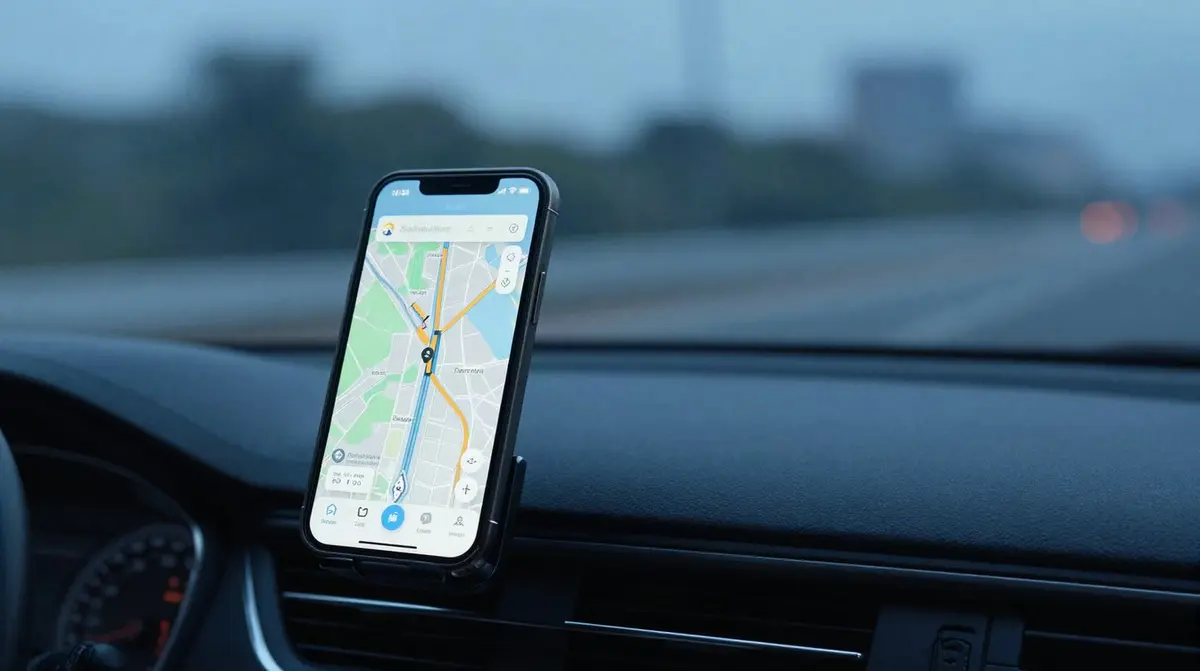
The view of the road has to stay clear, and nothing belongs in the passenger airbag area. In practice the vent at centre-console height works well: close to your line of sight without blocking it, and with cooling. Which design holds best is covered in car phone mounts.
In Switzerland the rule at the wheel is clear: the phone must not be held in your hand. Enter the destination before you set off, or use voice control.
Offline maps are not a luxury
In the Gotthard, in side valleys and on some mountain passes the connection drops out. Google Maps and Organic Maps download regions in advance on request, and Apple Maps caches the active route. For a drive into the mountains it pays to load the region over Wi-Fi the evening before. It also saves data and battery on the way.