
How to Change Your Apple Watch Band in 30 Seconds
Contents6
Learning to change your Apple Watch band is one of the easiest things you can do: no tools, no tiny spring bars, no scratches on the case. Apple designed the recessed release button so you can swap a band in under 30 seconds. This guide walks you through every step and the common pitfalls.
Prep: place the watch correctly
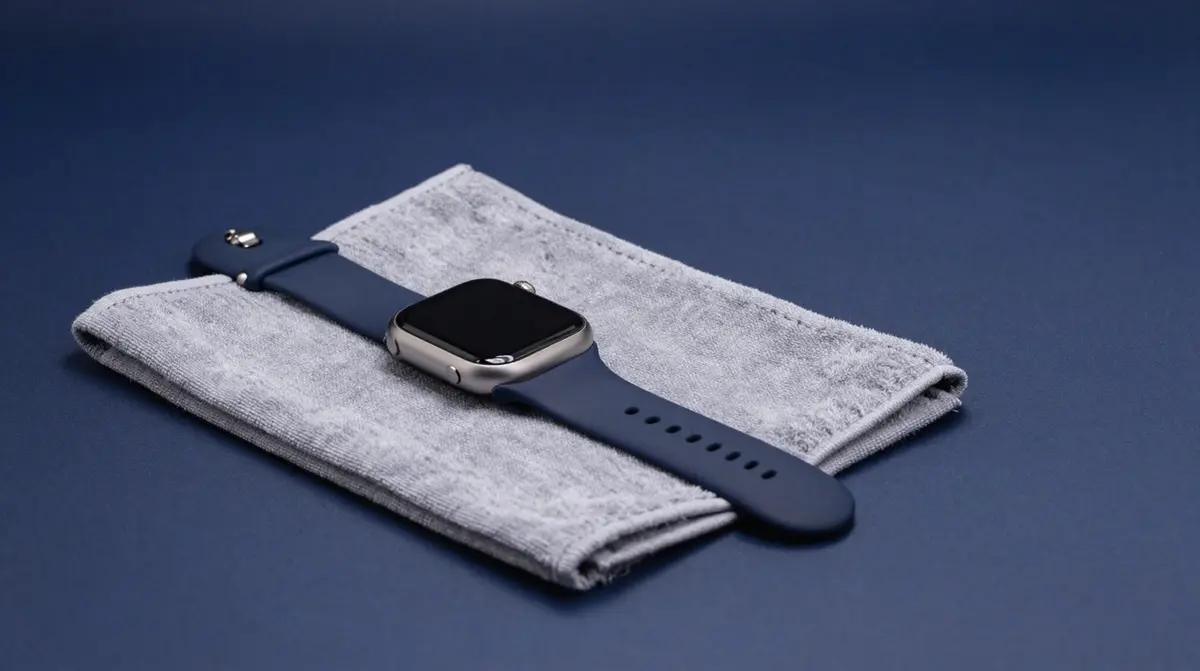
Lay the watch face-down on a soft cloth (microfibre, a glasses cloth or a clean kitchen towel works fine). This protects the glass from scratches and frees up both hands. The release button sits on the back of the case, above and below the band slot.
Step by step: release and insert the band
- 1. Press the button: Hold down the long band-release button. You will feel the latch give way.
- 2. Slide out sideways: With the button held, slide the band sideways out of the channel, do not pull it upward.
- 3. Insert the new band: Slide the new half into the slot in the same direction until it clicks audibly. The click means locked.
- 4. Second half: Repeat for the other side. Done.
Quick test: tug gently on the band. If it holds firm, you are set. If one side feels loose, the click was not clean, just slide it in again.
Mind the correct orientation
The most common mix-up is swapping the halves. As a rule of thumb, the text side or the clasp tab faces the outside of your wrist. On Sport and Solo Loop bands one half is often longer. If you wear the watch on your left arm, the shorter end goes on top (toward the back of your hand). Fitted the wrong way it sits awkwardly but will not break, just flip it.
Protect the case and avoid mistakes
- Never run a metal or plastic tool into the slot, it leaves scratches.
- Keep the button fully pressed while you slide, otherwise the latch blocks.
- Keep the channel clean: dust or sand can stop it from locking, blow it out.
- Always slide until the click. Without the click the band can slip out during sport.
When the band is stuck
If an old band sits tight, it is usually skin oil, sunscreen or sand in the channel. Press the button all the way and wiggle the band slightly while sliding sideways. If that does not help, clean the channel with a lightly damp, lint-free cloth and let it dry. Brute force or a screwdriver are off-limits, they damage the locking mechanism.
The attachment types compared
All Apple Watch bands use the same slide mechanism but differ in the clasp and handling. What matters is the size group: 38/40/41/42 mm (narrower) and 44/45/46/49 mm (wider). Check which group fits your watch before buying, otherwise the slider will not seat cleanly in the channel.
| Step | What to watch for |
|---|---|
| Place the watch | Face-down on a soft cloth, avoid scratches |
| Press the button | Press fully and hold it down |
| Slide out | Sideways, do not pull upward |
| Insert | Until the audible click, text side facing out |
| Compatibility | Correct size group (40/41 vs. 44/45/49 mm) |
You will find a matching spare or swap band in our Apple Watch range, and rugged options for hiking and swimming under Lifestyle & Outdoor. Shipped from our Swiss warehouse, free delivery from CHF 15 and a 2-year warranty.