
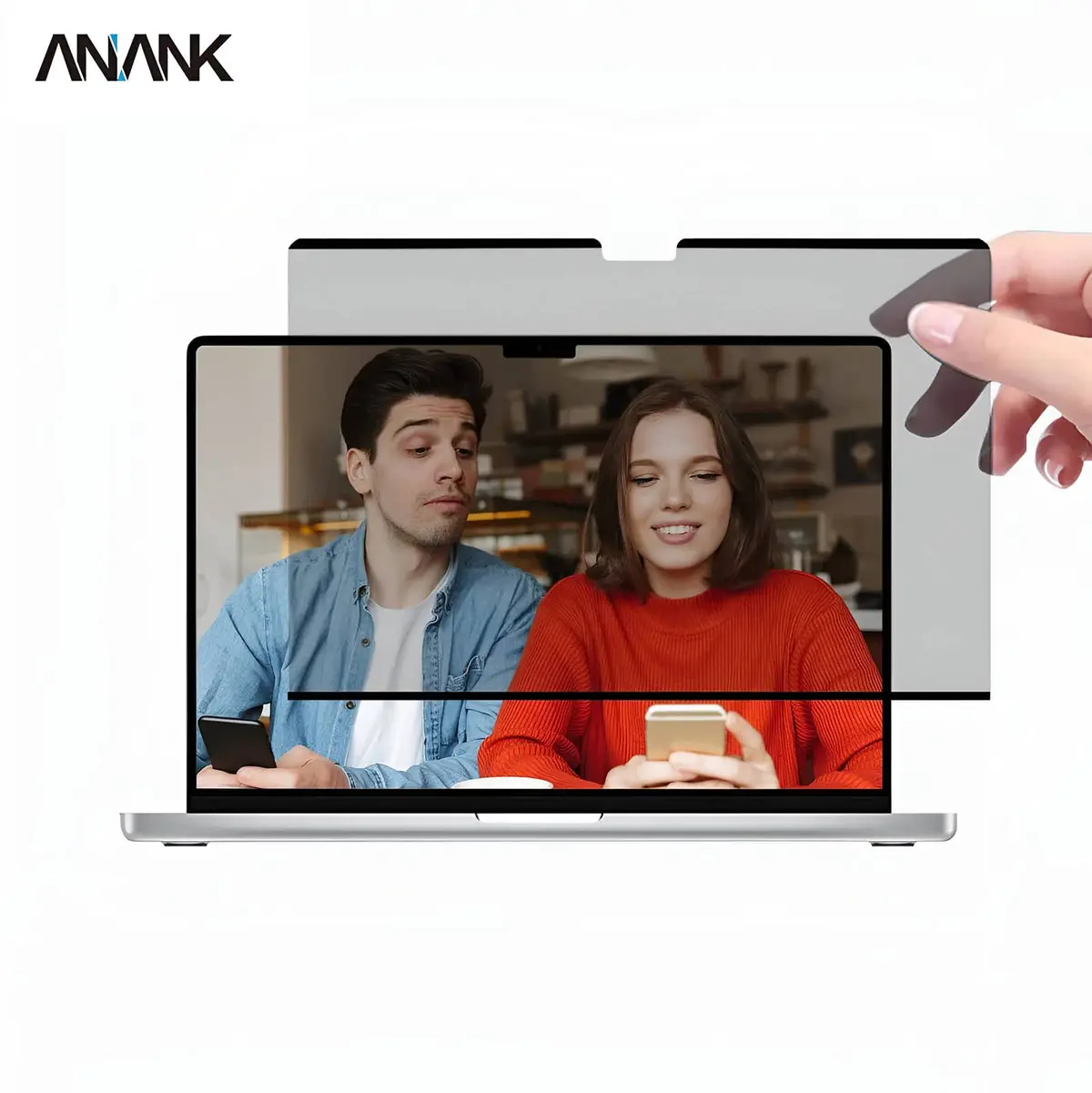
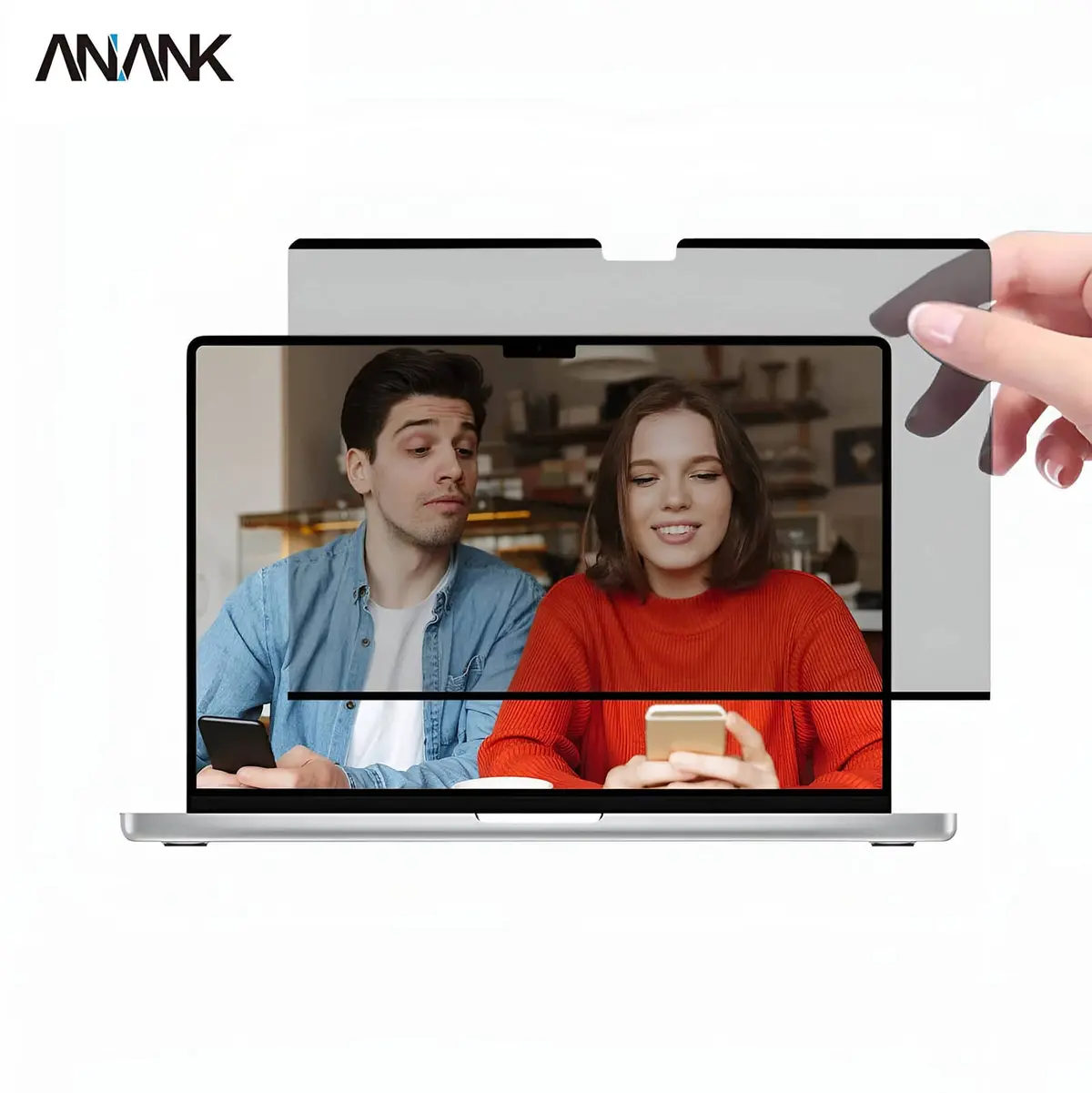
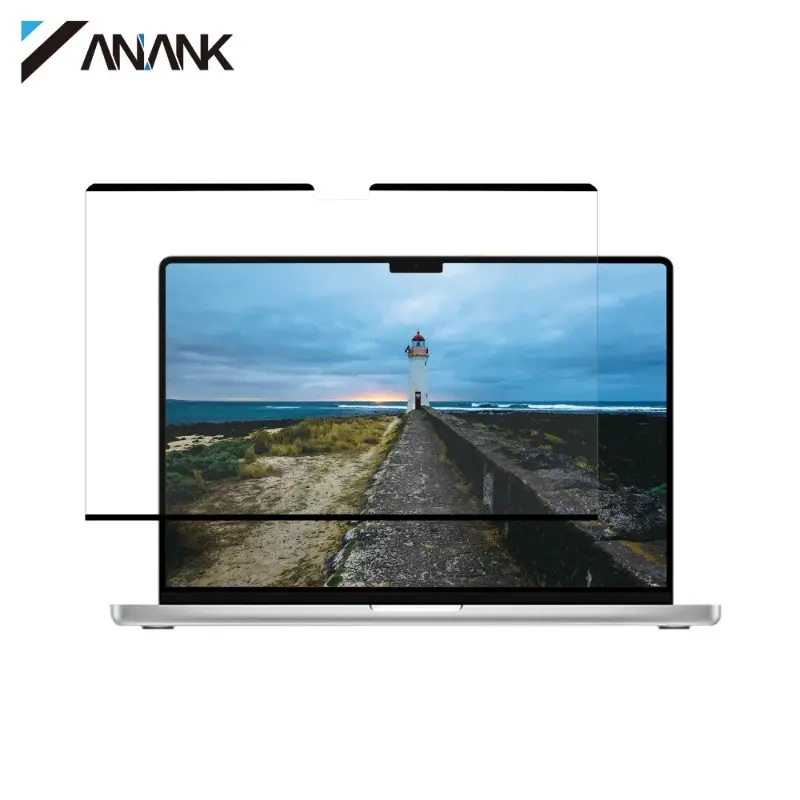
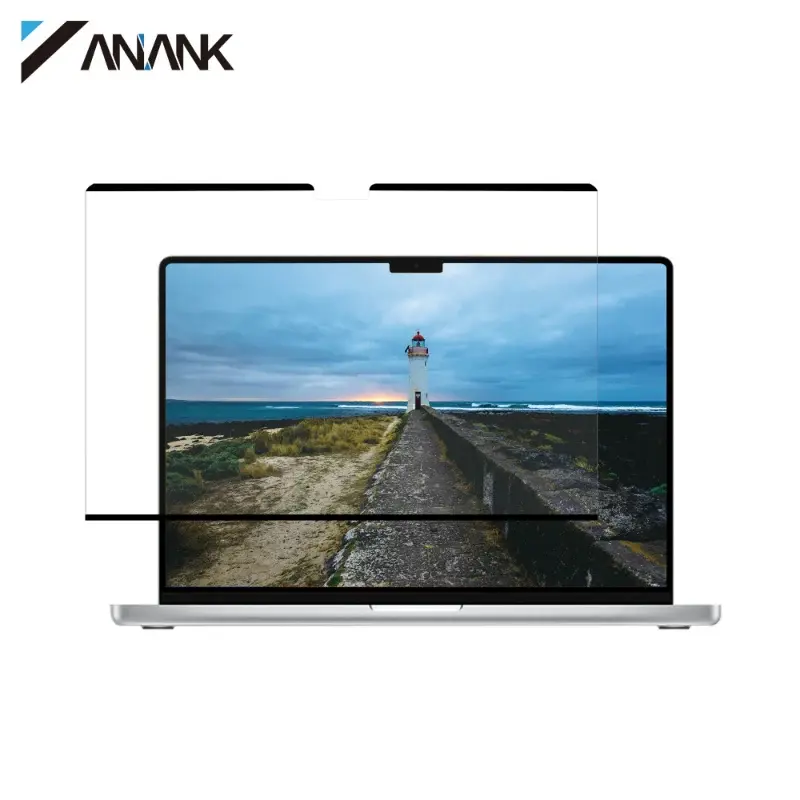
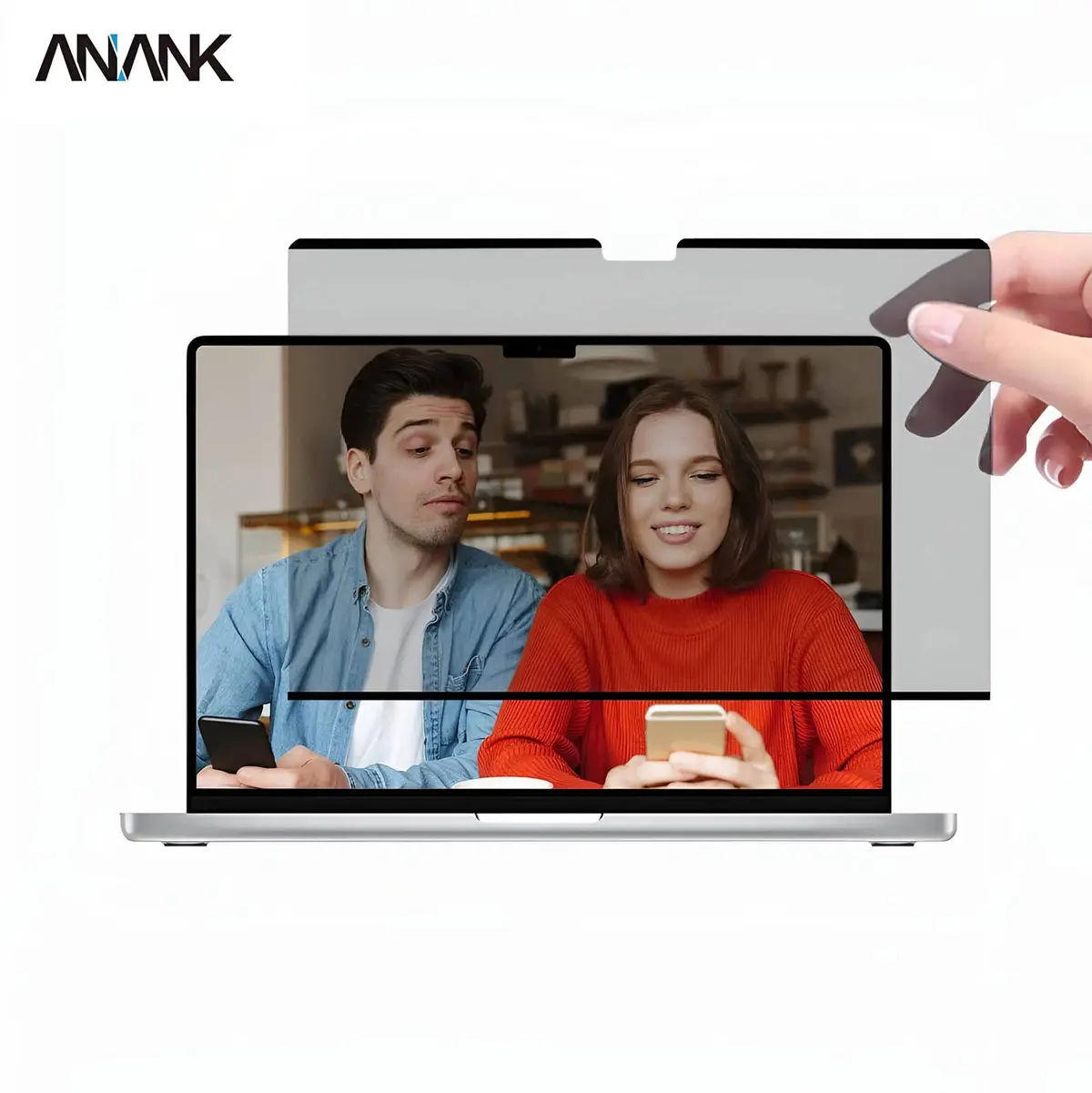
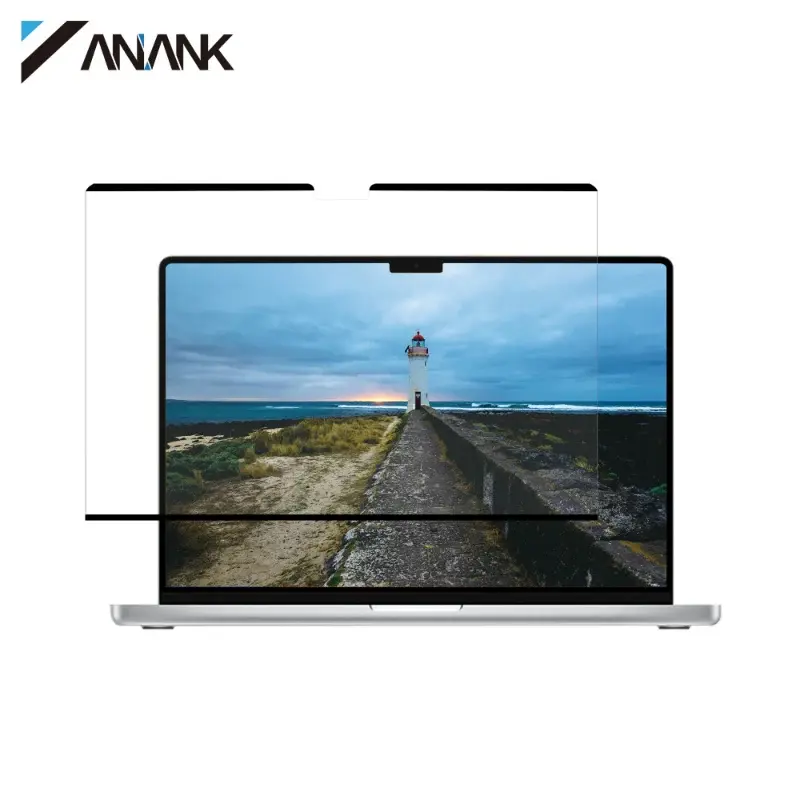
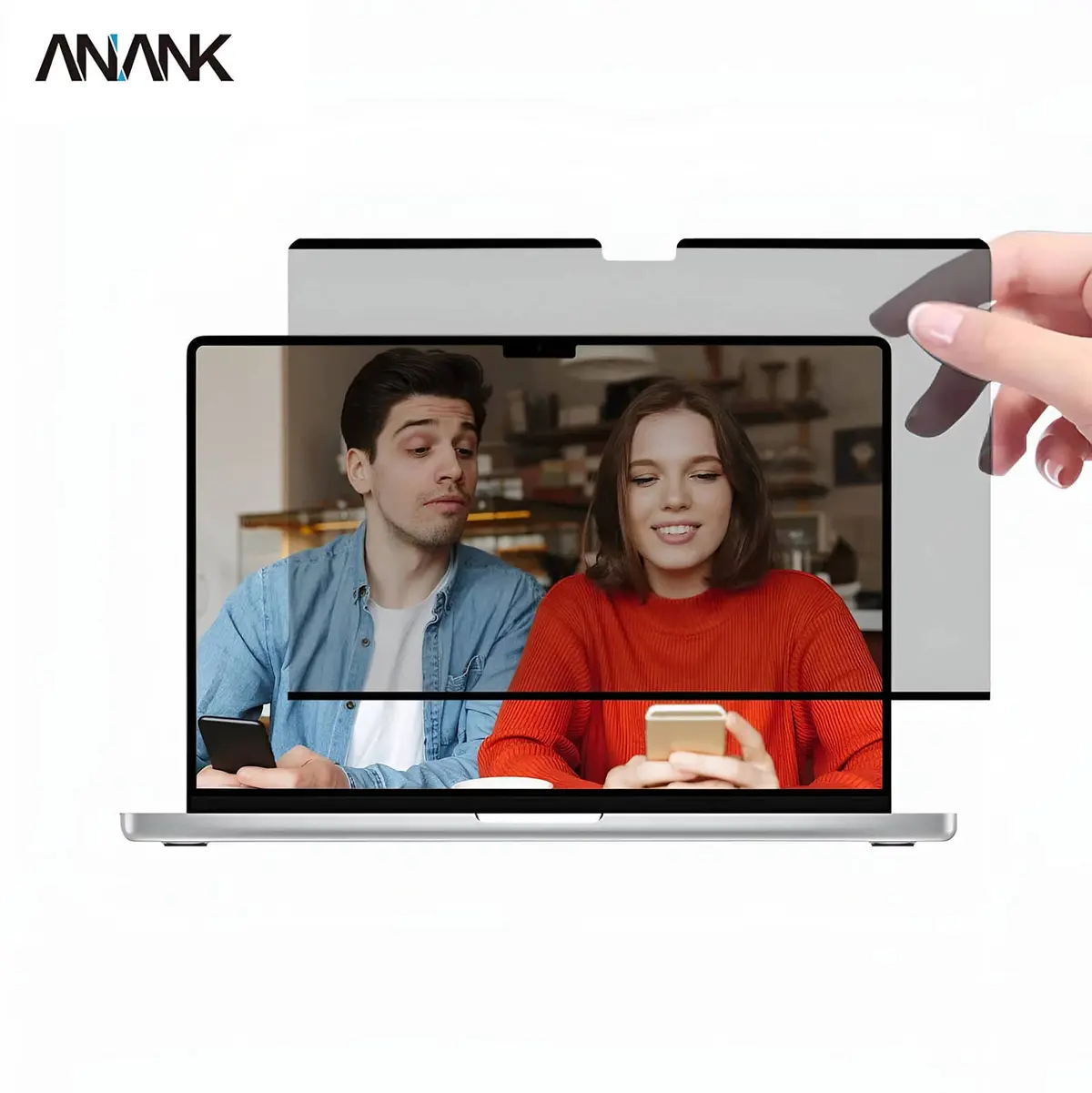
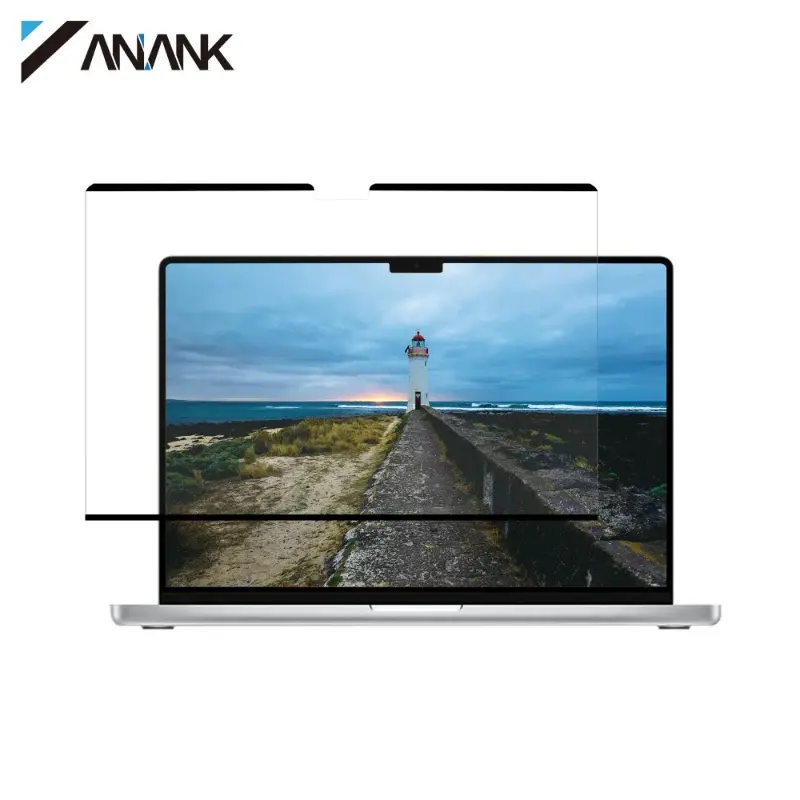
Screen protectors for MacBook at RPD: ANANK 2.5D privacy films (blocks side viewing angles above ca. 30°) and blue light filters for more comfortable on-screen work. Available for MacBook Air/Pro 13.3″, MacBook Air 13.6″ (M2/M3), MacBook Pro 14.2″ (M1–M4), MacBook Air 15.3″ (M2/M3) and MacBook Pro 16.2″ (M1–M4). Same-day dispatch from Basel for orders by 4 pm, free shipping above CHF 15, payment on invoice, 14-day return and 2-year warranty under Swiss law.


Anank


Anank


Anank


Anank


Anank


Anank


Anank


Anank


Anank


Anank


Anank


Anank


Anank


Anank


Anank


Anank


Anank


Anank


Anank


Anank


Anank


Anank


Anank


Anank


Anank


Anank


Anank


Anank


Anank


Anank
It depends on the use case. Privacy is the right choice if you often work with sensitive data in public (commuters, consultants, lawyers, doctors). Blue light filter suits anyone spending long hours at the MacBook who wants to reduce eye fatigue. If you need both, swap depending on the day — the films are residue-free removable.
Clean the display thoroughly (microfibre cloth + cleaning pad included), peel the film from the carrier and place the adhesive side onto the display. The film bonds via static cling — no adhesive residue, no bubbles if applied carefully. Instructions ship with every film.
Privacy films reduce brightness slightly (about 10–15 %) — barely noticeable on the MacBook Retina display since base brightness is high. Blue light filters have practically no brightness loss but shift colour temperature slightly warmer.
The films cover only the main display, not the Touch Bar (on older MacBook Pro 13″/15″ models). The Touch Bar stays free and usable.
Yes — the films use static cling, not adhesive. You can peel them off residue-free and reapply, e.g. swapping between privacy for travel days and no film for home work. With careful handling, reusable multiple times.
A screen protector for the MacBook does three jobs at once: protection against scratches and dust, optical adaptation to your lighting environment and — for privacy variants — visual shielding against bystanders on the train or in cafés. Which film suits you depends on your MacBook model, your workspace and your eyes. Anti-glare matte cuts sunlight and ceiling-light reflections.
Anti-glare films are matte coated and scatter incoming light. In sunlight, by a window or under fluorescent lights they cut reflections noticeably so screen content stays readable. Trade-off: colours look slightly milky and contrast drops a bit. Ideal for text, spreadsheets and code, less ideal for photo editing. Most matte films are self-adhesive and bubble-free to apply.
Privacy filters use a microscopic louvered structure that only lets light through straight ahead. From a viewing angle of about 30 degrees and beyond the screen goes dark — perfect on the train, plane, in co-working spaces or when working on sensitive data. Privacy filters are available as fixed adhesive film or as magnetically removable filters that can be detached on demand.
Anti-blue-light films filter out part of the short-wavelength blue light, which during long screen sessions can contribute to eye fatigue and disrupted sleep. They are especially useful for heavy users working in the evening, plus pupils and students. The effect is subtle — the screen looks minimally warmer, colour accuracy stays usable for everyday tasks. macOS Night Shift complements this from the system itself.
Tempered-glass films deliver the highest protection against scratches and minor impacts. They make sense above all when the MacBook travels in a backpack with pens, keys or external drives, or when there are kids in the household. Look for a perfect cut for your model — the notch on MacBook Pro 14"/16" and MacBook Air 13"/15" models from 2021 onward must be left free.
The protector must match the display size exactly: MacBook Air 13" (M2/M3/M4), MacBook Air 15", MacBook Pro 14", MacBook Pro 16", plus older MacBook Pro 13". MacBook Pro models from 2021 onward have a notch — films for those models are cut accordingly. Air and Pro at the same nominal inch size (e.g. 13") have slightly different display dimensions — always pick the film explicitly listed for your exact model.
Anti-glare films scatter light and cut reflections but make the image look slightly milky. Ideal for text, spreadsheets and code — for photo editing pick a clear or privacy film without matte coating.
Yes — that is exactly the point. Privacy films keep the image visible only in a narrow front cone of about ±30 degrees. People sitting next to you see a dark screen — ideal on trains, planes or in open-plan offices.
They filter part of the blue light and, according to studies, can improve sleep quality after evening screen work. We make no medical claim — but many customers find the effect pleasant. As a complement, enable macOS Night Shift.
Quality tempered-glass films use a silicone adhesive layer and leave no residue — they peel off cleanly when swapped. Look for brand quality (Nomad, Spigen) and avoid cheap no-name films with aggressive adhesives.
Use a microfibre cloth lightly dampened with distilled water or a mild alcohol-free display cleaner. Do not press hard — the film is thin. On matte anti-glare coatings, avoid coarse cloths that may damage the matte texture.