
Which phones charge wirelessly? The Qi and Qi2 overview
Contents7
- 01How wireless charging (Qi) works
- 02Qi, Qi2 and MagSafe: the differences
- 03Which phones charge wirelessly? The big overview
- 04Check in 30 seconds whether your phone supports Qi
- 05Charging through the case: what works, what does not?
- 06Reverse wireless charging: your phone as a charging pad
- 07Common problems and quick fixes
Someone gave you a wireless charging pad, or you have your eye on a MagSafe charger – but you are not sure whether your phone can charge wirelessly at all? You are not alone: especially with Samsung's A series or older iPhones there is a lot of confusion, because you cannot tell from the outside. Here is the complete overview (as of 2026) of which models support Qi and Qi2 – and what to keep in mind when charging through a case.
How wireless charging (Qi) works
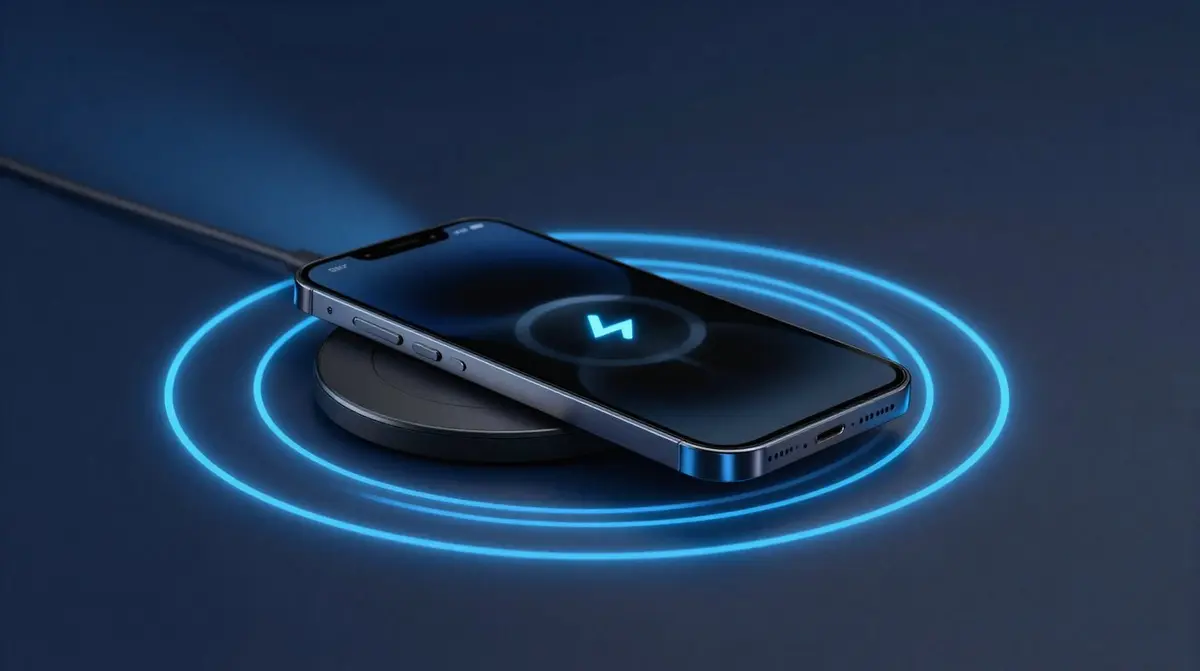
Wireless charging is based on induction: a coil in the charger generates an alternating magnetic field, and a second coil in the back of your phone converts that field back into electricity. For this to work efficiently, both coils need to sit as precisely as possible on top of each other – an offset of just a few millimetres costs charging speed and creates unnecessary heat. The cross-manufacturer standard for this is called Qi (pronounced "chee") and is maintained by the Wireless Power Consortium.
Qi, Qi2 and MagSafe: the differences
- Qi (classic): The base standard without magnets. Depending on the phone, it delivers 5 to 15 watts; iPhones charge at a maximum of 7.5 watts on plain Qi pads. Downside: you have to position the phone precisely yourself.
- MagSafe: Apple's variant since the iPhone 12. A magnetic ring automatically centres the phone on the coil and charges at up to 15 watts, or up to 25 watts on the newest models.
- Qi2: The open successor standard (since late 2023) that adopts MagSafe's magnetic alignment. Thanks to the "Magnetic Power Profile", the phone always sits perfectly on the coil and charges at up to 15 watts.
- Qi2 25W (also called Qi2.2): The current evolution raises the speed to up to 25 watts. Also important is the term "Qi2 Ready": these phones support Qi2 but have no built-in magnets – you add those with a suitable case.
Good to know: everything is backwards compatible. A Qi2 charger will charge an old Qi phone, and a MagSafe iPhone charges on any Qi pad – simply at the lower speed in each case.
Which phones charge wirelessly? The big overview
iPhone
| Model | Wireless? | Standard and speed |
|---|---|---|
| iPhone 8 to 11, XR/XS, SE (2020/2022) | Yes | Qi, up to 7.5 W, no magnet |
| iPhone 12 to 14 | Yes | MagSafe 15 W, Qi2 certified |
| iPhone 15 | Yes | MagSafe/Qi2, 15 W |
| iPhone 16 and 17 (except 16e) | Yes | MagSafe/Qi2 25W, up to 25 W |
| iPhone 16e | Yes | Qi, up to 7.5 W, no magnetic ring |
In short: every iPhone from the iPhone 8 (2017) onwards charges wirelessly; the magnetic ring for MagSafe arrived with the iPhone 12.
Samsung Galaxy
| Series | Wireless? | Note |
|---|---|---|
| S series from Galaxy S6 (2015) | Yes | Qi, up to 15 W from the S10 |
| Note series from Note 5 | Yes | Qi |
| Z Flip and Z Fold (all) | Yes | Qi |
| Current flagships (S25 series, Z Fold 7/Z Flip 7) | Yes | "Qi2 Ready": magnets only via a suitable case |
| A series (e.g. A16, A26, A56) | No | Charges by cable only |
The biggest pitfall: Samsung's popular A series does not charge wirelessly – it simply lacks the charging coil. At Samsung, wireless charging is reserved for the S, Note and Z series.
Google Pixel
| Model | Wireless? | Note |
|---|---|---|
| Pixel 3 to Pixel 9 (numbered models) | Yes | Qi, speed varies by model |
| Pixel 10 series | Yes | Qi2 with magnets ("Pixelsnap"), Pixel 10 Pro XL up to 25 W |
| Pixel 3a to 6a | No | Cable only |
| Pixel 7a, 8a, 9a | Yes | Qi |
Other brands
- Xiaomi: Flagships (e.g. Xiaomi 13/14/15 and the Ultra models) charge wirelessly, some at very high proprietary speeds. Redmi and most Poco models do not.
- OnePlus: 8 Pro, 9/9 Pro, 10 Pro as well as 12 and 13 charge wirelessly (up to 50 W with the AirVOOC charger, on the 13 with a magnetic case); the OnePlus 11 does not.
- HMD Skyline: one of the first Android phones with true Qi2 including a magnetic ring.
Rule of thumb: on Android, wireless charging is a flagship feature. Mid-range and budget phones almost always charge by cable only.
Check in 30 seconds whether your phone supports Qi
- Check the spec sheet: Search the manufacturer's website for your model and the keyword "wireless charging".
- Browse the settings: On many Android phones you will find options like "Wireless charging" or "Wireless PowerShare" under Battery – a clear yes.
- Not sure which model you have? On our page "Which device do I have?" you can find out in a few steps exactly which phone you own.
- Practical test: Place the phone without its case centred on a Qi pad – if the charging icon appears, you are all set.
Charging through the case: what works, what does not?
Qi works fine through most protective cases up to about 3 millimetres thick. Off limits, however, are metal plates, ring holders and inserted credit or access cards: metal disturbs the magnetic field, and cards with chips can get damaged. For iPhones and Qi2 phones, cases with a built-in magnetic ring are worth it – they preserve full magnetic grip and charging power.
Reverse wireless charging: your phone as a charging pad
Many Android flagships can turn the tables: Samsung calls it "Wireless PowerShare" (from the Galaxy S10), Google "Battery Share" (on the newer numbered models), and Xiaomi flagships can do it too. It lets you charge your earbuds or a smartwatch simply on the back of your phone – at around 4.5 watts it is slow, but as an emergency solution on the go it is brilliant. iPhones do not offer this feature wirelessly; there you can at most charge accessories via a USB-C cable.
Common problems and quick fixes
- Phone will not charge: It is usually the position – the coils do not overlap. Reposition the phone or switch to a magnetic Qi2/MagSafe charger.
- Case too thick or contains metal: Remove the case and test again. If it works then, the case is the culprit.
- Charging is extremely slow: The pad is often connected to a power adapter that is too weak. For 15 W, depending on the model, the charger needs an adapter delivering 20 W or more.
- The pad gets hot: Cheap no-name pads skimp on foreign object detection (FOD) – a safety risk. Go for certified Qi/Qi2 devices from brands like Anker or Baseus.
You will find suitable, certified chargers in our Wireless & MagSafe chargers category – with a 30-day cooling-off period and a 2-year warranty.