
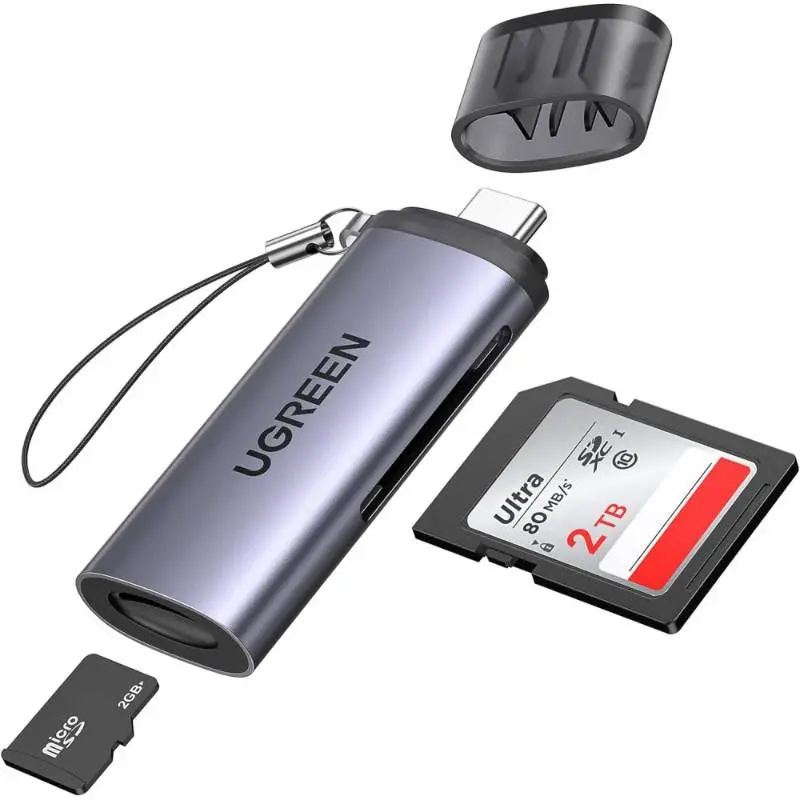
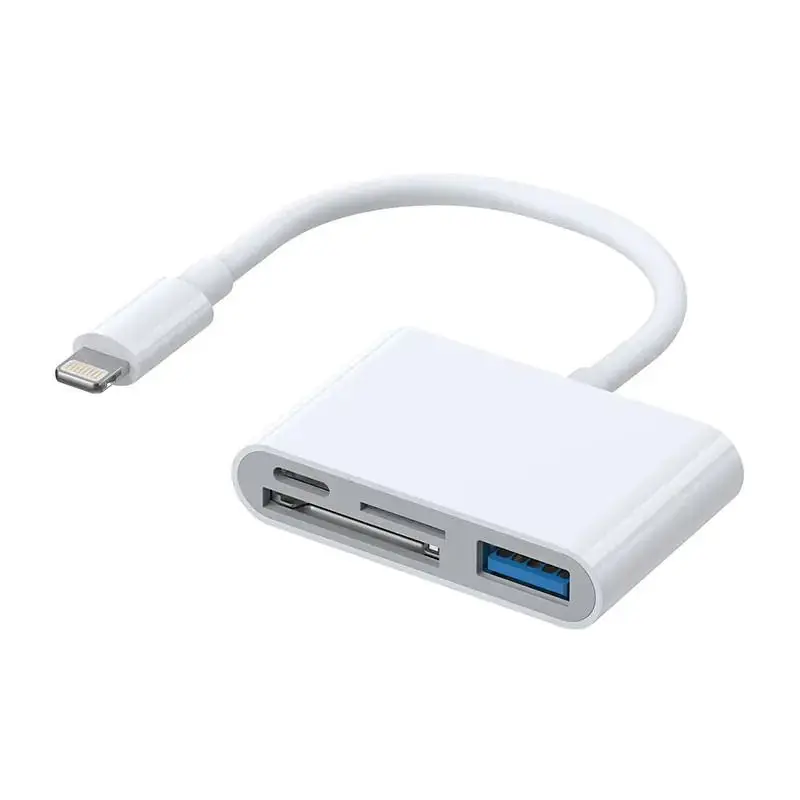
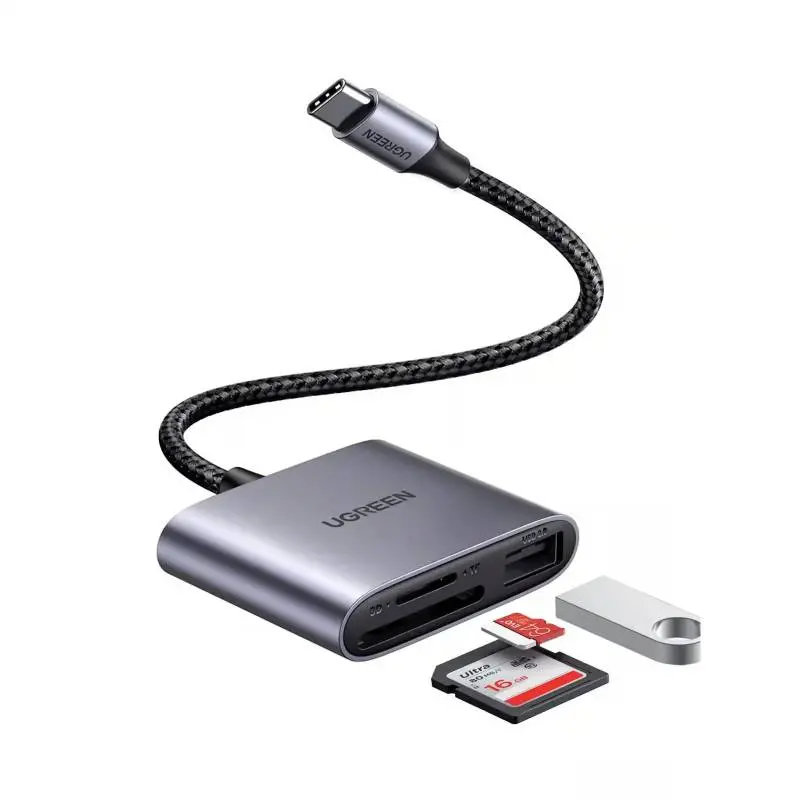
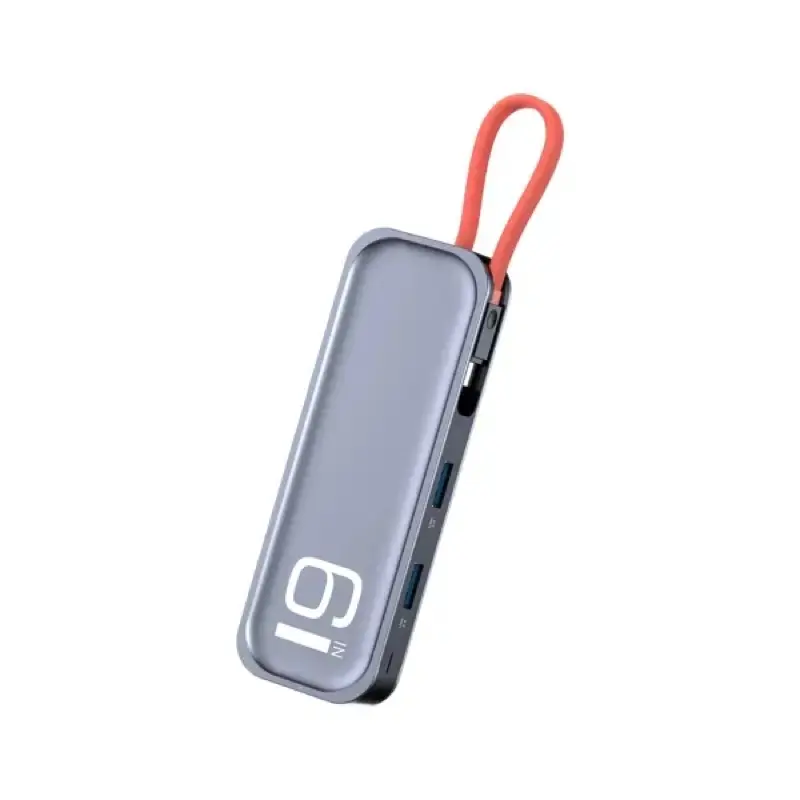
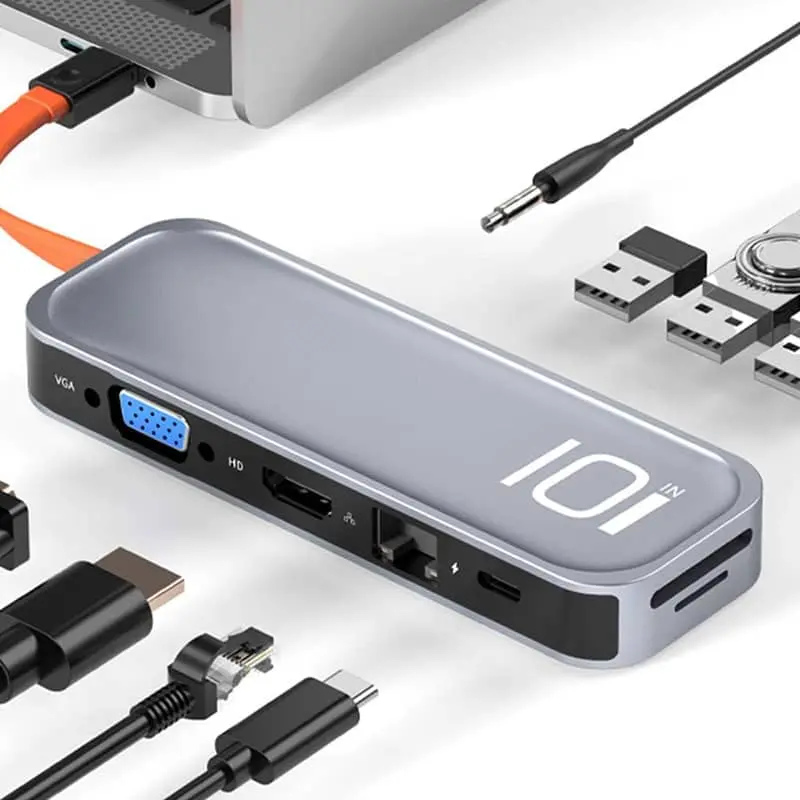
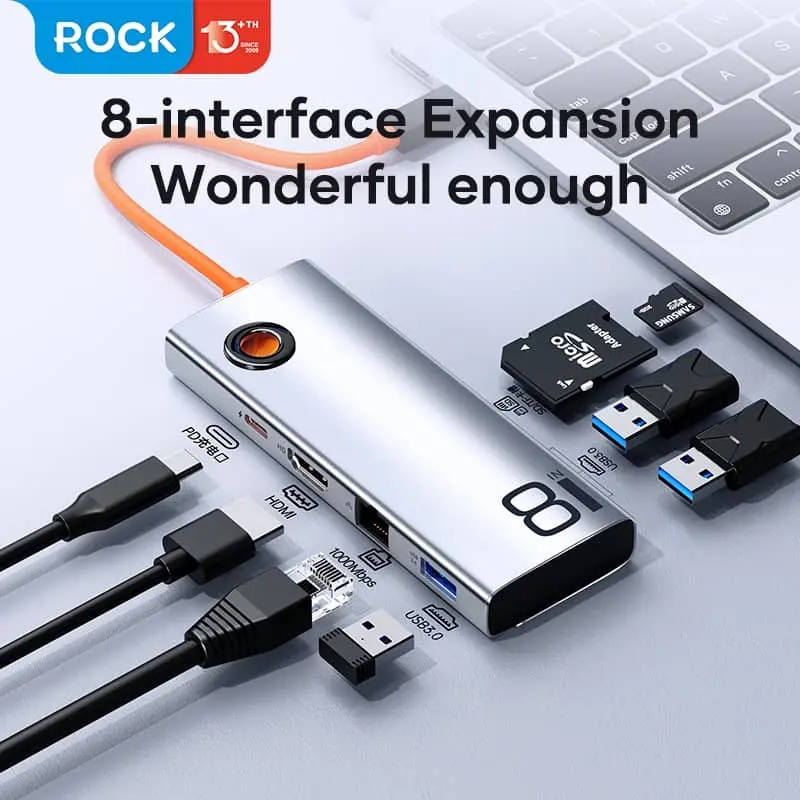
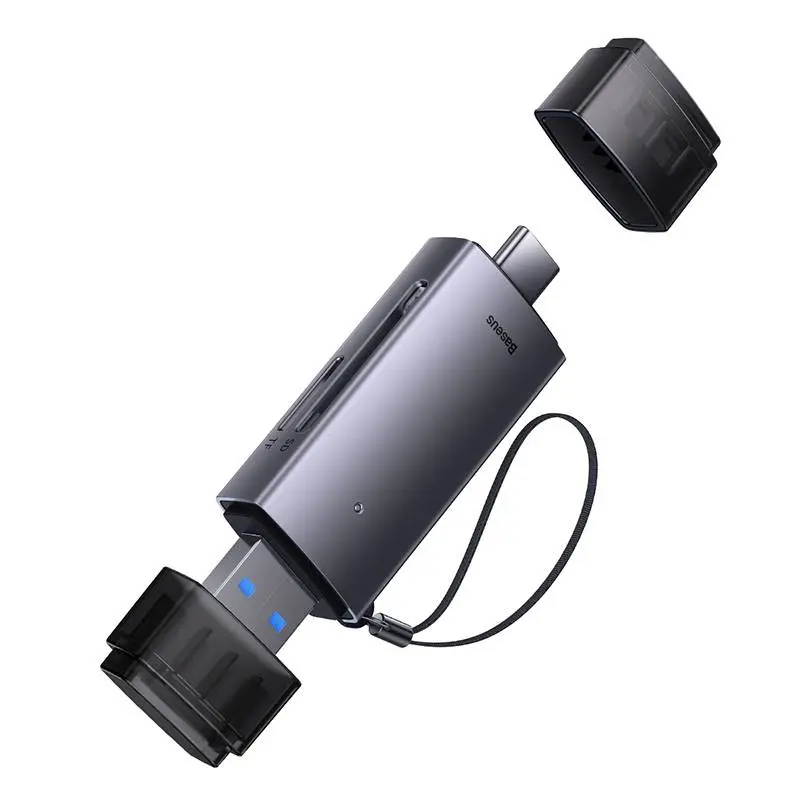
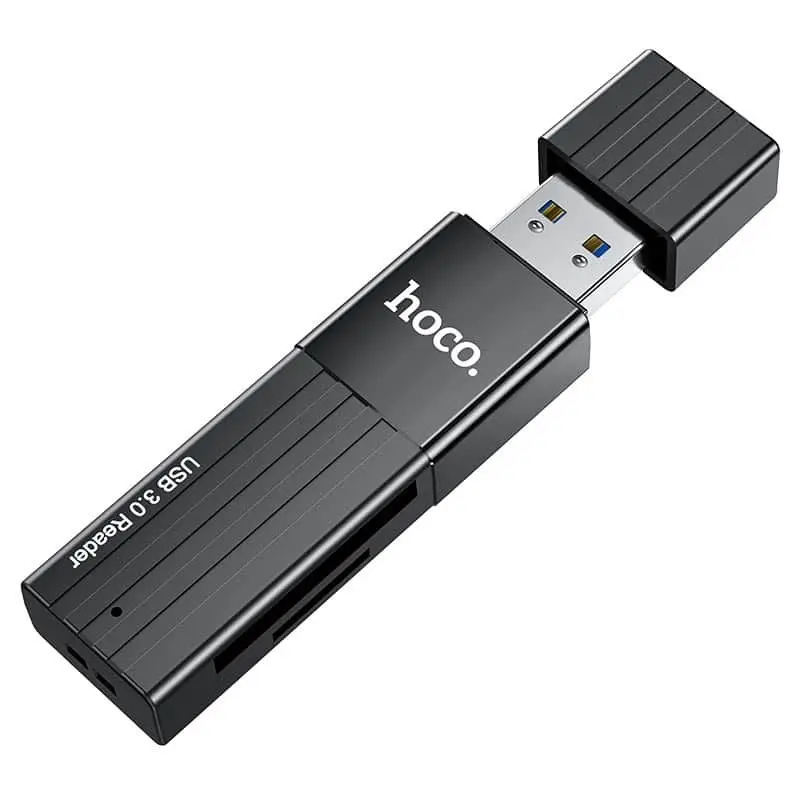
Card readers are the bridge between camera, drone, smartphone and laptop. We stock compact USB-C readers for SD and microSD (perfect for iPhone 15+, iPad Pro/Air and MacBook), 2-in-1 and 3-in-1 readers (SD + microSD + USB-A), CF/CFexpress readers for professional DSLR workflows and UHS-II readers up to 300 MB/s. Aluminium housings, integrated USB-C cable or dongle form. Shipped from Basel — same day by 4 pm, free above CHF 15, 2-year Swiss warranty. Invoice payment available (credit check by Powerpay).


Baseus


Baseus
SD camera (DSLR, GoPro with microSD-to-SD adapter) = SD reader. microSD camera = microSD reader. Pro body Sony A7 IV or Canon R5/R6 = CFexpress reader.
Yes — iPhone 15+ with USB-C imports photos and videos straight into Photos.
Only when your card is UHS-II and workloads are large. Smartphone photo import = no, cards are usually UHS-I.
No — most 2-in-1 readers have both slots and read simultaneously.
These MacBooks have a built-in SD UHS-II slot. For microSD or CFexpress an external reader is still required.
Question 1: which card? SD (camera, GoPro with adapter) = SD reader. microSD (Switch, smartphone, action cam) = microSD reader. CompactFlash (old pro DSLRs) or CFexpress (Sony A7 IV, Canon R5/R6) = CF reader. Question 2: USB-A or USB-C? MacBook M-series + iPad + iPhone 15+ = USB-C. Older laptops + desktops = USB-A or multi-format. Question 3: UHS-I or UHS-II? UHS-I readers (90 MB/s) for hobby. UHS-II readers (300 MB/s) for pro workflow — only worth it with matching UHS-II cards.
UHS-I = max 90 MB/s — standard, fine for hobby photo and 4K phone video. UHS-II = max 300 MB/s — professional workflow with SD UHS-II cards. CFexpress Type B = up to 1700 MB/s — high-end Sony/Canon/Nikon. Important: reader speed must run end to end: USB link at least USB 3.2 Gen 2 (10 Gbps), otherwise the UHS-II or CFexpress card becomes the bottleneck. A 1700 MB/s CFexpress reader on USB 3.0 (5 Gbps) only delivers about 500 MB/s effective.
iPhone 15+ via USB-C reader imports photos and videos straight into the Photos app. iPad Pro/Air with USB-C: SD reader works in Photos and Files. MacBook M-series: plug-and-play, fast via USB-C. MacBook Pro 14″/16″ M-series even has a built-in SD UHS-II reader — external reader only needed for microSD or CFexpress. Windows + ChromeOS + Linux: all readers work driver-free.
Aluminium housings cool the reader chip passively — important on pro CFexpress readers that warm up under sustained load. Power use: 0.5–2 W from the USB port. Bus-powered, no PSU. Aluminium fully recyclable — take-back via the RPD recycling programme.
SD camera (DSLR, GoPro with microSD-to-SD adapter) = SD reader. microSD camera = microSD reader. Pro body Sony A7 IV or Canon R5/R6 = CFexpress reader.
Yes — iPhone 15+ with USB-C imports photos and videos straight into Photos. iPhone 15 Pro with ProRes recording writes to external SSDs via USB-C — import is the reverse direction.
Only when your card is UHS-II AND workloads are large: wedding photographer with 64 GB card full of RAW = yes (UHS-II is 3× faster). Smartphone photo import = no, cards are usually UHS-I.
No — most 2-in-1 readers have both slots and read simultaneously. Handy for fast card-to-card copies.
These MacBooks have a built-in SD UHS-II slot — no external SD reader needed. For microSD or CFexpress an external reader is still required.
Shipped from our Basel warehouse — A-Post 1–2 working days, express next business day or free pickup in Basel, Aarau or Olten. 2 years Swiss warranty on all products, 14-day returns. Invoice payment available (credit check by Powerpay), best-price guarantee CH. Aluminium housings are fully recyclable — return old adapters, hubs and storage media via our RPD recycling programme. Visit one of our stores for personal advice — bring your laptop or iPad and we will find the right accessory together.