
Cases and accessories for the iPad Air 10.5″ (2019) — sized exactly for the LED Retina 10.5″ display. At RPD you'll find Smart Folio, folio cases, hard cases, sleeves and bags, screen protectors (including paper-feel for Pencil), Apple Pencil 1 and tips, Smart Keyboard and sleeves, plus Lightning cables. Same-day dispatch from Basel for orders placed by 4 pm, free shipping above CHF 15, payment on invoice, 14-day return policy and 2-year warranty under Swiss law.
We currently focus the iPad Air 10.5” (2019) / Air 3 stock on display protection and accessories — cases are limited. If you need a case, drop us a line and we will check remaining stock and third-party options.
Apple Pencil 1 is supported. Pairing requires the Lightning port. Apple Pencil 2 or Pro do not work.
We currently stock one tempered glass for this model. Anti-glare and privacy films are available via third parties. Happy to advise on the right variant — a 9H tempered glass with 2.5D edge is the simplest and cheapest protection.
Apple does not offer an official Magic Keyboard for this model. Third-party Bluetooth keyboards (with or without stand) are the alternative — they pair via Bluetooth and work on any iPad.
In our German-speaking-Switzerland stores we advise you in person on protection, Apple Pencil and keyboard options for the iPad Air 10.5” (2019) / Air 3. For repairs we connect you with our service partners. 14-day returns on all products, 2 years Swiss warranty.
The iPad Air 10.5″ (2019) is the 10.5-inch iPad Air from 2019 — LED Retina 10.5″, A12 Bionic chip and Lightning. A good case protects the display and the aluminium back from scratches, drops and table edges, and preserves the resale value of your device.
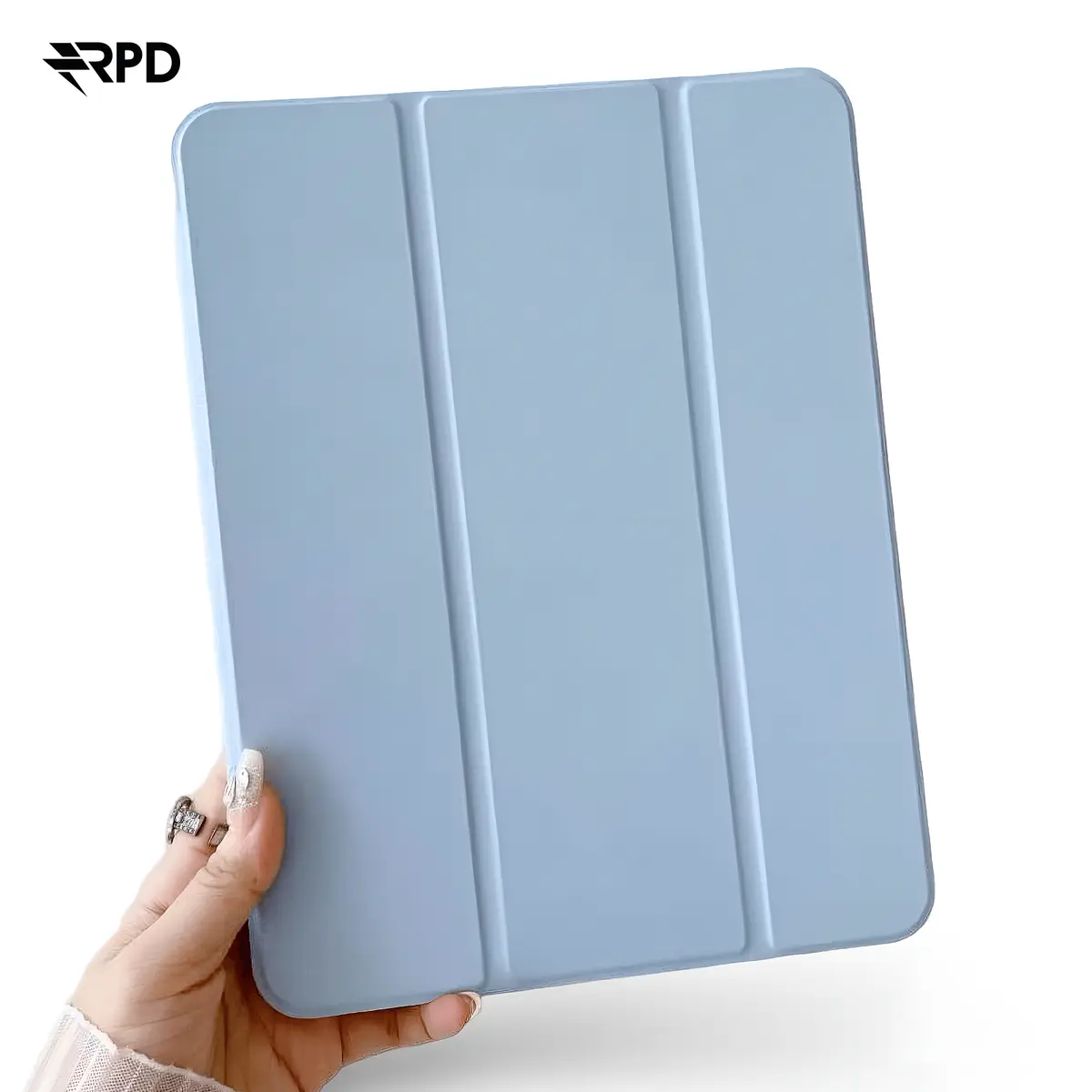
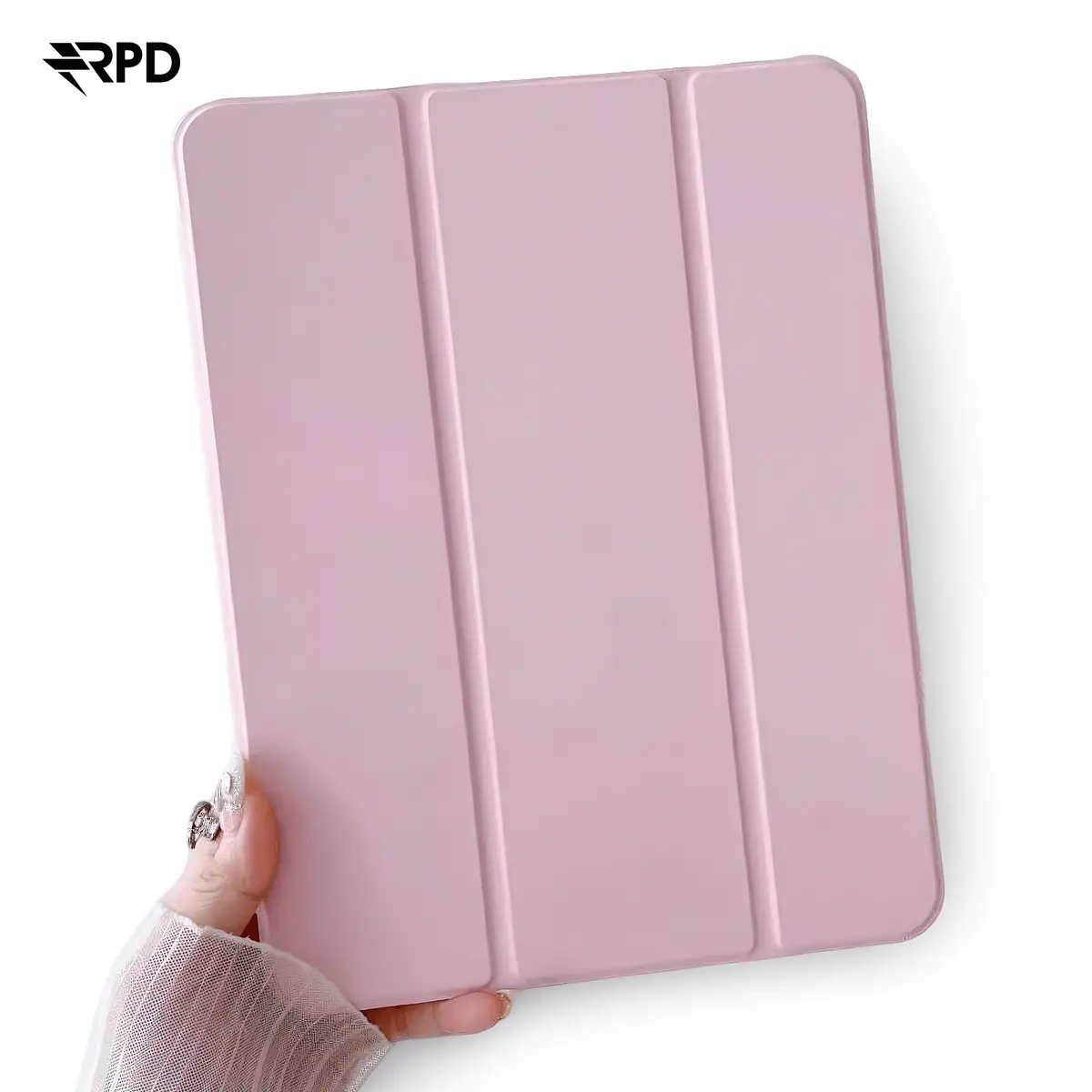
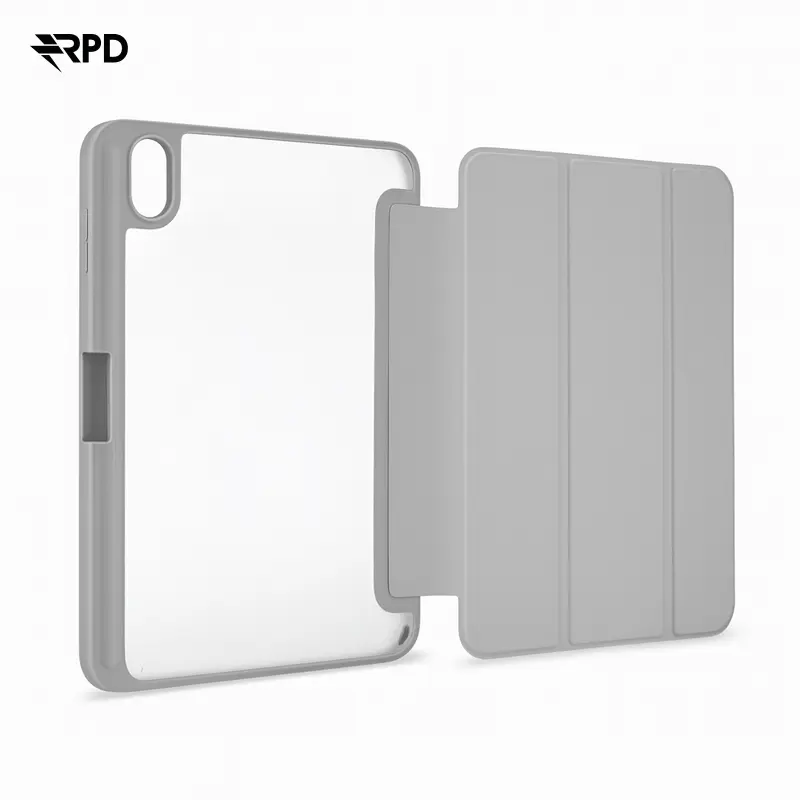
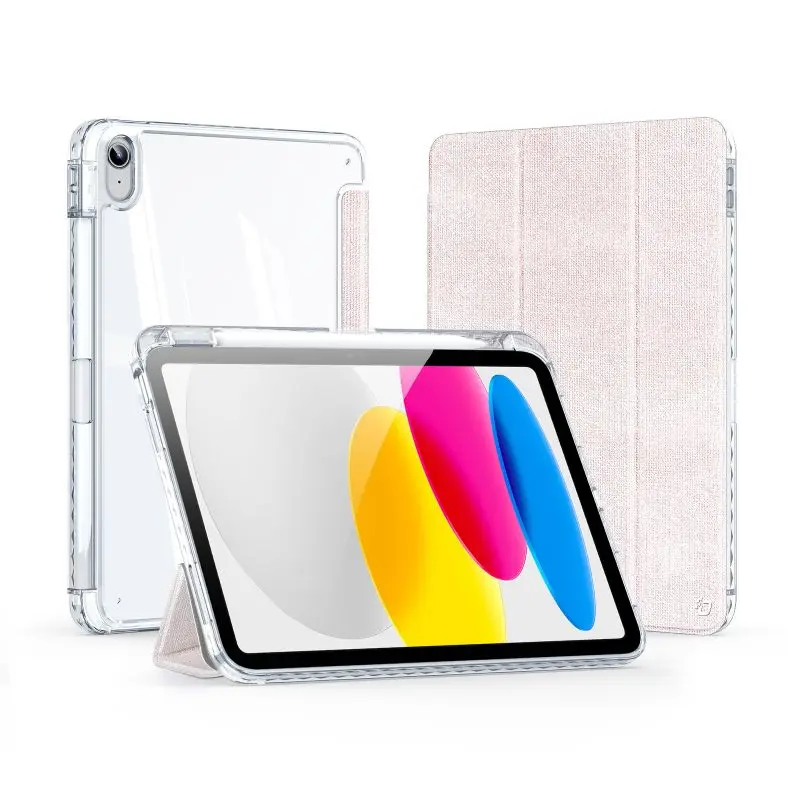
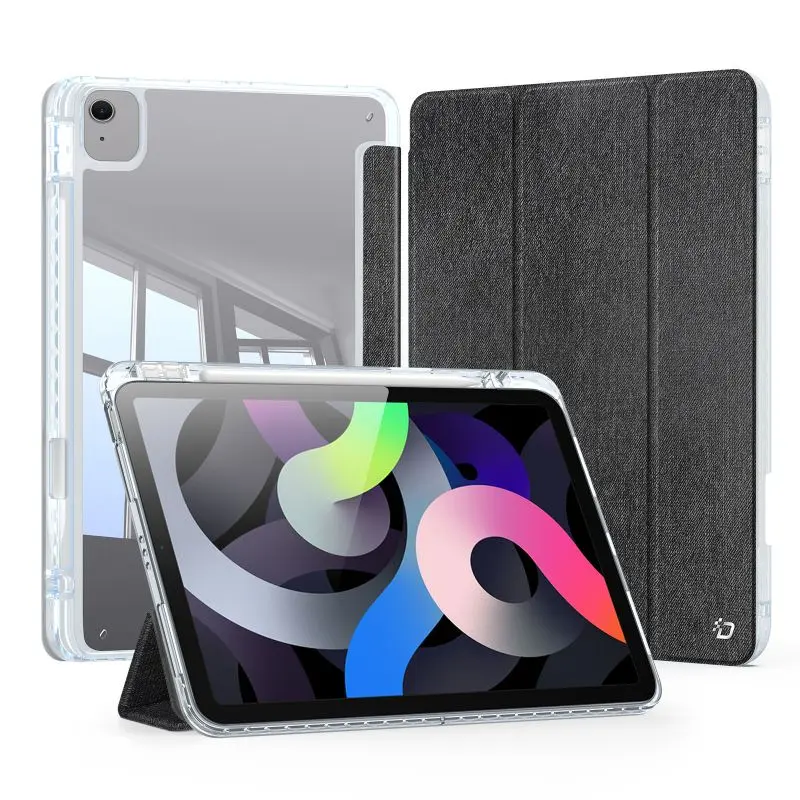
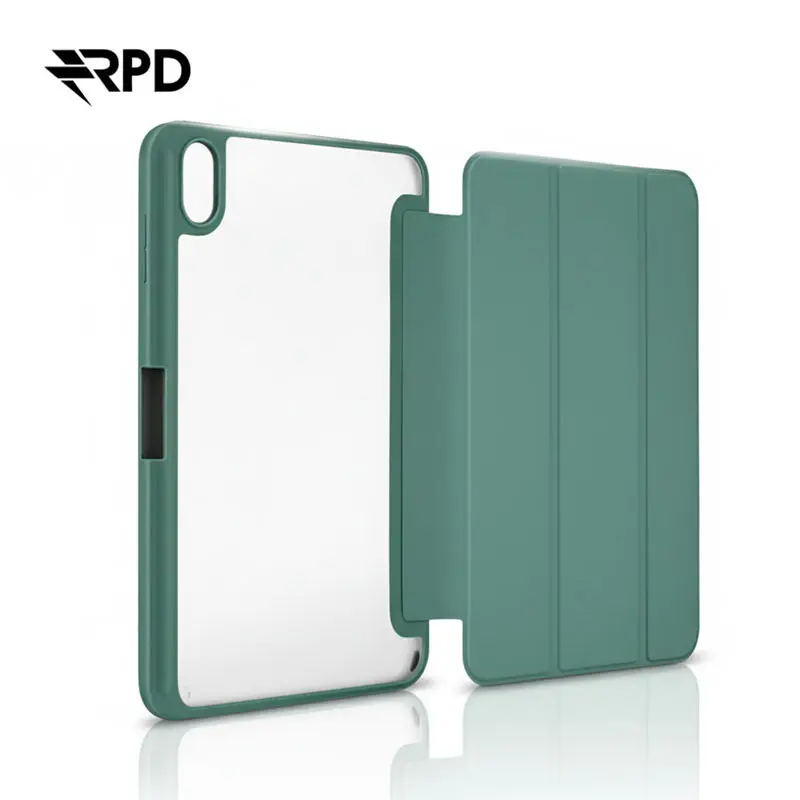
Smart Folio are Apple's standard cases for the iPad Air range — light, magnetic, with automatic sleep/wake. Folio cases wrap front and back, often with a built-in stand. Hard cases and bumpers in TPU or polycarbonate are tougher and ideal on the go. A sleeve adds protection in a backpack. Cut-outs match the cameras and the Lightning port exactly.
Three options. PET or hydrogel film is the cheap pick — reliable scratch protection and easy to fit. Paper-feel film turns the display matte and is ideal for drawing or note-taking with the Pencil — it mimics paper and cuts reflections. Tempered glass is the most scratch-resistant option and protects best against drops, but costs more. On iPads with Pencil we recommend paper-feel or hydrogel — glass can slightly alter Pencil feel.
The iPad Air 10.5″ (2019) works with the Apple Pencil 1st generation. It charges by plugging into the Lightning port at the bottom of the iPad — an unusual charging method that takes some getting used to. At RPD you'll find Pencil tips (replacement nibs) and Pencil grips/cases that improve grip and prevent rolling. Pencil 2 and Pencil Pro are not compatible with this iPad.
The iPad Air 10.5″ (2019) works with Apple's Smart Keyboard, which connects via the Smart Connector on the side of the iPad — no Bluetooth pairing, no battery worries. It is keyboard and folio in one. The Magic Keyboard with trackpad is not compatible — it requires the new pin layout introduced with the 2018 Pro generation. For a trackpad, switch to a Bluetooth keyboard with trackpad or pair a Magic Mouse / Trackpad over Bluetooth.
The iPad Air 10.5″ (2019) has a Lightning port. At RPD you'll find Lightning to USB-A cables and Lightning to USB-C cables, matching power adapters, Lightning adapters for SD cards, cameras or USB sticks, and Lightning to 3.5mm headphone adapters. If you also use USB-C devices, you'll often need several cables — we stock various lengths and grades from Anker, Apple, Belkin and Spigen.
The iPad Air 10.5″ (2019) works with the Apple Pencil 1st generation. It charges via Lightning plug directly on the iPad. Pencil 2 and Pencil Pro are not compatible.
The Smart Keyboard is the official solution — it connects via the Smart Connector on the side of the iPad, no Bluetooth pairing or battery worries. The Magic Keyboard is not compatible because it requires the pin layout of the 2018 Pro generation. Bluetooth keyboards with trackpad are an alternative.
The Apple display is hard but not scratch-proof against sand, grit or hardened steel. A protector adds reliable defence — hydrogel is the most invisible option, tempered glass the toughest. If you draw with the Pencil, choose paper-feel film — it mimics paper and cuts reflections.
Hard cases with reinforced corners and TPU bumpers offer the highest drop protection. Folio cases protect front and back at the same time. A sleeve adds protection in a backpack. Importantly, look for a slightly raised lip around the display and camera, so neither rests directly on the table.
The tablet has a Lightning port. You'll need a Lightning cable (to USB-A or USB-C) and a matching power adapter. Adapters exist for SD cards, USB sticks, HDMI and headphones (Lightning to 3.5mm jack).
RPD stocks cases and accessories for every iPad generation. Browse iPad Air 3, iPad Air (2020), iPad Air 2, iPad Pro 10.5″ (2017), iPad Air 5 (2022), iPad Air, iPad Pro.