
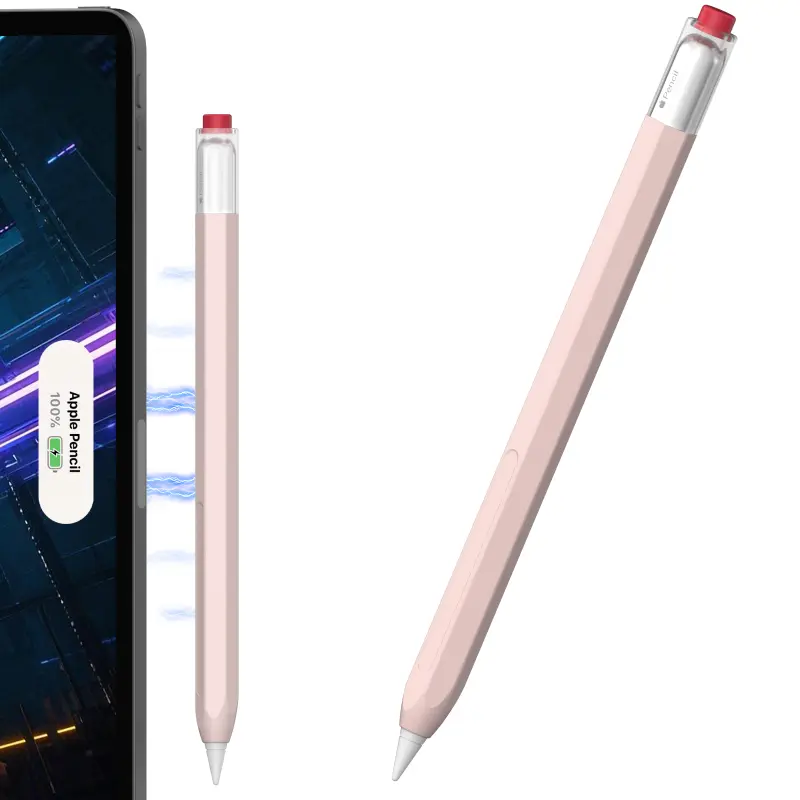
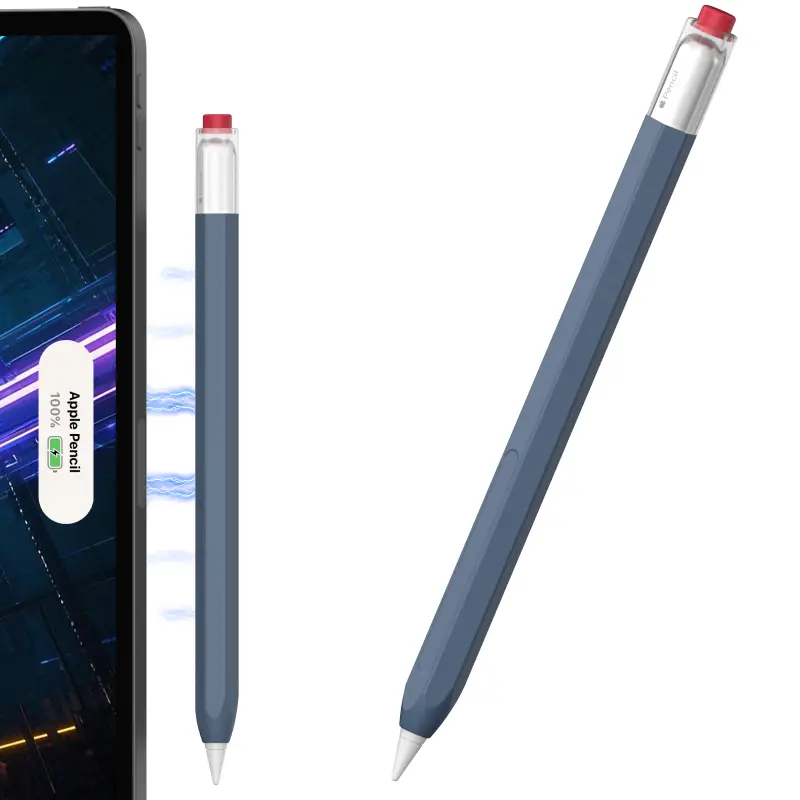
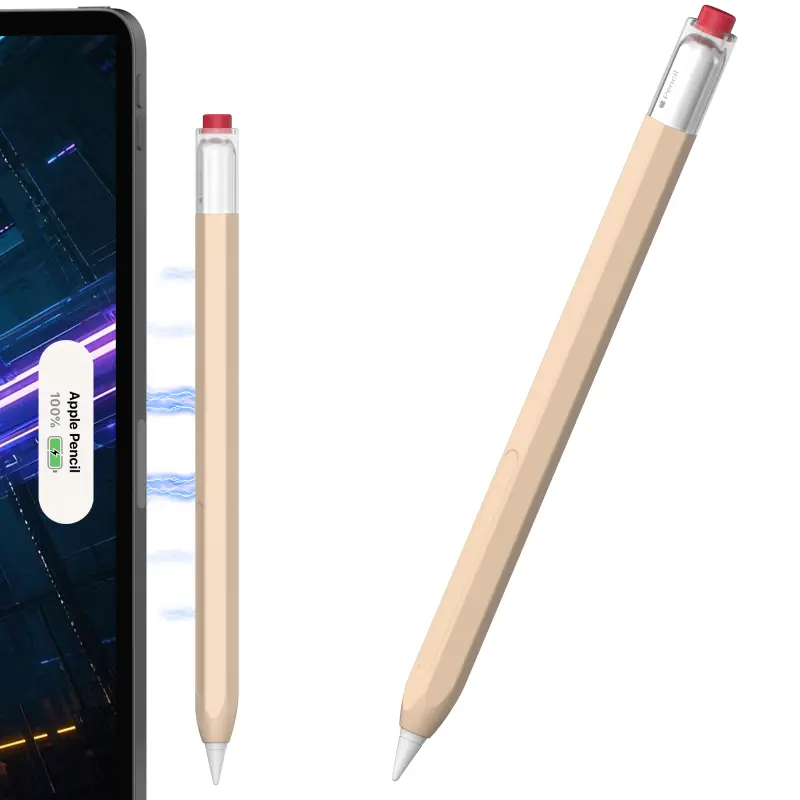
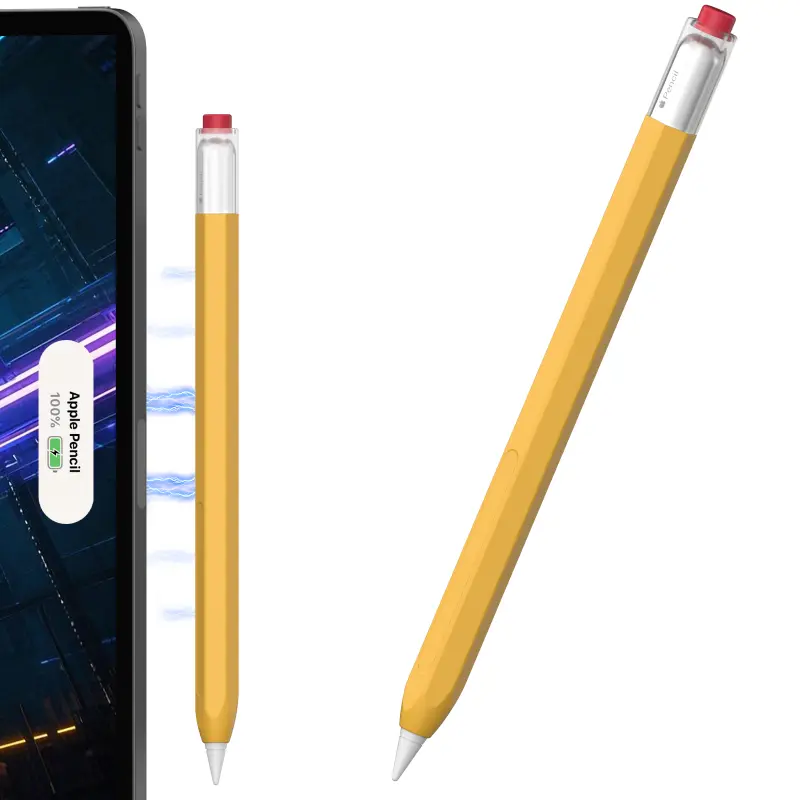
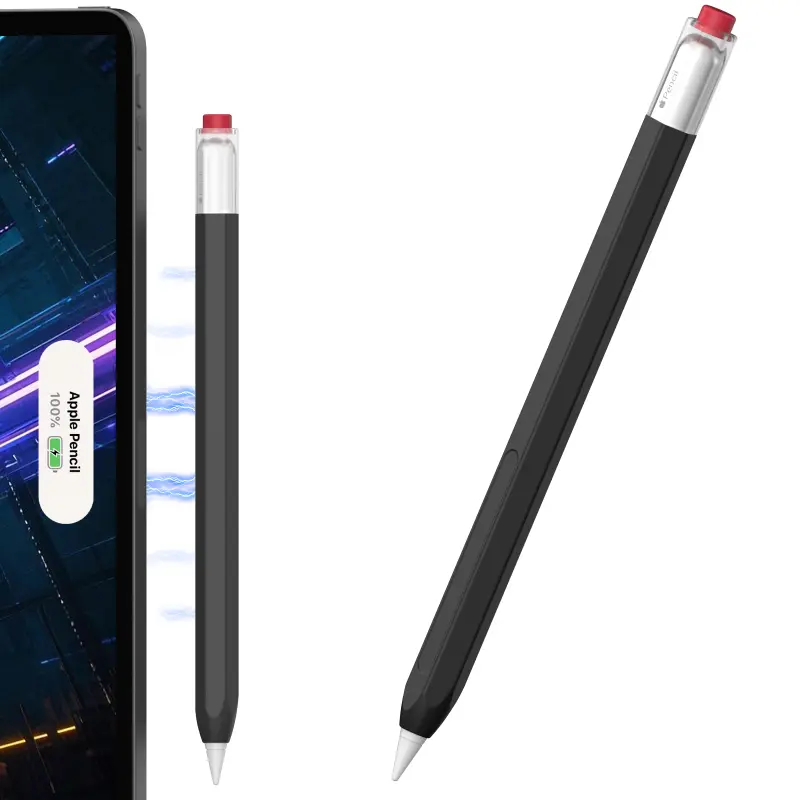
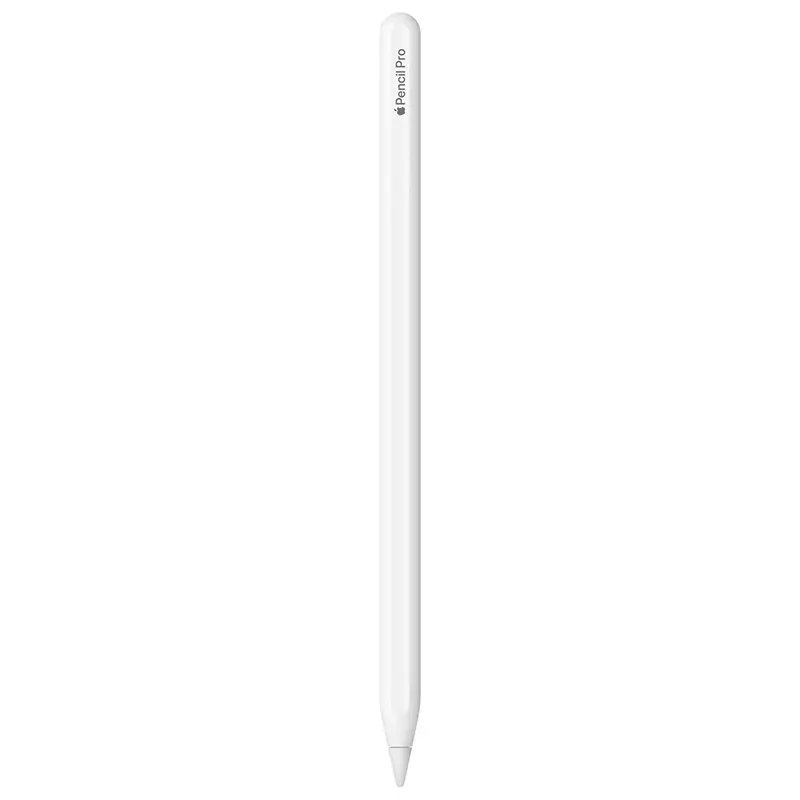
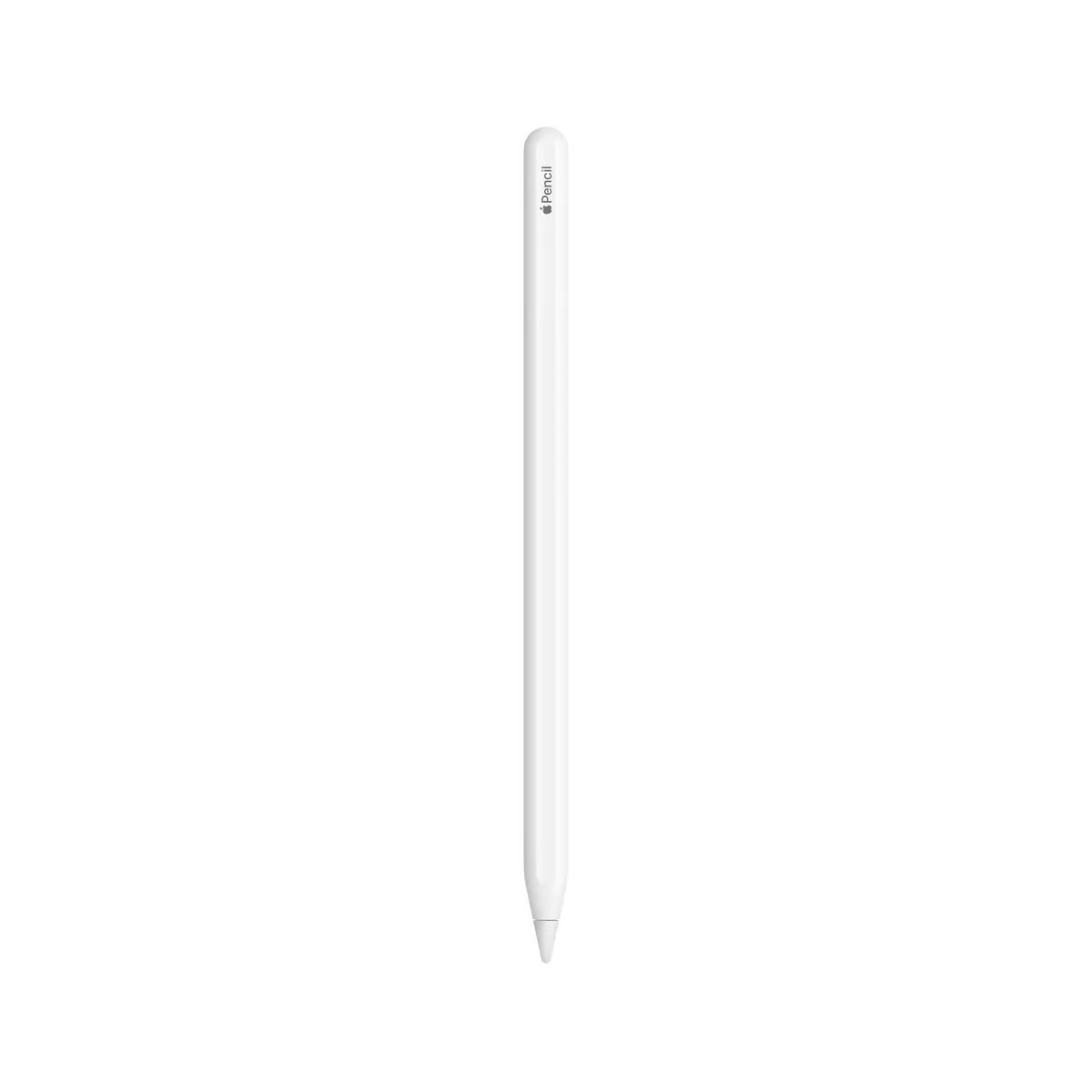
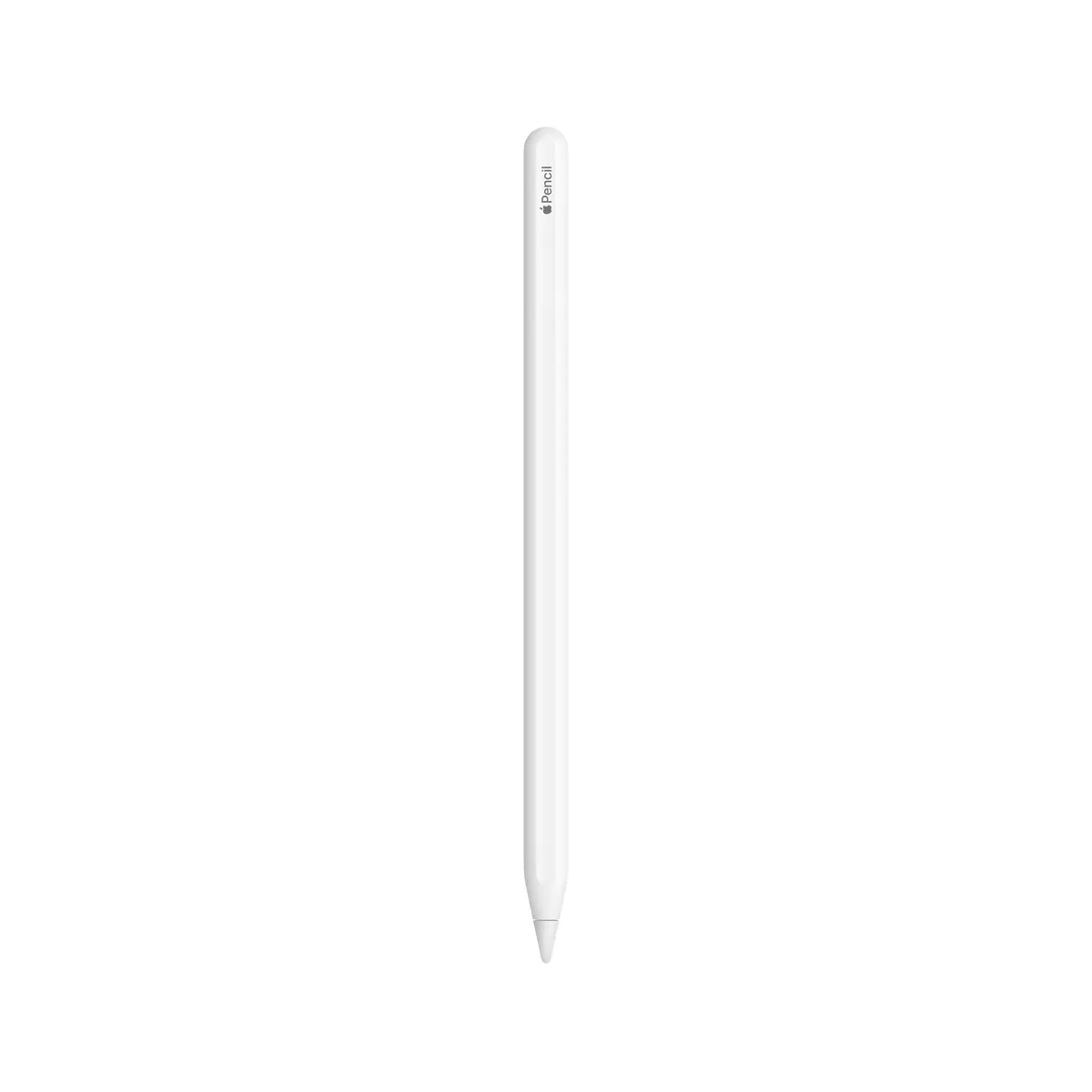
Which Apple Pencil fits your iPad? Apple has released four Pencil generations over the years — Pencil 1, Pencil 2, Pencil USB-C and the new Pencil Pro. Which one works with your iPad depends on the exact model. Just tell us which iPad you have (Mini, Air, Pro plus year) and we will show you the right Pencil — all models in stock in Basel, same-day dispatch for orders by 4 pm, free above CHF 15, payment on invoice (credit check required by Powerpay), 14-day return policy, 2-year Swiss warranty and "Best Price CH" guarantee. Pickup in Basel, Aarau or Olten via click & collect.
Check our table — sorted by iPad Mini, Air, Pro and Basic plus year. Rule of thumb: a Lightning iPad takes Pencil 1, a USB-C iPad 2018-2022 takes Pencil 2 or Pencil USB-C, an iPad M4 from 2024 takes Pencil Pro or Pencil USB-C.
No — Apple moved the magnet on the M4. Pencil 2 is NO longer supported on Pro 11/13 M4, Air M2/M3 and Mini 7. Use Pencil Pro or Pencil USB-C.
Pencil Pro additionally has squeeze gesture, barrel roll, haptic feedback and Find My. Pencil 2 has double-tap on the barrel but no squeeze and no roll. Both charge MagSafe-magnetic and are the same size.
USB-C plug under a removable sliding cap — with any USB-C cable or directly at the iPad Pro USB-C port. The magnetic snap to the iPad is only for storage, not for charging.
Pencil USB-C is the cheapest official Apple Pencil. Functionally limited — no pressure, no double-tap, no hover — but often enough for note-takers and students. Pencil Pro is the top-tier choice with all features.
Apple Pencil 1, Pencil 2, Pencil USB-C, Pencil Pro — each with different shape, charge mechanism and feature list:
Sorted by iPad family and year (everything at a glance):
Pencil choice is not only compatibility, also use case:
For sketches and layouts on the go we recommend Pencil USB-C — cheap and compact. Illustrator pros need Pencil 2 or Pro with pressure sensor and double-tap. 3D modelling in Nomad or ZBrush lives on the barrel-roll of Pencil Pro — brush axis rotation. Note-app users (GoodNotes, Notability) get by with any Pencil, but hover previews exist only on Pencil 2 with Pro 2022+ and Pencil Pro. Sustainable choice: every Pencil generation is a repairable device — tips are replaceable, no throwaway stylus.
Check the table above — sorted by iPad Mini / Air / Pro / Basic and year. Rule of thumb: Lightning iPad → Pencil 1, USB-C iPad 2018-2022 → Pencil 2 or USB-C, iPad M4 2024+ → Pencil Pro or USB-C.
No — Apple moved the magnet on the M4. Pencil 2 is NO longer supported on Pro 11"/13" M4, Air M2/M3 and Mini 7. Use Pencil Pro or Pencil USB-C.
Pencil Pro additionally has squeeze gesture, barrel roll, haptic feedback and Find My. Pencil 2 has double-tap on the barrel but no squeeze and no roll. Pencil Pro charges MagSafe-magnetic like Pencil 2 and is the same size.
USB-C plug under a removable sliding cap — with any USB-C cable or directly at the iPad Pro USB-C port. The magnetic snap to the iPad is only for storage, not for charging.
Pencil USB-C is the cheapest official Apple Pencil. Functionally limited — no pressure, no double-tap, no hover — but often enough for note-takers and students. Pencil Pro is the top-tier choice with all features.
All Apple Pencil generations in stock in Basel. A-mail in 1–2 working days nationwide or free pickup in Basel, Aarau or Olten via click & collect. We are also happy to advise you in person — we help with pairing and show the difference between Pencil 2 and Pencil Pro in a direct comparison.
Apple Pencil Pro · Apple Pencil 2nd generation · Apple Pencil USB-C · Apple Pencil 1st generation