
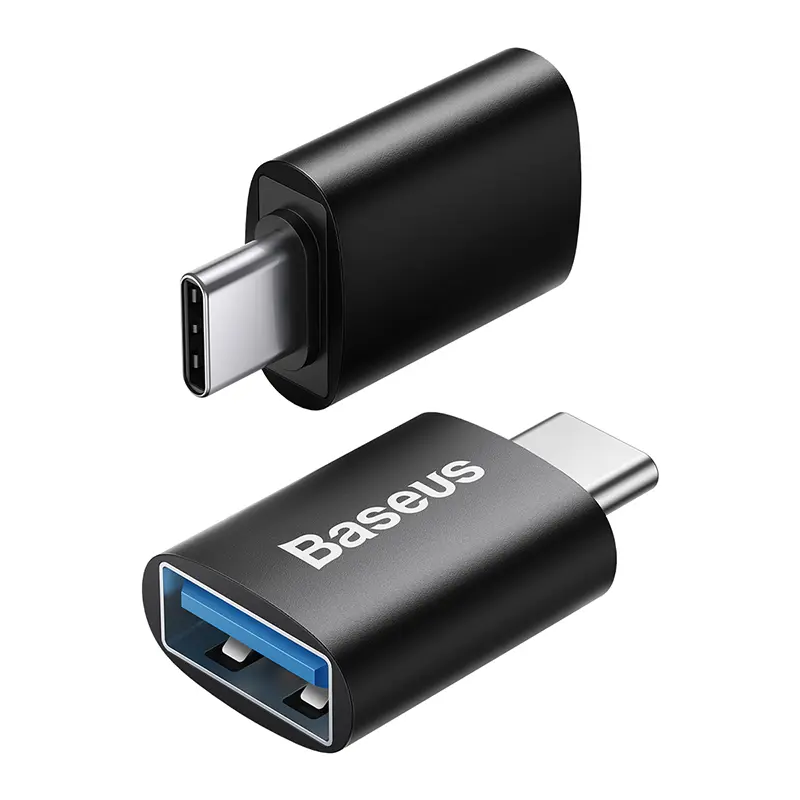
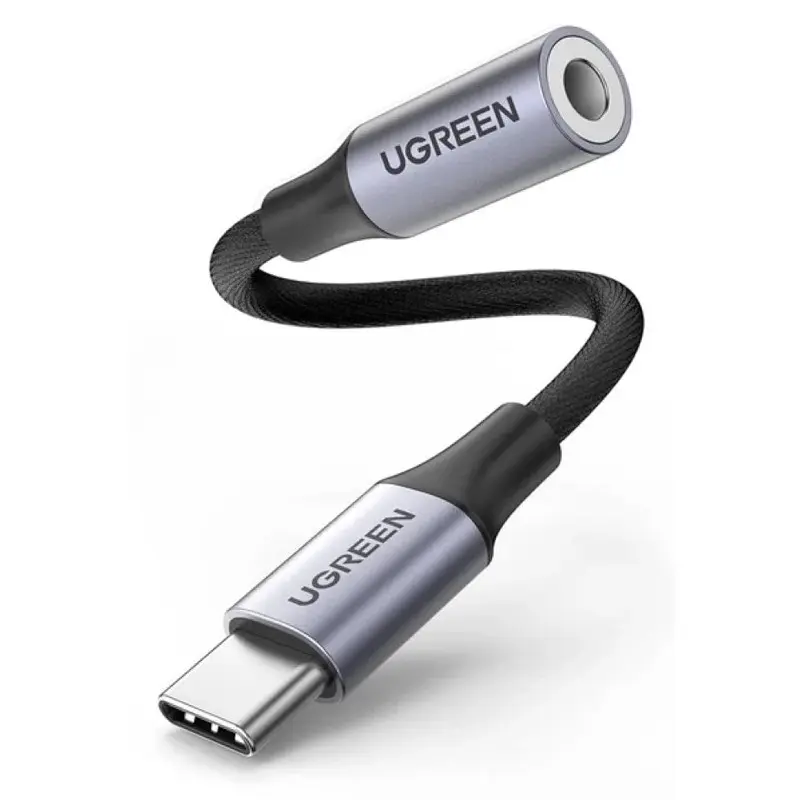
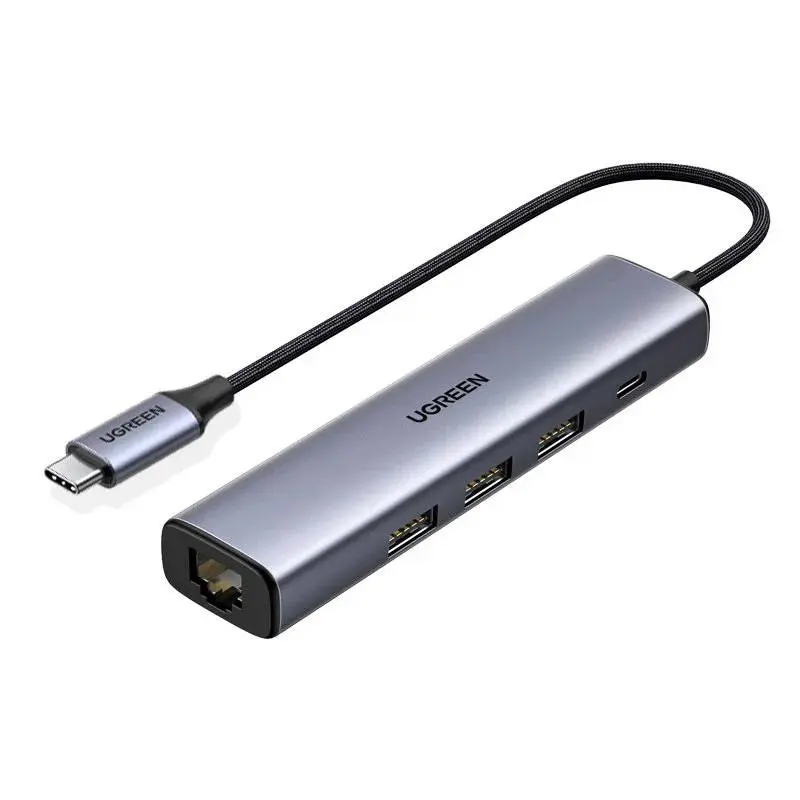
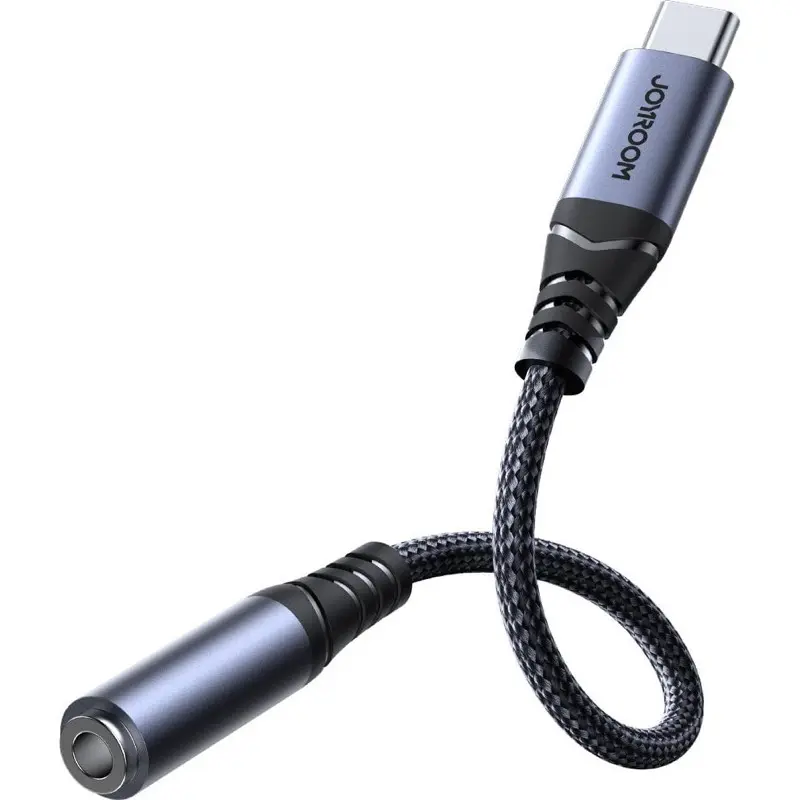
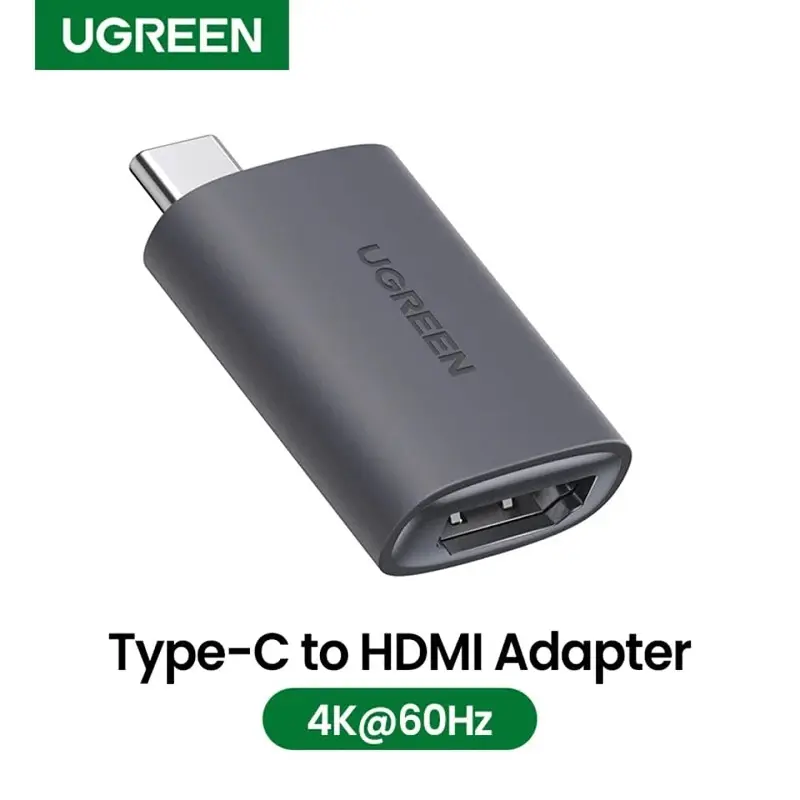
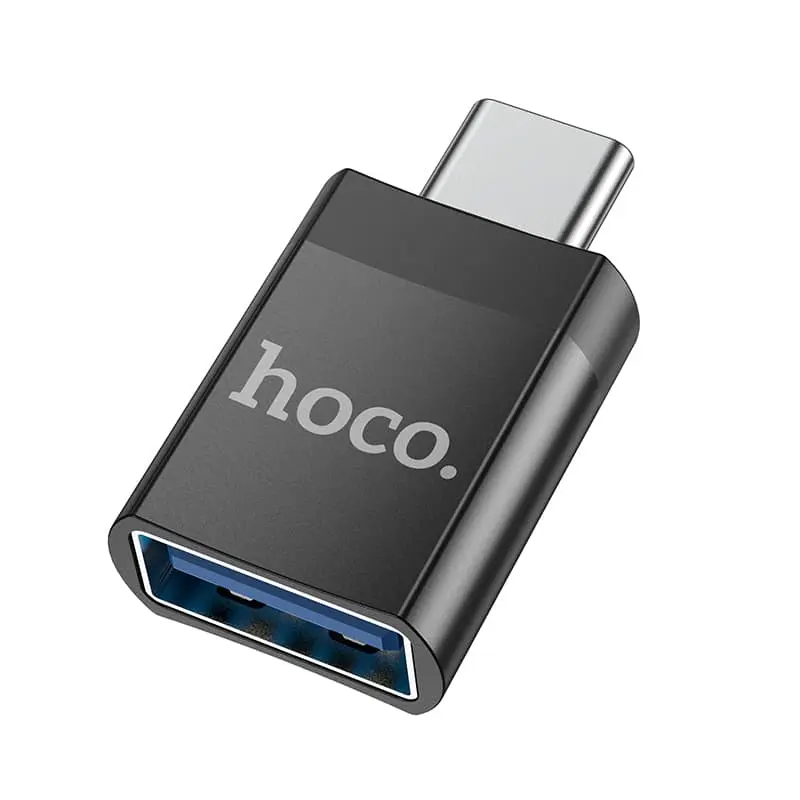
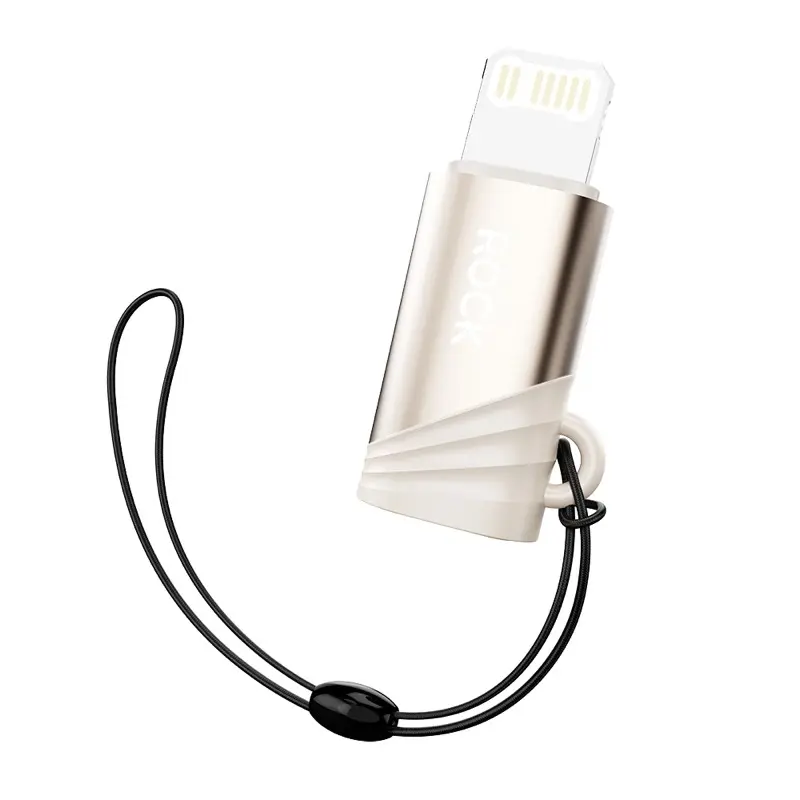
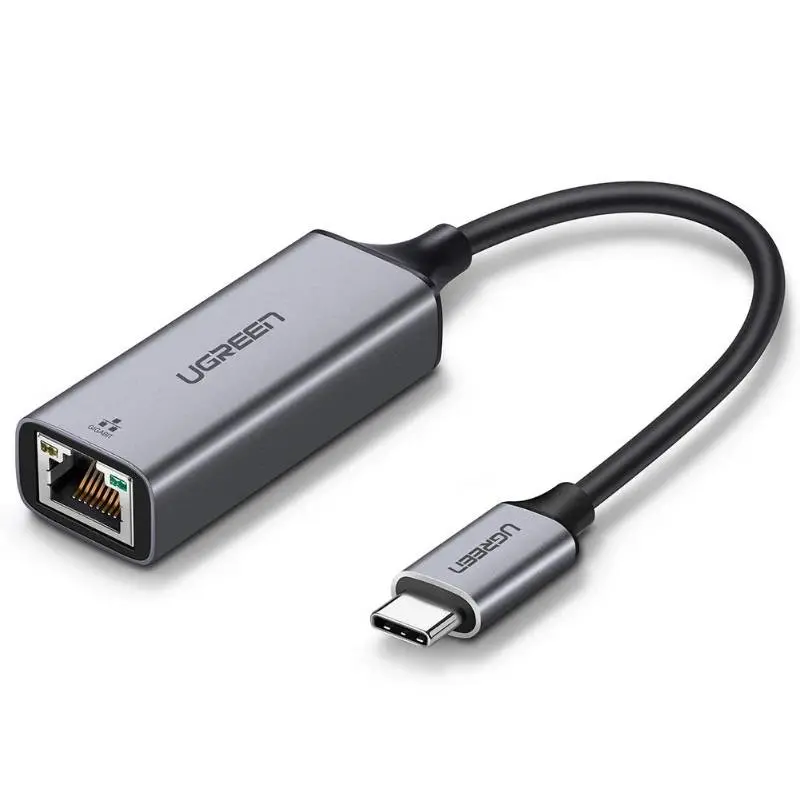
USB-C adapters for MacBook M-series, iPad Pro/Air, Surface and Android smartphones — from USB-C to HDMI 4K@60Hz for presentations and external monitors to USB-C to DisplayPort for 4K@120Hz or daisy-chain setups. We stock compact keyring adapters, USB-C to 3.5 mm jack for classic headphones on iPhone 15+/iPad Pro/MacBook, plus USB-C to VGA for older school and meeting-room projectors. DisplayPort Alt Mode is required on the host — most modern devices have it, some budget phones do not. Shipped from Basel — same day by 4 pm, free above CHF 15, 2-year Swiss warranty. Invoice payment available (credit check by Powerpay).


Ugreen


Baseus


Mcdodo


Baseus


Ugreen


Baseus


Mcdodo


Baseus
40 von 53 Produkten
Yes, provided the adapter supports HDMI 2.0 and the host offers DisplayPort Alt Mode. Cheap adapters often only do 4K@30Hz.
Yes — iPad Pro/Air with USB-C from 2018 onwards support 4K@60Hz video out via DisplayPort Alt Mode.
A USB-C port with DP Alt Mode can output video signals alongside its USB function. Without Alt Mode the port stays a pure data/charging port.
Only if you want 4K@120Hz. For 4K@60Hz HDMI 2.0 is enough.
iPhone 15 Pro/Pro Max via USB-C supports DP Alt Mode for external displays. iPhone 15/15 Plus only partially.
Question 1: which output? For external monitor you need USB-C to HDMI (most common) or USB-C to DisplayPort (higher bandwidth). For classic headphones a USB-C to 3.5 mm dongle is enough. For VGA projectors a USB-C to VGA adapter (1080p only). Question 2: which resolution? 1080p always works, 4K@60Hz requires HDMI 2.0 or DP 1.4, 4K@120Hz or 8K requires DP 1.4/HDMI 2.1. Question 3: does your host support DisplayPort Alt Mode? MacBook M-series, iPad Pro/Air with USB-C, Surface Pro 7+ yes — some budget Android phones do not.
HDMI 2.0 = 18 Gbps, supports 4K@60Hz. HDMI 2.1 = 48 Gbps — 4K@120Hz or 8K@60Hz, important for PS5, Xbox Series X and Apple TV 4K. DisplayPort 1.4 = 25.92 Gbps, 4K@120Hz or 8K@60Hz with DSC. USB4/Thunderbolt 4 = 40 Gbps — can carry 2× 4K@60Hz, 100 W power and data simultaneously. Check for 4K@60Hz in the product title — budget adapters often only do 4K@30Hz.
MacBook M-series and iPad Pro/Air with USB-C support DisplayPort Alt Mode out of the box. Surface Pro 7+ and most Windows laptops with Thunderbolt 3/4 too. iPhone 15+ via USB-C can do video out (DP Alt Mode on Pro/Pro Max from iPhone 15). Note: some budget Android phones have USB-C for data and charging only — no video output. Check before buying.
Aluminium housings keep 4K data streams thermally under control. Power draw: passive USB-C to HDMI 0.3–0.5 W from the host. Active 4K@120Hz adapters with converter chip 1–2 W. GaN technology is not relevant here — that is for chargers. Aluminium fully recyclable — take-back via the RPD recycling programme.
Yes, provided the adapter supports HDMI 2.0 AND the host offers DisplayPort Alt Mode. Cheap adapters often only do 4K@30Hz — at 30 Hz the mouse cursor stutters, at 60 Hz it does not.
Yes — iPad Pro/Air with USB-C from 2018 onwards support 4K@60Hz video out via DP Alt Mode.
A USB-C port with DP Alt Mode can output video signals alongside its USB function. Without Alt Mode the port stays a pure data/charging port.
Only if you want 4K@120Hz. For 4K@60Hz HDMI 2.0 is enough. HDMI 2.1 adapters are pricier and only make sense on USB4 or Thunderbolt 4 hosts.
iPhone 15 Pro/Pro Max via USB-C supports DP Alt Mode for external displays. iPhone 15/15 Plus only partially (AirPlay is easier).
Shipped from our Basel warehouse — A-Post 1–2 working days, express next business day or free pickup in Basel, Aarau or Olten. 2 years Swiss warranty on all products, 14-day returns. Invoice payment available (credit check by Powerpay), best-price guarantee CH. Aluminium housings are fully recyclable — return old adapters, hubs and storage media via our RPD recycling programme. Visit one of our stores for personal advice — bring your laptop or iPad and we will find the right accessory together.