
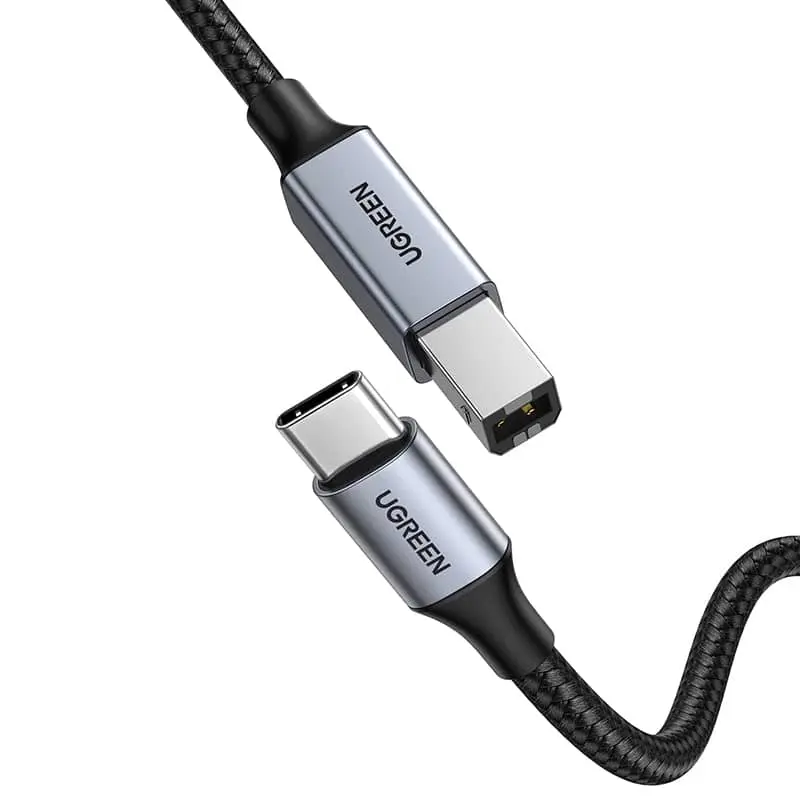
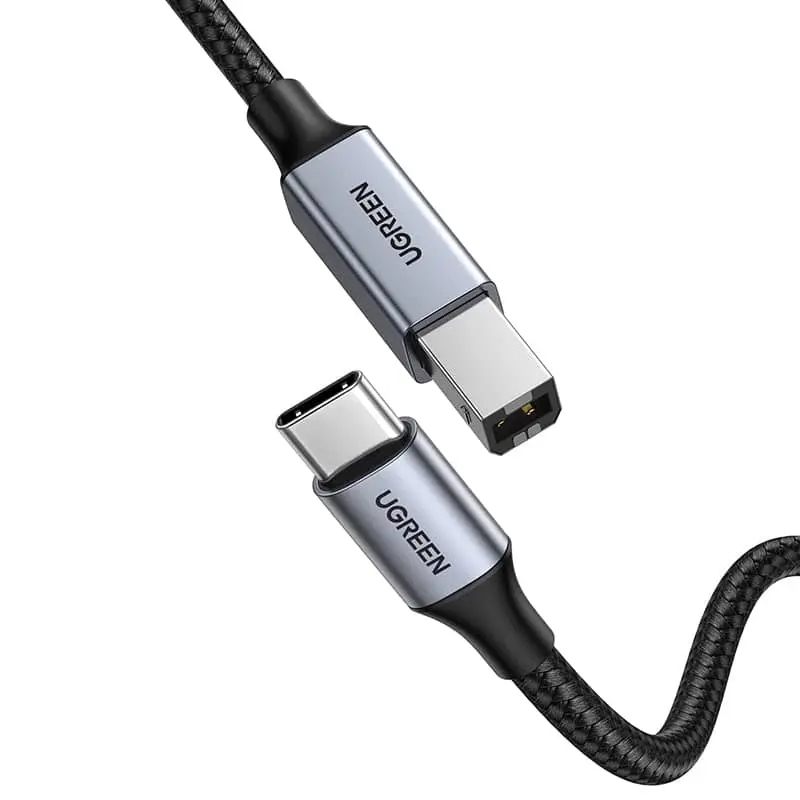
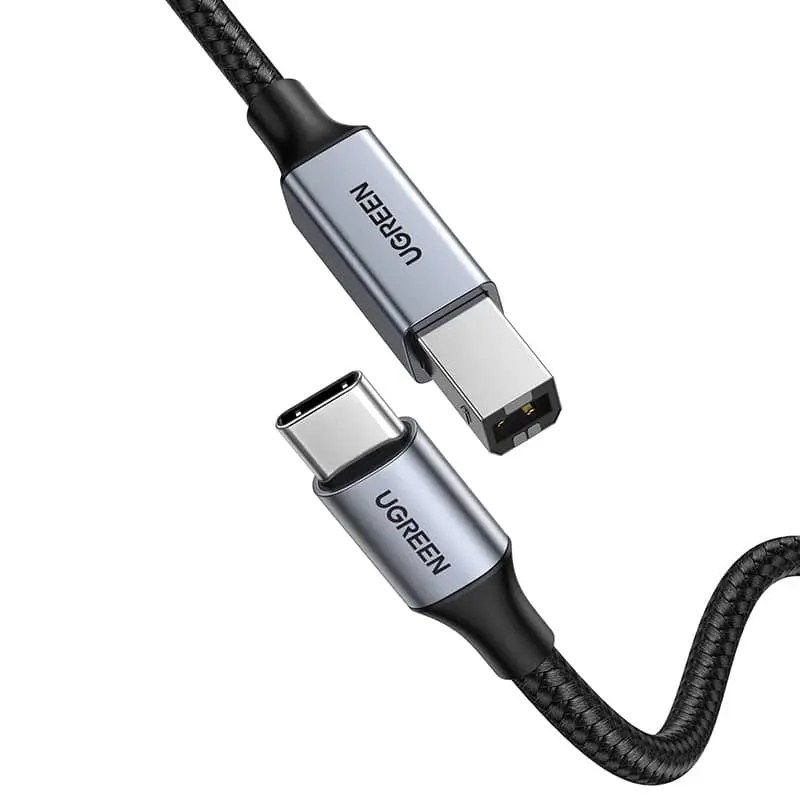
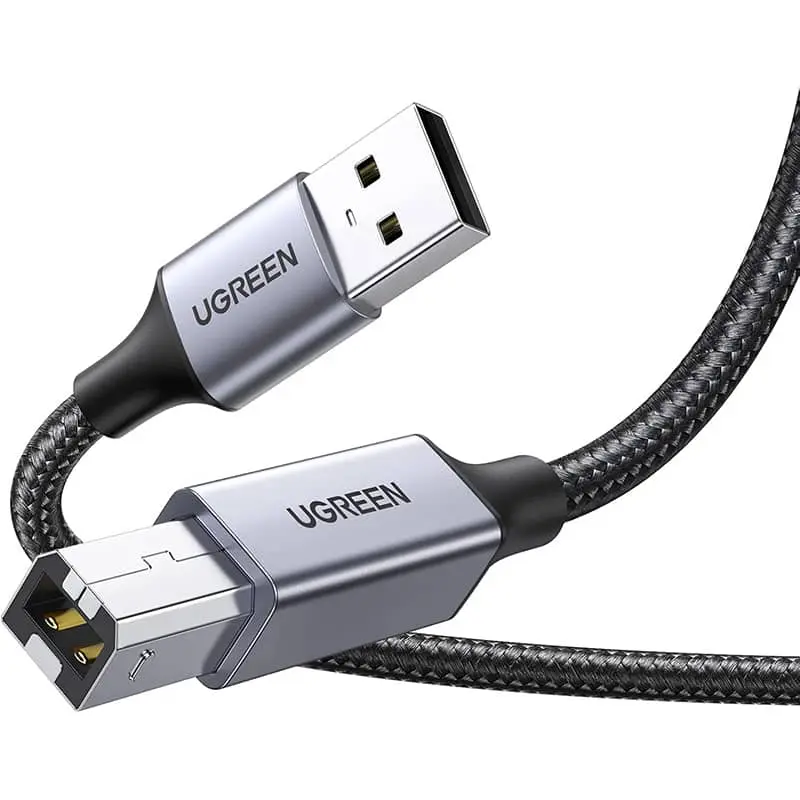
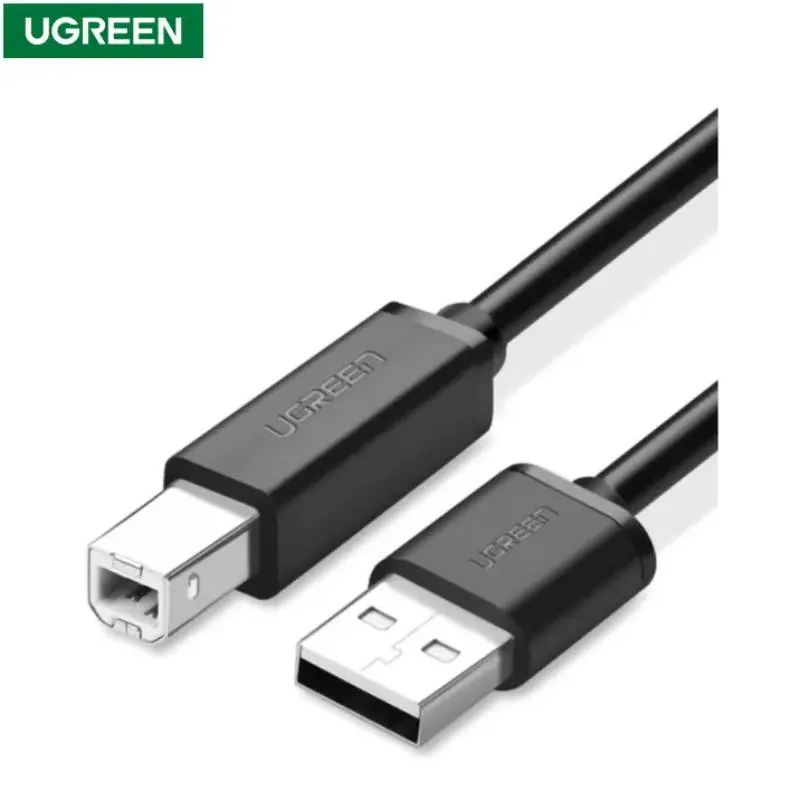
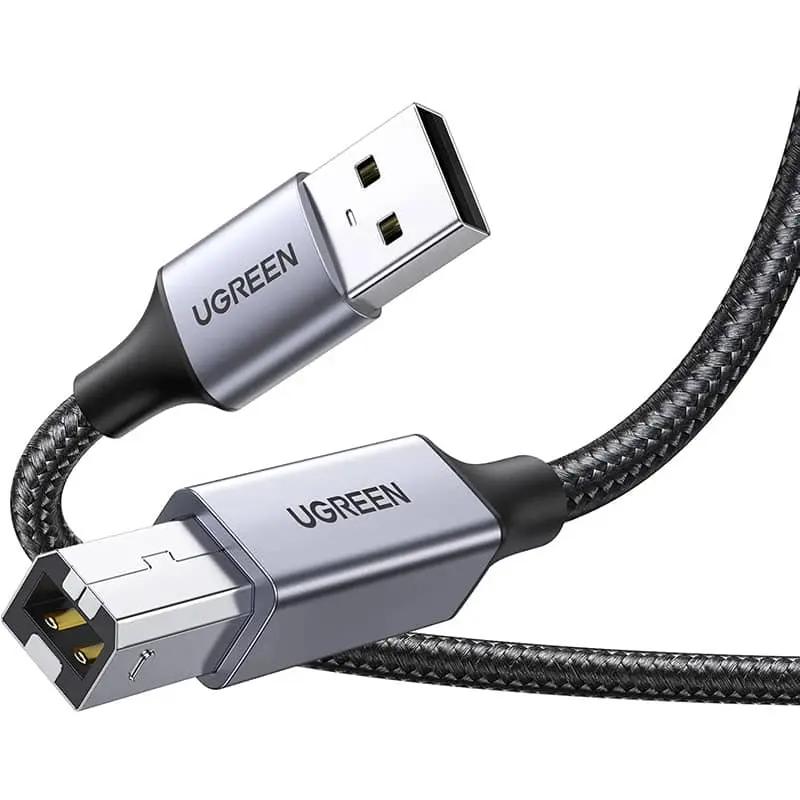
Printer cables at RPD — the classic USB-A to USB-B strand (Type-A at the computer, Type-B square at the printer) that almost every inkjet and laser printer has used since 1998. Standard lengths 1 m, 2 m and 3 m, USB 2.0 (480 Mbps) is plenty for any printer, A4 scanner or all-in-one. We stock premium models with braided jacket and gold-plated plugs. Ships from our Basel warehouse, same-day dispatch by 4 pm, free above CHF 15 and 2-year Swiss warranty. Invoice payment available (credit check by Powerpay).


Ugreen


Ugreen


Ugreen


Ugreen


Ugreen


Ugreen


Ugreen


Ugreen


Ugreen


Ugreen
In 95 % of cases a USB-A to USB-B cable with USB 2.0. Look at the back — the square hole is USB-B. HP, Canon, Brother, Epson, Samsung use this since 1998.
Yes, either USB-C to USB-B direct cable or USB-C to USB-A hub plus classic USB-A USB-B cable.
Yes, USB-A is backwards-compatible. No real benefit though, USB 2.0 is plenty for any printer.
Not strictly, but we recommend one as backup. For Wi-Fi dropouts, driver reset and first install USB is the most reliable route.
USB-2.0 standard: up to 5 m of passive copper without signal loss. We recommend 1–3 m for tidy desk wiring.
Q1: which connector on the printer? 95 % of home and office printers (HP, Canon, Brother, Epson, Samsung, Xerox) use USB-B square (Type-B) — the distinctive square hole at the back. Q2: which port on the computer? Classically USB-A. Modern MacBooks and Windows laptops with USB-C need a USB-C to USB-B cable — or the workaround via a USB-A hub. Q3: length: 1 m for desk placement, 2 m for a shelf below, 3 m for a remote all-in-one.
USB 2.0 at 480 Mbps is enough for any printer — even a photo printer at 4800×4800 dpi sends only about 50 MB per print, which is seconds. USB 3.0 brings no benefit for printers. Only scanners with very high resolution (drum scanners, slide scanners) benefit from USB 3.0. Note: the cable still plugs into USB-3.0 ports — backwards-compatible.
USB-B square has been the standard since 1998 and is supported by every current printer: HP LaserJet / OfficeJet / DeskJet / Envy, Canon PIXMA / MAXIFY, Brother HL / DCP / MFC, Epson EcoTank / WorkForce / Stylus, Samsung Xpress and Xerox Phaser. Mac users need a USB-C to USB-B adapter or a direct USB-C to USB-B cable. Over AirPrint and Bonjour your printer also works wirelessly — the USB cable is the reliable backup.
Look for CE-EMC compliance (fire and radio safety), gold-plated connectors for corrosion-free contact over years and shielded twisted-pair wiring for stable data transmission in electromagnetically noisy offices. Recycled copper is standard with sustainable brands, halogen-free LSZH jackets add fire safety.
In 95 % of cases a USB-A to USB-B cable with USB 2.0. Look at the back of the printer — the square hole is USB-B. HP, Canon, Brother, Epson, Samsung and Xerox use this format since 1998.
Yes, you need either a USB-C to USB-B direct cable (rarer but available) or a USB-C to USB-A hub plus your classic USB-A to USB-B cable.
Yes, USB-A is backwards-compatible — the cable plugs in physically and electrically. There''s no real benefit though, USB 2.0 is plenty for any printer.
Not strictly — but we recommend one as backup. For Wi-Fi dropouts, driver reset and first install USB is the most reliable route. Often required for firmware updates too.
USB-2.0 standard: up to 5 m of passive copper without signal loss. We recommend 1–3 m for tidy desk wiring.
Shipped from our Basel warehouse — A-Post 1–2 working days, express next business day or free pickup in Basel, Aarau or Olten (same-day Switzerland-wide for orders before 4 pm). 2 years Swiss warranty on all products, 14-day returns. Invoice payment available (credit check by Powerpay), best-price guarantee CH. Where possible we use recycled materials and sustainable packaging. Visit one of our three stores for personal advice — bring your device and we will find the matching accessory together.