
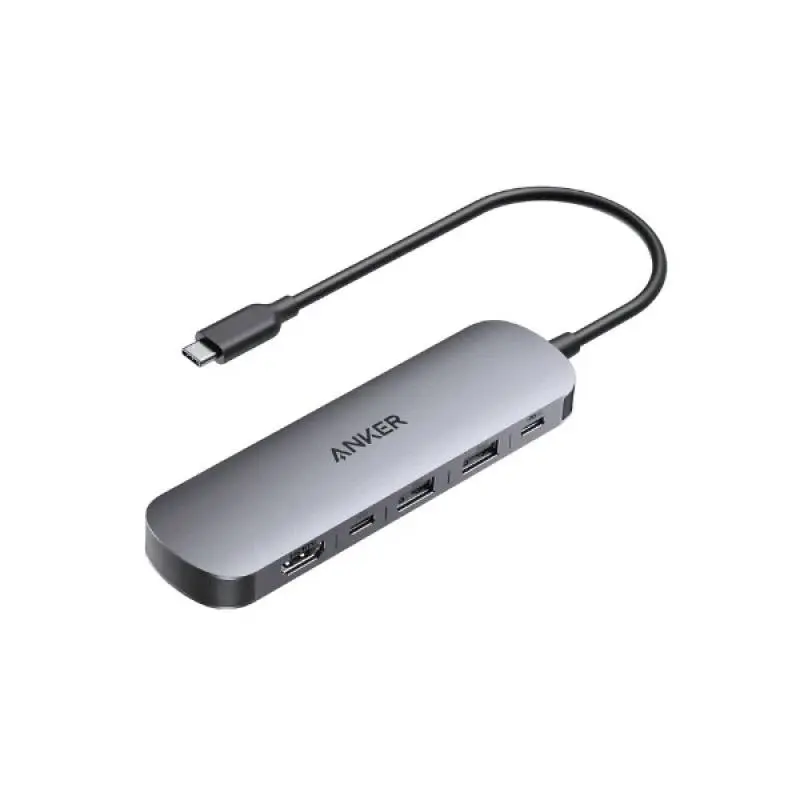
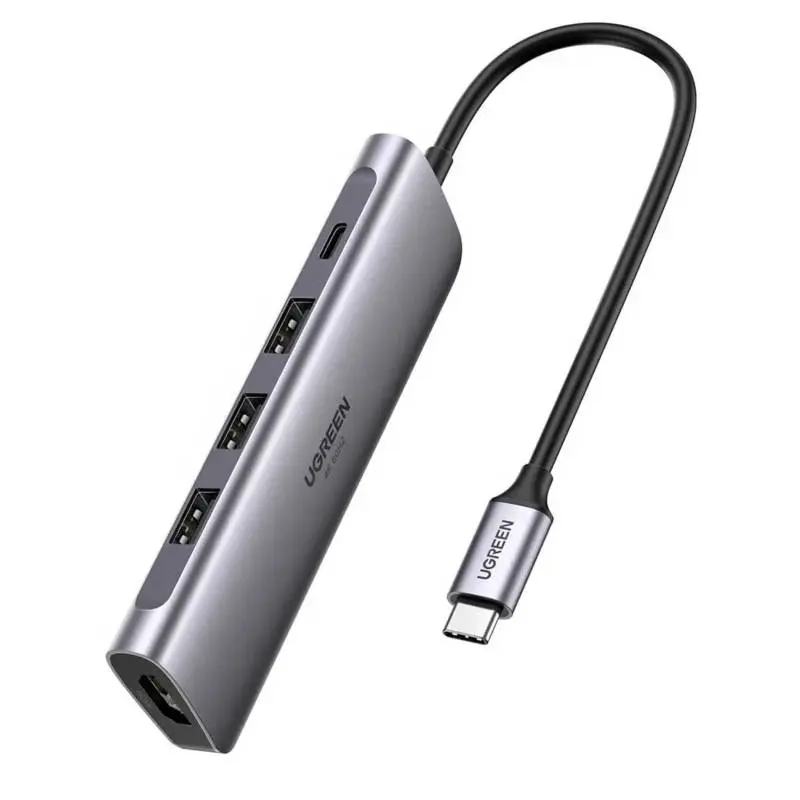
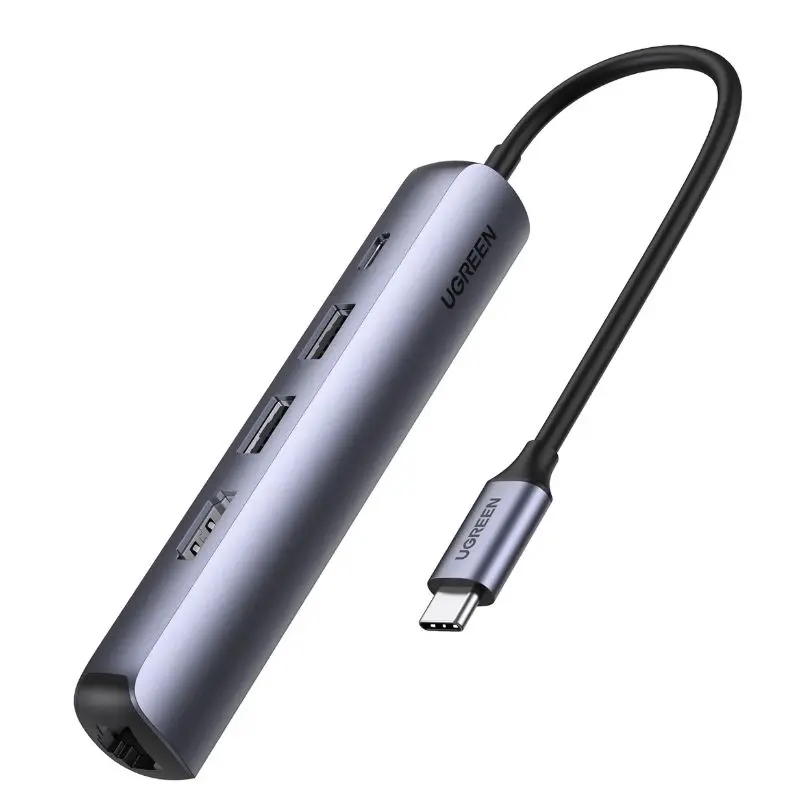
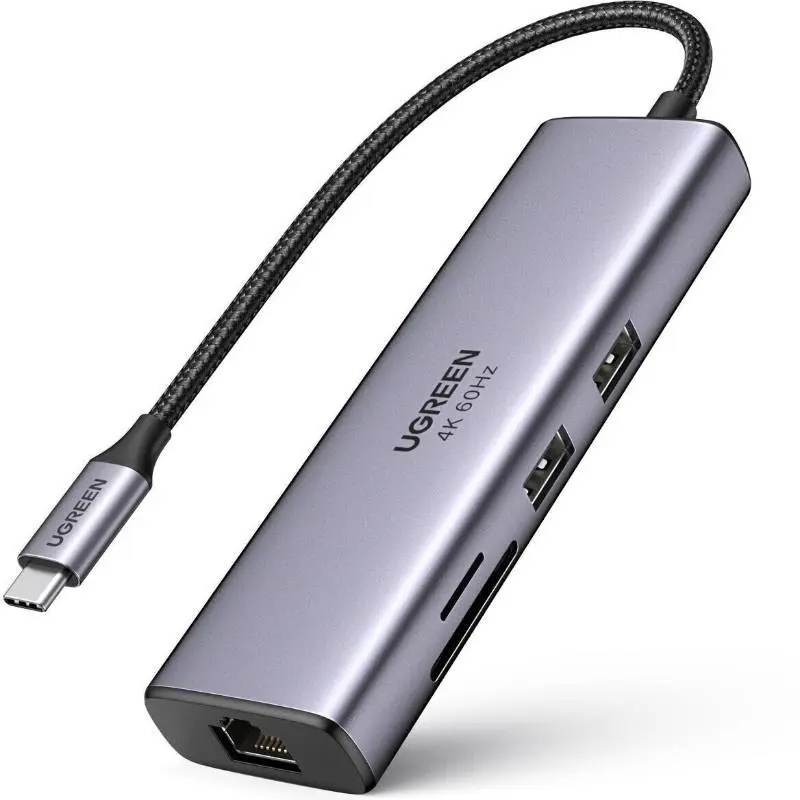
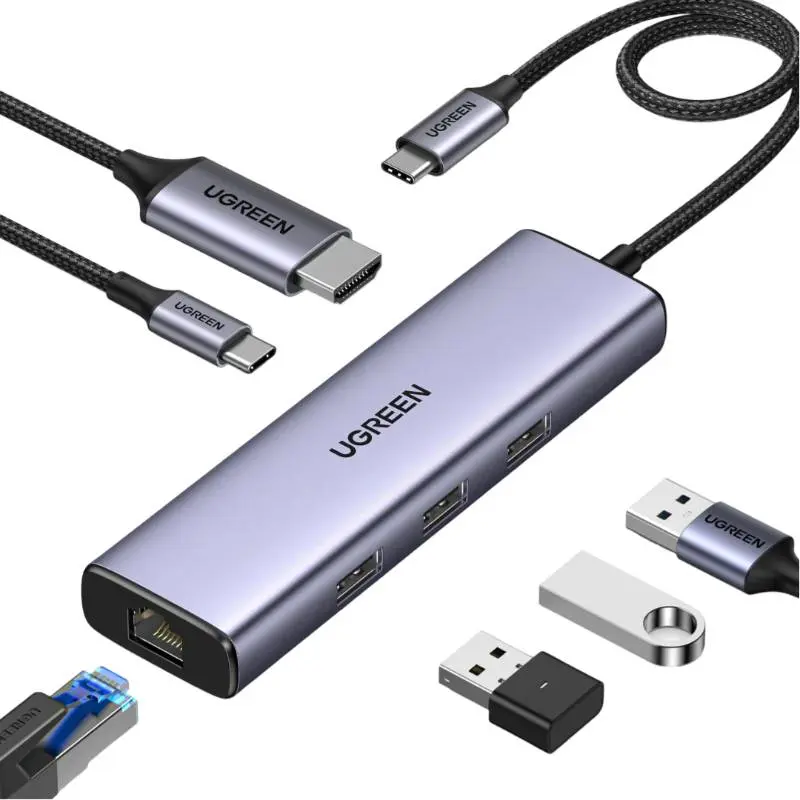
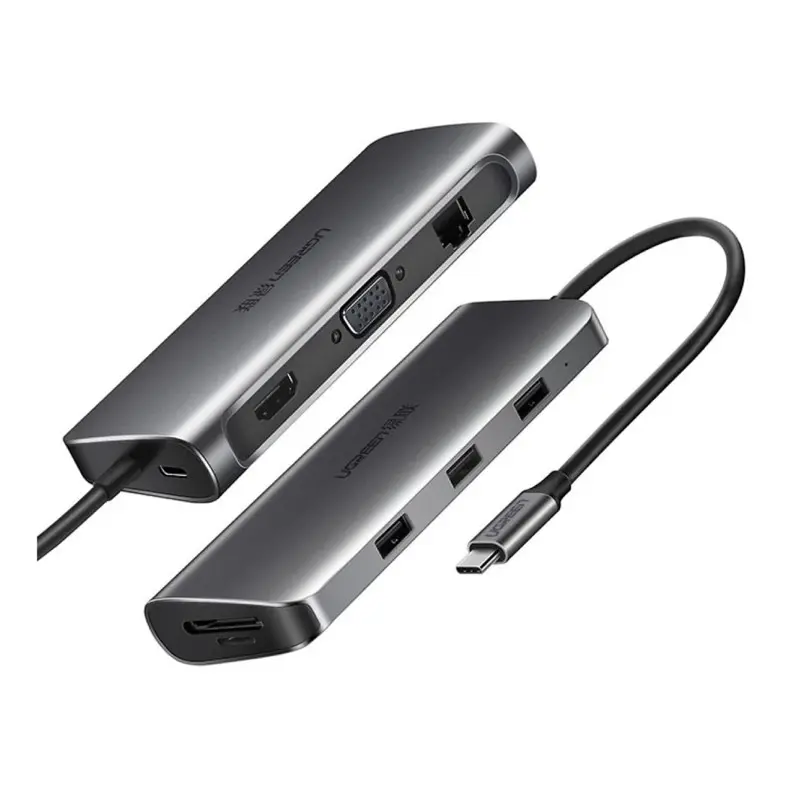
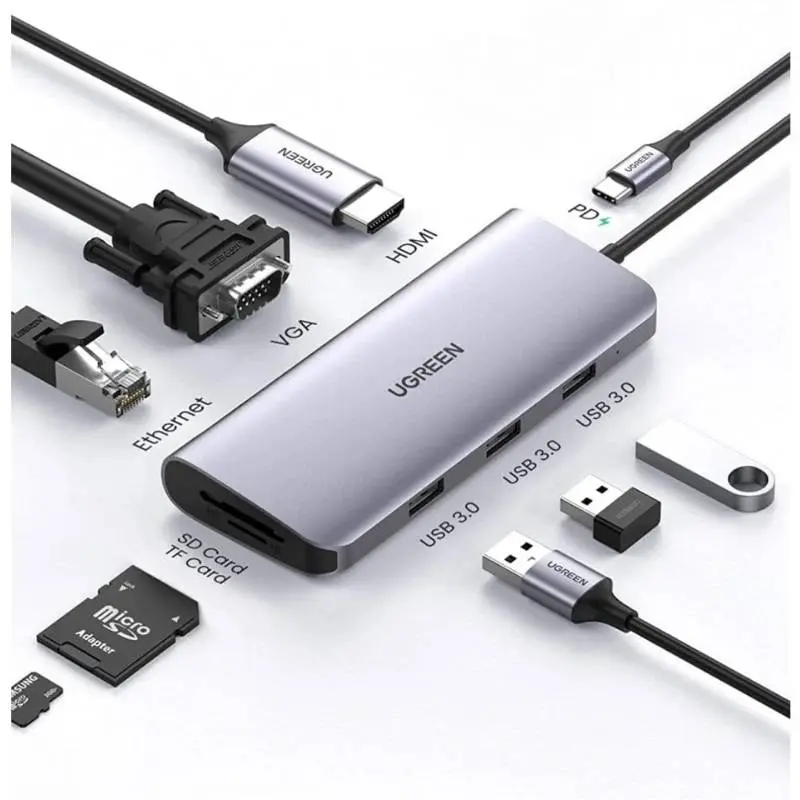
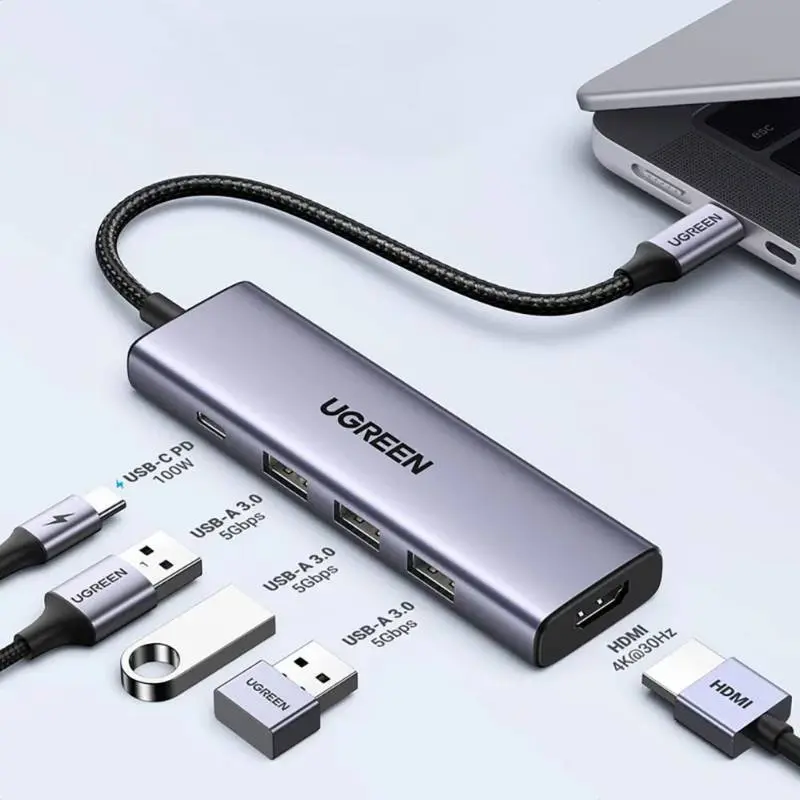
Docking stations turn your laptop into a single-cable workstation. Thunderbolt 4 docks from market leaders like Caldigit and OWC deliver 40 Gbps total bandwidth — simultaneous 2× 4K@60Hz or 1× 8K, up to 90 W Power Delivery for MacBook Air/Pro, several 10 Gbps USB ports, Gigabit Ethernet, SD card reader and audio out. USB-C docks are cheaper but typically only deliver 1× 4K@60Hz and USB 3.2 Gen 2 (10 Gbps). For workstations with two external monitors we strongly recommend Thunderbolt 4. Shipped from Basel — same day by 4 pm, free above CHF 15, 2-year Swiss warranty. Invoice payment available (credit check by Powerpay).


Ugreen


Ugreen


Ugreen


Ugreen
40 Gbps total bandwidth: 2× 4K@60Hz displays, up to 100 W PD to the laptop, multiple 10 Gbps USB ports, Ethernet, SD card reader and audio out — all through a single cable.
1 monitor and a few USB devices = USB-C is fine. 2 monitors at 4K@60Hz and full-power laptop charging = Thunderbolt 4.
Only if it delivers at least 140 W via USB-C PD 3.1. Most docks deliver 90–96 W — enough while operating but charges slower.
Yes, M-series iPads detect Thunderbolt 4 docks and use external displays, keyboard, mouse and Ethernet.
Premium fanless docks are silent. Idle 2–5 W, full load 90–150 W at the wall.
Question 1: how many monitors? 1× 4K@60Hz = USB-C dock is enough, 2× 4K@60Hz = Thunderbolt 4 or DisplayLink dock. Question 2: which laptop? MacBook Air M-series drives 2 external displays via Thunderbolt 4 natively (M3/M4 even with the lid closed). MacBook Pro drives 2–4 externals. Windows laptops with Thunderbolt 4 = full bandwidth, USB-C only = max 1 native + 1 DisplayLink monitor. Question 3: how much power does your laptop need? MacBook Air 30 W, MacBook Pro 14″ 96 W, MacBook Pro 16″ 140 W. The dock must deliver at least that wattage.
Thunderbolt 4 = 40 Gbps, guaranteed 2× 4K@60Hz, 100 W PD, compatible with USB4 and USB-C. Tunnels PCIe, DisplayPort and USB 3.2 simultaneously. USB4 = also 40 Gbps but optional features, Thunderbolt 3 = 40 Gbps like TB4 but only 1 external monitor guaranteed. USB-C (USB 3.2 Gen 2) = 10 Gbps — cheaper docks with only one DP Alt Mode stream. Look for the Thunderbolt logo (bolt with number 4) — labels without it usually only deliver USB-C bandwidth.
MacBook M-series: all models with Thunderbolt 4 ports (M1 Pro/Max/Ultra/M2/M3/M4). Windows: laptops with Thunderbolt 4 certification (Intel Evo, Dell XPS, ThinkPad X1, Surface Pro 9+). iPad Pro M-series: works with Thunderbolt 4 docks — external displays work, driver and USB limits are stricter though. ChromeOS: USB-C hub functions mostly yes, Thunderbolt 4 specifics not guaranteed.
Premium docks like Caldigit TS4 and OWC Thunderbolt Pro come in aluminium housings with passive cooling — no fan, silent operation. Idle power 2–5 W, full load (laptop charging + 2 monitors active) 90–150 W at the wall. External power brick bundles supply — aluminium fully recyclable, take-back via the RPD recycling programme.
40 Gbps total bandwidth: 2× 4K@60Hz or 1× 8K external displays, up to 100 W PD to the laptop, 4–8 USB-A/USB-C ports at 10 Gbps, Gigabit or 2.5 GbE Ethernet, SD and microSD card readers, 3.5 mm audio. Single-cable workstation.
1 monitor plus a few USB devices = USB-C is fine. 2 monitors at 4K@60Hz and full-power laptop charging = Thunderbolt 4.
Only if it delivers at least 140 W via USB-C PD 3.1. Most Thunderbolt 4 docks deliver 90–96 W — enough while operating, but charges slower.
Yes, M-series iPads detect Thunderbolt 4 docks and use external displays, keyboard, mouse and Ethernet. Some USB devices (audio interfaces, capture cards) need iPadOS driver support.
Premium fanless docks are silent. Idle 2–5 W, full load 90–150 W at the wall.
Shipped from our Basel warehouse — A-Post 1–2 working days, express next business day or free pickup in Basel, Aarau or Olten. 2 years Swiss warranty on all products, 14-day returns. Invoice payment available (credit check by Powerpay), best-price guarantee CH. Aluminium housings are fully recyclable — return old adapters, hubs and storage media via our RPD recycling programme. Visit one of our stores for personal advice — bring your laptop or iPad and we will find the right accessory together.