
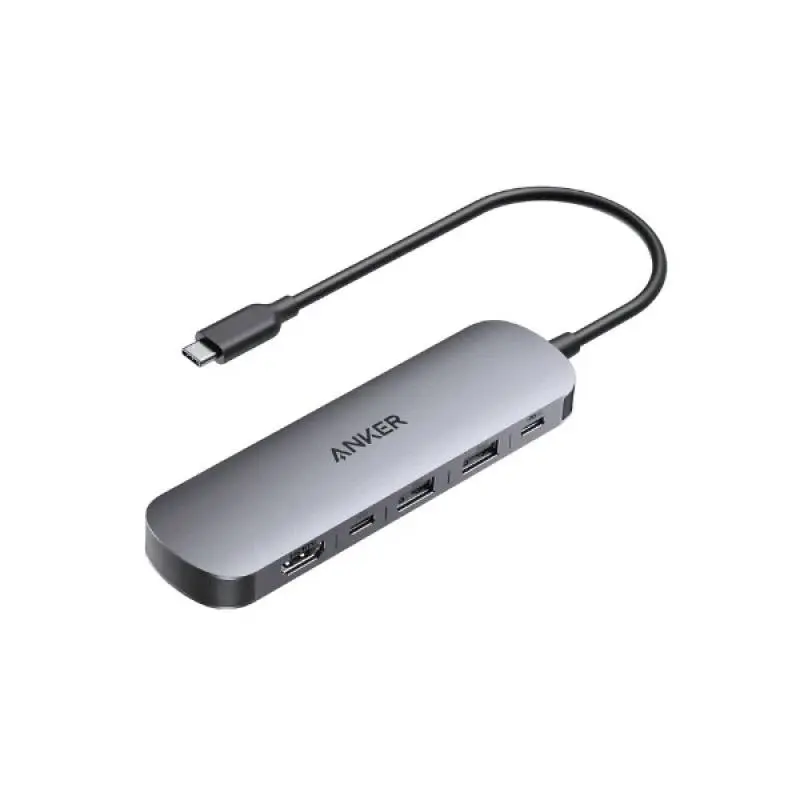
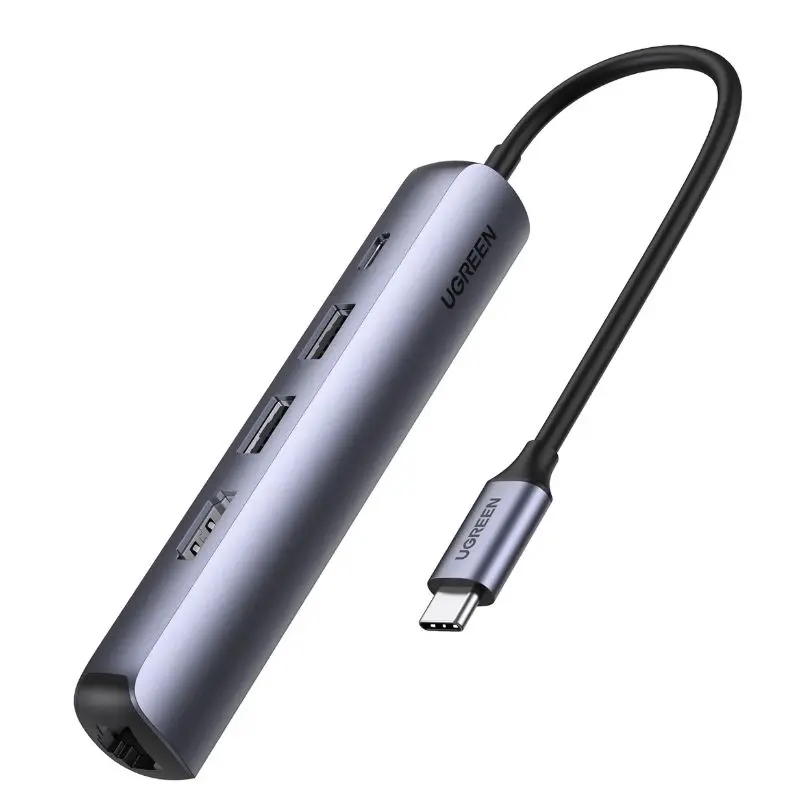
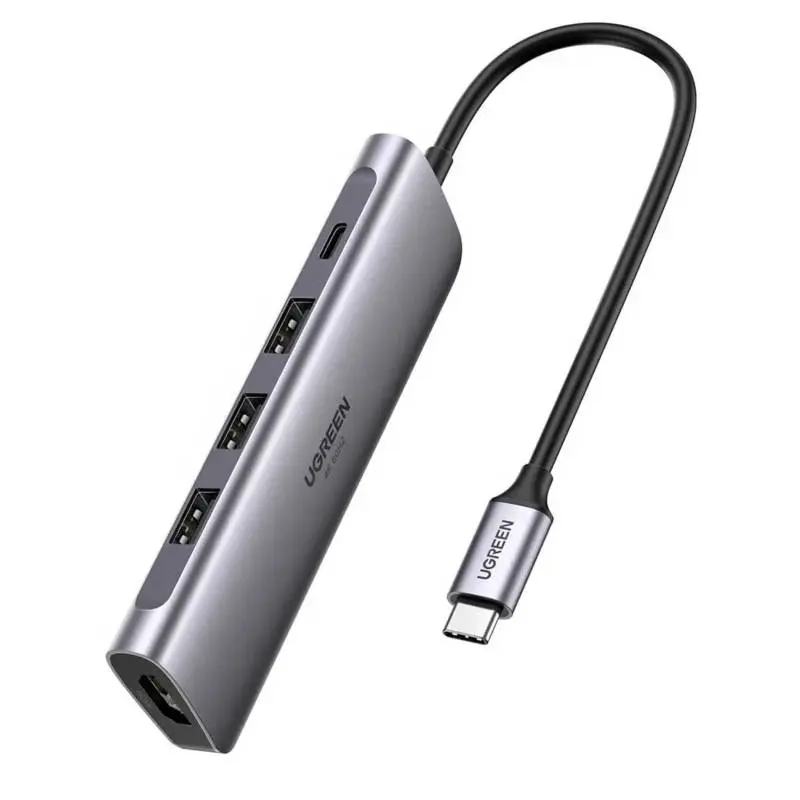
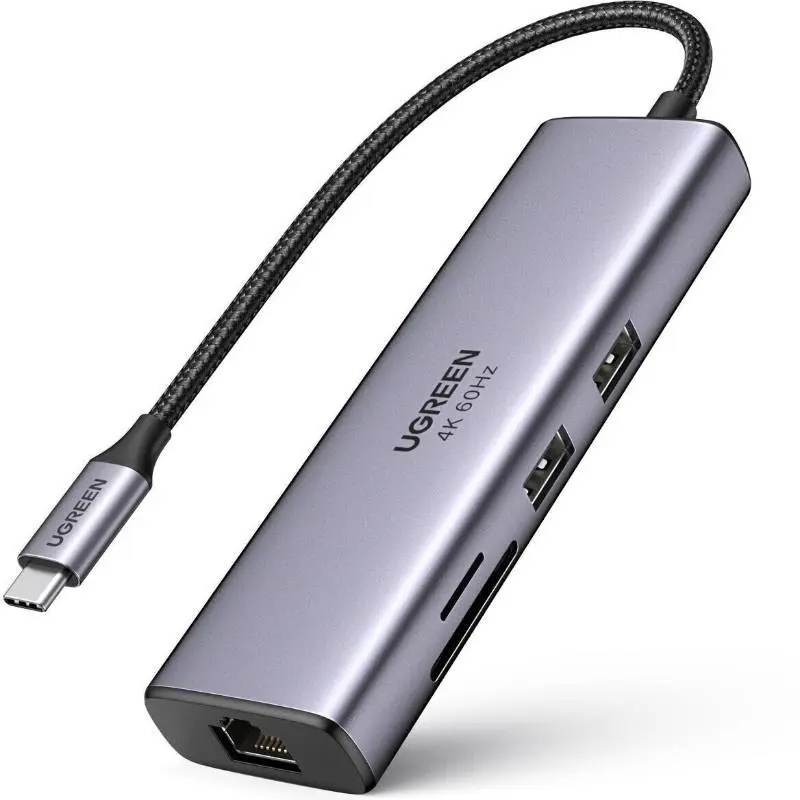
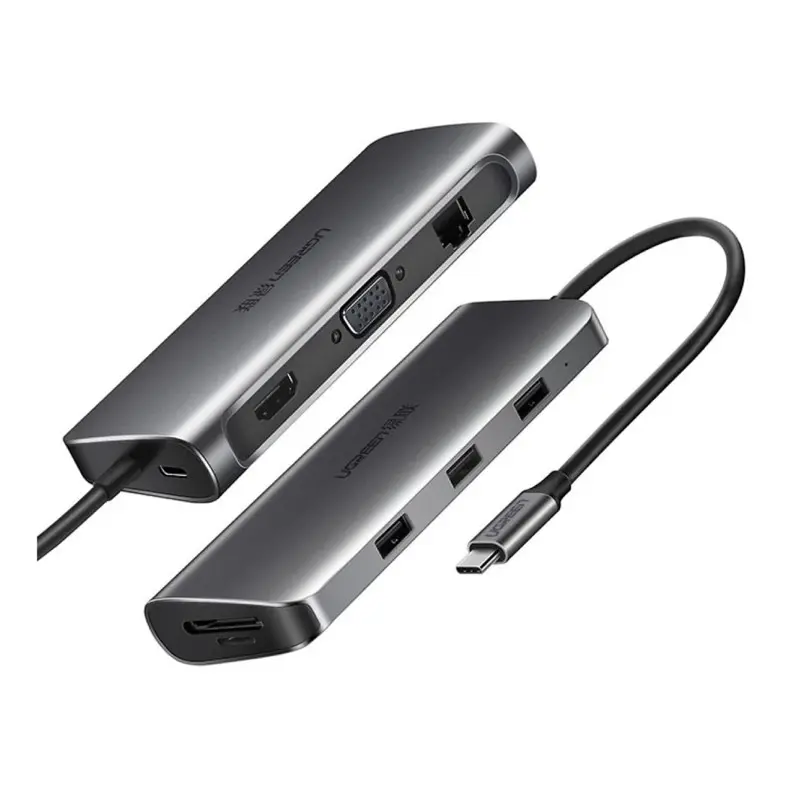
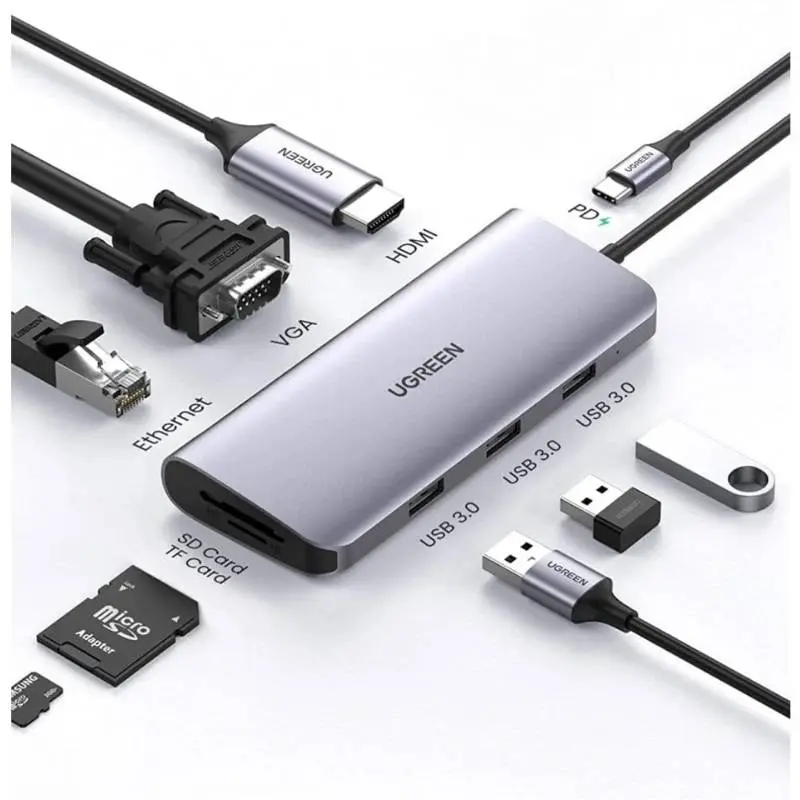
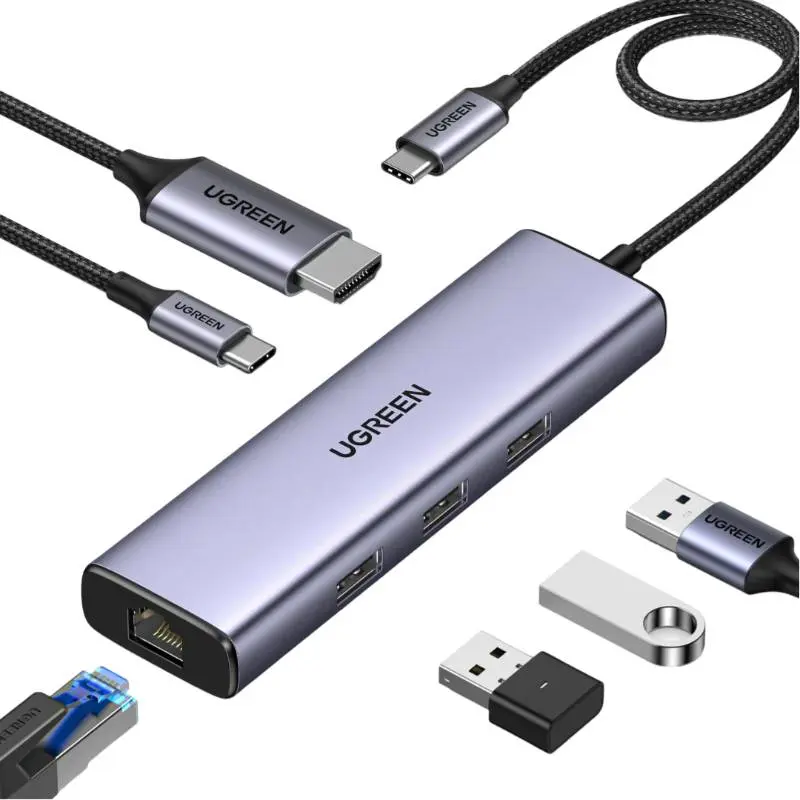
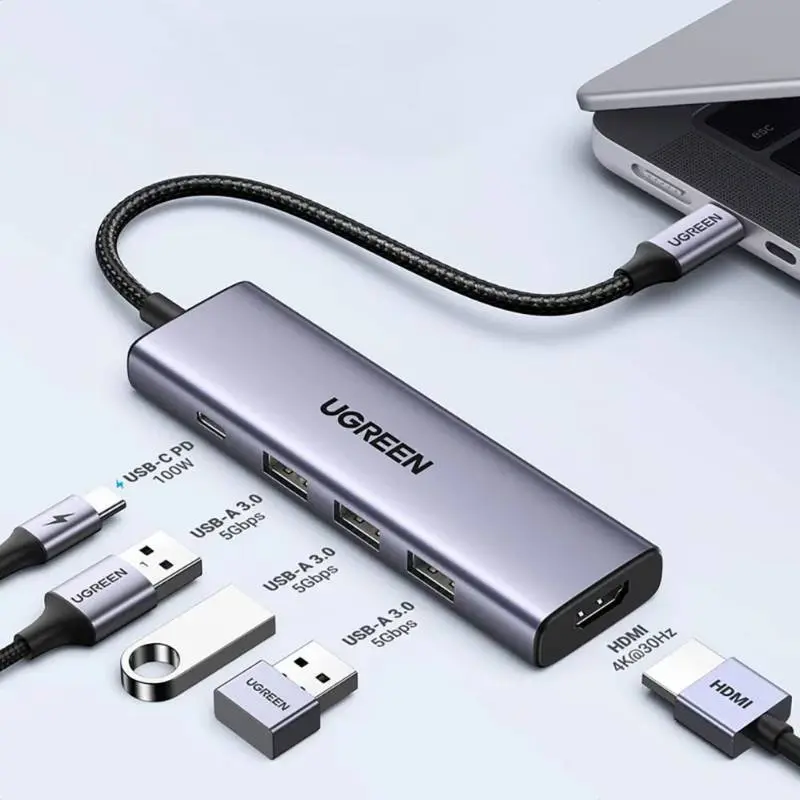
USB-C hubs are the most important accessory for MacBook M-series and iPad Pro/Air — these devices only have 2–4 USB-C ports and no USB-A, HDMI or SD slot anymore. We stock 6-in-1 hubs (HDMI 4K, 2× USB-A, USB-C data, SD + microSD), 7-in-1 hubs (plus Gigabit Ethernet or 3.5 mm audio) and premium models with USB PD passthrough 100 W — meaning your MacBook charges at full power through the hub. Aluminium housings with good heat dissipation, integrated cable (clean look on the MacBook) or dongle shape (for iPad mobility). Shipped from Basel — same day by 4 pm, free above CHF 15, 2-year Swiss warranty. Invoice payment available (credit check by Powerpay).


Ugreen


Ugreen


Proove


Proove


Proove


Proove

Ugreen


Ugreen


Ugreen


Proove


Proove


Proove


Proove

Ugreen
PD passthrough means: plug a USB-C PD adapter into the hub, the hub forwards power — on 100 W hubs 85–96 W reach the MacBook, the rest is heat.
Yes — iPad Pro M-series, iPad Air with USB-C, iPad Mini 6+ and iPad 10+ fully detect 6-in-1 and 7-in-1 hubs. External displays up to 4K@60Hz, SD cards in Photos.
4K@60Hz feels normal, 4K@30Hz stutters — the cursor jitters, scrolling looks rough. Look for HDMI 2.0 on the spec sheet.
MacBook Air M1/M2/M3 only 1 external monitor. M3/M4 Air with macOS 15 two with lid closed. MacBook Pro M-series 2–4 native. Alternative: DisplayLink or Thunderbolt 4.
Simple hubs (USB-A, card reader, audio) yes. Video out via HDMI only on iPhone 15 Pro/Pro Max and newer.
Question 1: what do you want to connect? External monitor + USB keyboard + USB stick + SD card = 6-in-1 is enough. Plus Ethernet or audio out = 7-in-1. Plus second monitor = USB-C hub with daisy chain or better a Thunderbolt 4 dock. Question 2: do you charge the MacBook through the hub? Then USB PD passthrough with 100 W In/PD Out is mandatory — the hub forwards 85–96 W to the laptop, keeps 4–15 W for hub functions. Question 3: MacBook or iPad? MacBook = hub with integrated cable (15–20 cm), iPad = dongle shape directly on the port (more compact, less wobble).
USB-C hubs typically deliver USB 3.2 Gen 2 (10 Gbps) at downstream ports (USB-A and USB-C). HDMI output varies: budget hubs HDMI 1.4 → 4K@30Hz (mouse stutters), better hubs HDMI 2.0 → 4K@60Hz (smooth). SD slot: UHS-I (90 MB/s) is standard, UHS-II (300 MB/s) is rare — important for photo/video pros with V60/V90 cards. Note: HDMI + USB-A + SD used simultaneously share USB 3.2 Gen 2 bandwidth across all downstream lanes.
MacBook M-series: all hubs work. M1/M2/M3 MacBook Air and Pro 13″ only drive 1 external monitor — more needs DisplayLink or Thunderbolt 4. iPad Pro M-series: 6-in-1 and 7-in-1 hubs are fully detected — external display, keyboard, mouse, SD import in Photos. iPad with USB-C (Air 4+, Pro from 2018, Mini 6+, iPad 10+): hub works. Surface Pro 7+ and Windows laptops with USB-C DP Alt Mode: yes. iPhone 15+: simple hubs (USB-A, card reader) work, video out only on Pro/Pro Max.
Aluminium housings prevent heat buildup — important when HDMI 4K + 100 W PD run simultaneously. Hub power use itself: 1–3 W (PD passthrough loses 4–10 W as heat). Premium hubs have thermal throttling that reduces PD power when overheating. Aluminium fully recyclable — take-back via the RPD recycling programme.
PD passthrough means: you plug your USB-C PD adapter into the hub, the hub forwards power through the same connector to the MacBook — on 100 W hubs 85–96 W reach the laptop (loss 4–15 W). One cable charges and provides hub ports.
Yes — iPad Pro M-series, iPad Air with USB-C, iPad Mini 6+ and iPad 10+ fully detect 6-in-1 and 7-in-1 hubs. External displays up to 4K@60Hz work, SD cards land in Photos and Files.
4K@60Hz feels normal. 4K@30Hz stutters — the mouse cursor jitters, scrolling looks rough. Look for HDMI 2.0 in the spec sheet for 60 Hz.
On MacBook Air M1/M2/M3 and MacBook Pro 13″ M1/M2 no — Apple Silicon limits to 1 external monitor. M3/M4 Air can drive two with macOS 15 lid closed — M-Pro/Max 2–4 natively. Alternative: DisplayLink hub or Thunderbolt 4 dock.
On simple hubs (USB-A, card reader, audio) yes. Video out via HDMI only on iPhone 15 Pro/Pro Max and newer with USB-C DP Alt Mode.
Shipped from our Basel warehouse — A-Post 1–2 working days, express next business day or free pickup in Basel, Aarau or Olten. 2 years Swiss warranty on all products, 14-day returns. Invoice payment available (credit check by Powerpay), best-price guarantee CH. Aluminium housings are fully recyclable — return old adapters, hubs and storage media via our RPD recycling programme. Visit one of our stores for personal advice — bring your laptop or iPad and we will find the right accessory together.